

Keep Your Linkie Updated Automatically
Automatically showcase social posts published via Publer on your Linkie page or build custom automation workflows with the Linkie API.

Two ways to automate Linkie
At the moment we offer two different options for automatically maintaining Linkie.
Two ways to automate Linkie
01
Publer
Automatically sync content published through Publer to your Linkie page.
Automatically sync content published through Publer to your Linkie page.

02
Linkie API
Best for build-it-yourself typa marketers
Build custom automations and connect Linkie to your favorite tools, platforms, and workflows.

Automate with Publer the easy way
Automate with Publer the easy way
Manage your social media and Linkie from one workflow.
Create, schedule, and publish content through Publer. Every post can automatically appear on your Linkie page with its own redirect link, helping you turn social media engagement into clicks, traffic, and conversions.
Manage your social media and Linkie from one workflow.
Create, schedule, and publish content through Publer. Every post can automatically appear on your Linkie page with its own redirect link, helping you turn social media engagement into clicks, traffic, and conversions.

Why use Publer?
Why use Publer?
Automate showcasing posts published via Publer on your Linkie page
Automate showcasing posts published via Publer on your Linkie page
Add custom redirect links to products, articles, landing pages, and more
Add custom redirect links to products, articles, landing pages, and more
Make automation the default for future posts
Make automation the default for future posts
Manage multiple Linkies for different brands, clients, and projects from one place
Manage multiple Linkies for different brands, clients, and projects from one place


Beyond the Linkie Integration:
A full stack social media tool
Beyond the Linkie Integration:
A full stack social media tool
Publer is a complete social media management platform. Plan content, publish across multiple networks, collaborate with multiple teams and clients, track performance, and automatically keep your Linkie pages updated along the way.
Publer is a complete social media management platform. Plan content, publish across multiple networks, collaborate with multiple teams and clients, track performance, and automatically keep your Linkie pages updated along the way.
Need more flexibility? Try Linkie API
Need more flexibility? Try Linkie API
The Linkie Public API lets you build custom workflows, automate processes, and integrate Linkie into your existing systems.
Use no-code platforms like Zapier, Make, and n8n or build your own integrations from scratch.
The Linkie Public API lets you build custom workflows, automate processes, and integrate Linkie into your existing systems.
Use no-code platforms like Zapier, Make, and n8n or build your own integrations from scratch.


What can you build?
What can you build?
Automatically send social media posts to Linkie
Automatically send social media posts to Linkie
Connect Linkie to your own tools, dashboards, and custom applications.
Connect Linkie to your own tools, dashboards, and custom applications.
Send Linkie analytics to Slack, email, Discord, Google Sheets, or anywhere your team works.
Send Linkie analytics to Slack, email, Discord, Google Sheets, or anywhere your team works.
Create custom automation workflows tailored to your business processes.
Create custom automation workflows tailored to your business processes.
Custom automation flow examples with the API
Looking for inspiration? These are real workflows we've created using the Linkie API and Zapier.
Looking for inspiration? These are real workflows we've created using the Linkie API and Zapier.
Built for Creators, Agencies,
and Growing Brands
01
Every time we publish on Instagram, the post is automatically added to our Linkie page.
Every time we publish on Instagram, the post is automatically added to our Linkie page.

02
From Linkie Analytics to Slack
We automatically receive Linkie traffic, click, and visitor analytics in Slack for easier reporting.

Why automate Linkie?

Save time
Stop manually updating
your link in bio.
Save time
Stop manually updating
your link in bio.

Stay up to date
Showcase your latest content
automatically.
Stay up to date
Showcase your latest content
automatically.

Create better workflows
Turn social media traffic into conversions.
Create better workflows
Turn social media traffic into conversions.

Scale easily
Manage multiple brands
and projects.
Scale easily
Manage multiple brands
and projects.
Why Choose a
White-Label Link in Bio?
Choose your automation style
Choose your automation style
Choose your automation style
Publer
Publer
API
API
Automatically show social posts on Linkie
Automatically show social posts on Linkie
Add redirect links to posts
Add redirect links to posts
Manage multiple Linkie pages
Manage multiple Linkie pages
Get started quickly for free
Get started quickly for free
Manage your social media from the same platform
Manage your social media from the same platform
Create and schedule social media content in the same place
Create and schedule social media content in the same place
Collaborate with social media clients
Collaborate with social media clients
Track social media performance
Track social media performance
Use no-code tools
Use no-code tools
Build custom workflows and integrations
Build custom workflows and integrations
Connect Linkie to your existing tools
Connect Linkie to your existing tools
Automate analytics reporting
Automate analytics reporting
Choose the automation method that fits your workflow and keep your page updated automatically.
Choose the automation method that fits your workflow and keep your page updated automatically.
Ready to put Linkie on autopilot?
Choose the automation method that fits your workflow and keep your page updated automatically.
People ask about Linkie
People ask about Linkie
Got any questions about Linkie? Browse our list of FAQs below - you're likely to find your answer there. If not, just get in touch, we're always here and ready to help.
Why should I automate my Linkie page?
Automating your Linkie page ensures it always stays up to date with your latest content, campaigns, and promotions. Instead of manually updating your link in bio, you can focus on creating content while Linkie updates automatically.
What can I automate with Linkie?
You can automate content updates, social media post syncing, analytics reporting, and custom actions through tools like Publer, Zapier, Make, n8n, or the Linkie API.
How does the Publer and Linkie integration work?
Connect your social accounts in Publer to your Linkie page with dedicatedredirecting links. When you publish content through Publer, posts can automatically appear on your Linkie page without any manual work.
Can I manage multiple Linkie pages with Publer?
Yes. You can connect different social accounts to different Linkie pages, making it easy to manage multiple brands, clients, projects, or campaigns while keeping each Linkie relevant to its audience.
What is the Linkie API?
The Linkie API allows developers and marketers to create custom automations, integrations, and workflows that connect Linkie with other tools, platforms, and internal systems.
Which tools can I connect to the Linkie API?
The Linkie API works with popular automation platforms such as Zapier, Make, and n8n, and can also be integrated directly into your own applications and workflows.
Should I use Publer or the Linkie API?
Choose Publer if you want the fastest no-code way to automatically showcase social media posts on your Linkie page. Choose the Linkie API if you need custom workflows, advanced integrations, analytics automations, or connections to your own tools and systems.
Can I use my own domain for my Linkie page?
Yes. Linkie allows you to connect your own custom domain so your link in bio lives fully under your brand. This helps you build trust, improve credibility, and keep your traffic within your own ecosystem.
What is the difference between a custom domain and a subdomain?
A custom domain replaces your entire Linkie URL (e.g., yourbrand.com). A subdomain keeps your main website intact while adding Linkie as a section of your site (e.g., links.yourbrand.com). Both options help you maintain a branded, professional link in bio experience.
Will Linkie branding appear on my page?
No. Linkie offers fully white-label pages, so you can remove Linkie branding and keep the focus entirely on your brand. This is ideal for creators, agencies, and businesses that want a clean, professional presence.
Can I optimize my Linkie page for SEO?
Yes. Linkie includes advanced SEO settings that let you customize page title, meta description, social preview thumbnail, indexing preferences. This helps your link in bio appear properly in search engines and social shares.
Should I use a domain or a subdomain for my link in bio?
It depends on your setup. Use a custom domain if you want your Linkie to be your main branded destination. Use a subdomain if you want to keep your main website separate and add Linkie as an extension of it. Both options are fully supported in Linkie.
Can I upgrade or downgrade my Linkie plan anytime?
Yes. You can upgrade or change your Linkie plan at any time as your needs evolve. Many users start with the Free plan and move to Plus or Multi when they need advanced analytics, custom domains, or multi-page management.
Do I need a paid plan to fully customize my Linkie?
You can design your layout, add links, and personalize your page in the free plan. Paid plans unlock advanced features like custom domains, analytics, and additional integrations, for those who want more flexibility and growth tools.
Blog
We're here to help you succeed
Stay updated with smart strategies, stories, and design tips that help you build faster, look sharper, and grow with confidence.
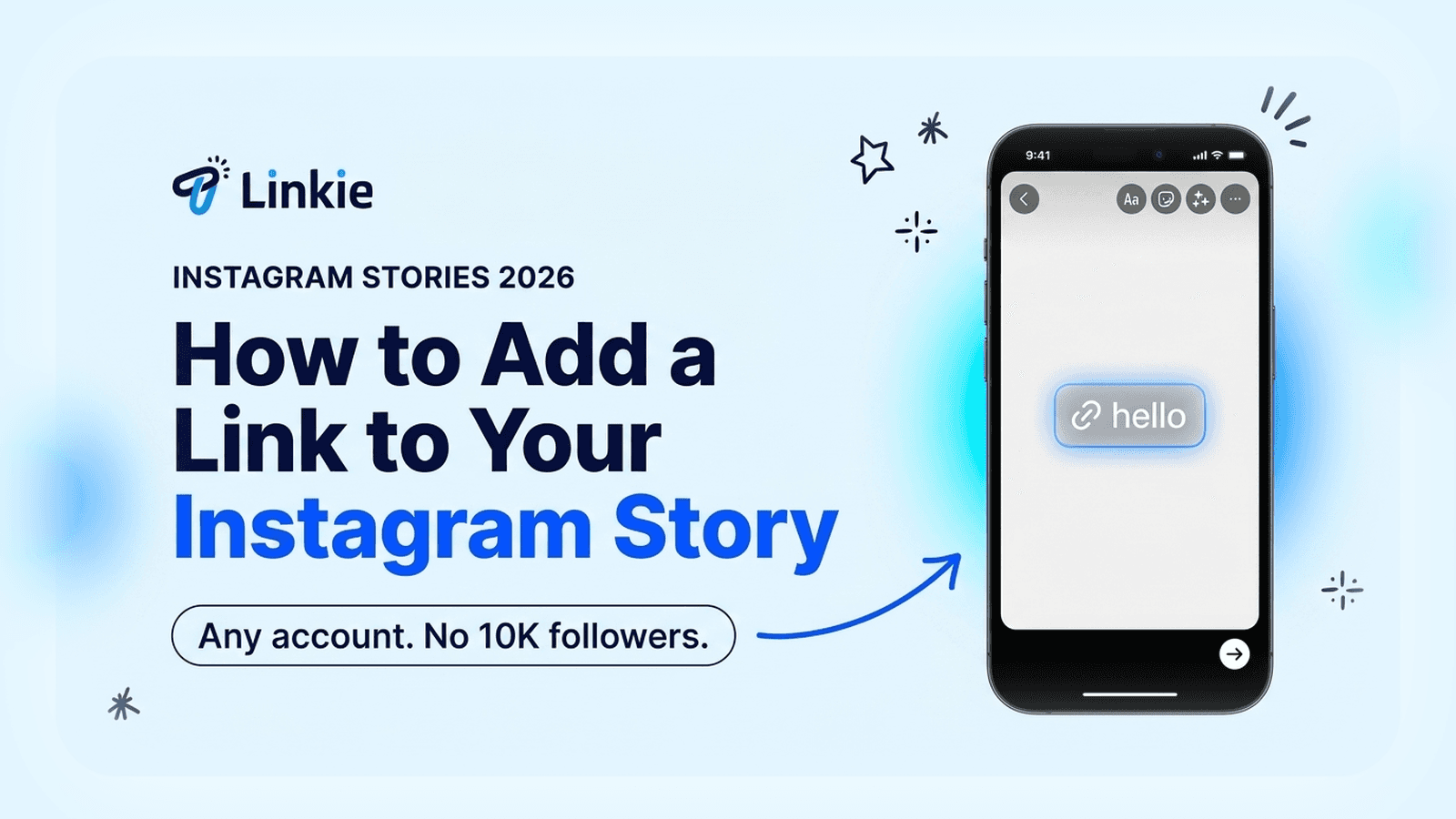
How to Add a Link to Your Instagram Story (2026)
Add a link sticker to your Instagram Story in four taps. No 10K followers needed since 2021, and no professional account either. Here's the catch.
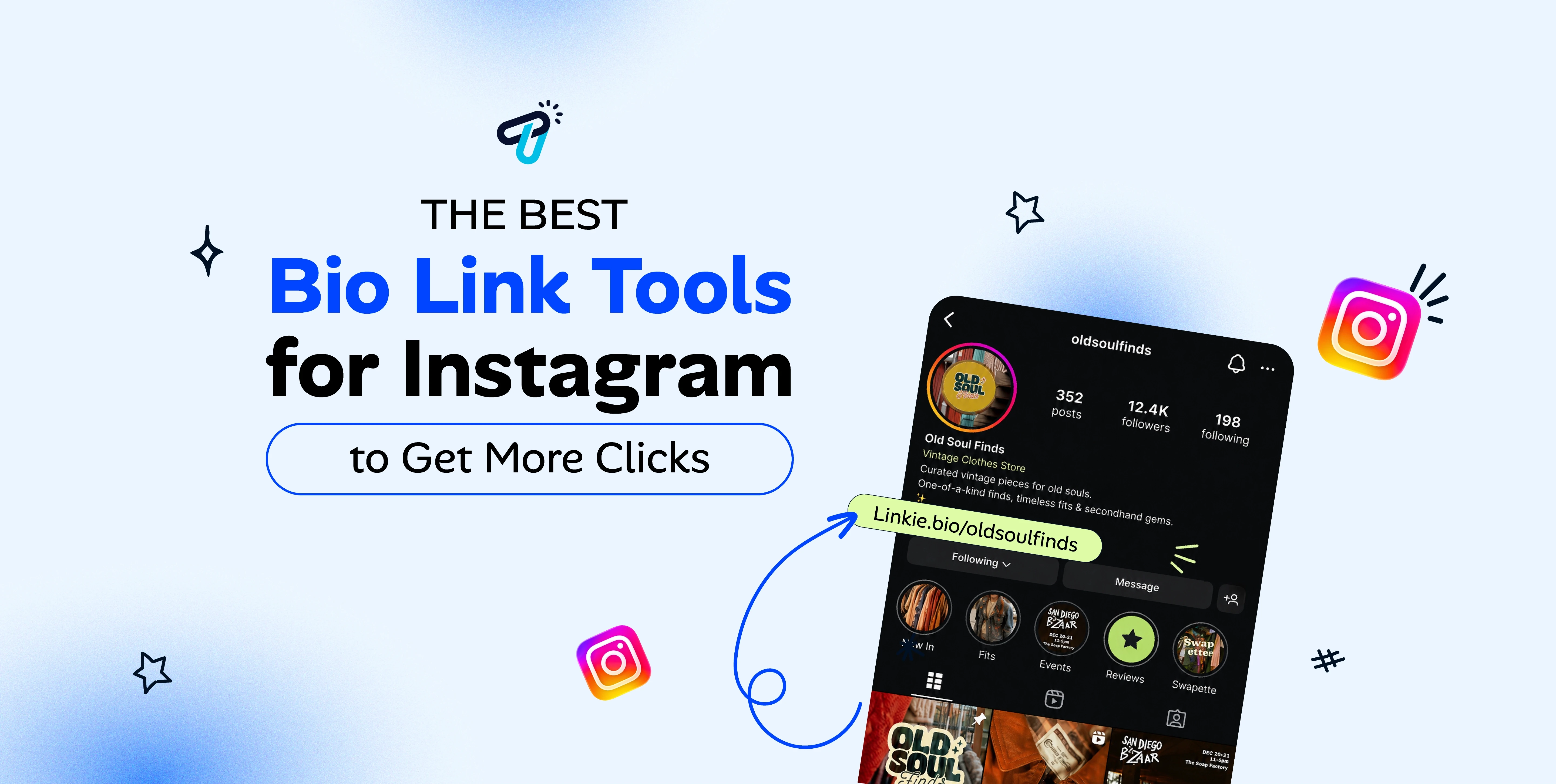
Best Bio Link Tools for Instagram in 2026
Best Instagram bio link tools for 2026, compared on live pricing, hierarchy and what each one hides behind a paid plan.

Is Beacons Free? Beacons Pricing 2026, Explained
Yes, Beacons is free. $0 forever, with real analytics included. But removing Beacons branding costs $300 a year, double Linktree. Every 2026 plan compared.
Link in Bio Pricing Guide (2026)
How link in bio pricing works in 2026: free plans versus paid tiers, what each one includes, and how to pick the right plan for your page.

Is Linktree Free? Linktree Pricing 2026, Explained
Yes, Linktree is free. Here's what the free plan includes, what it doesn't, and why removing Linktree branding costs $144 a year.

Beacons vs Linktree: Which Should You Use?
Beacons vs Linktree, compared honestly: what each is actually built for, who should pick which, pricing questions to check, and when neither fits.
Blog
We're here to help you succeed
Stay updated with smart strategies, stories, and design tips that help you build faster, look sharper, and grow with confidence.
How to Add a Link to Your Instagram Story (2026)
Add a link sticker to your Instagram Story in four taps. No 10K followers needed since 2021, and no professional account either. Here's the catch.
Is Linktree Free? Linktree Pricing 2026, Explained
Yes, Linktree is free. Here's what the free plan includes, what it doesn't, and why removing Linktree branding costs $144 a year.
Link in Bio Pricing Guide (2026)
How link in bio pricing works in 2026: free plans versus paid tiers, what each one includes, and how to pick the right plan for your page.
Is Beacons Free? Beacons Pricing 2026, Explained
Yes, Beacons is free. $0 forever, with real analytics included. But removing Beacons branding costs $300 a year, double Linktree. Every 2026 plan compared.
Best Bio Link Tools for Instagram in 2026
Best Instagram bio link tools for 2026, compared on live pricing, hierarchy and what each one hides behind a paid plan.
Beacons vs Linktree: Which Should You Use?
Beacons vs Linktree, compared honestly: what each is actually built for, who should pick which, pricing questions to check, and when neither fits.
Blog
We're here to help you succeed
Stay updated with smart strategies, stories, and design tips that help you build faster, look sharper, and grow with confidence.
How to Add a Link to Your Instagram Story (2026)
Add a link sticker to your Instagram Story in four taps. No 10K followers needed since 2021, and no professional account either. Here's the catch.
Is Beacons Free? Beacons Pricing 2026, Explained
Yes, Beacons is free. $0 forever, with real analytics included. But removing Beacons branding costs $300 a year, double Linktree. Every 2026 plan compared.
Is Linktree Free? Linktree Pricing 2026, Explained
Yes, Linktree is free. Here's what the free plan includes, what it doesn't, and why removing Linktree branding costs $144 a year.
Best Bio Link Tools for Instagram in 2026
Best Instagram bio link tools for 2026, compared on live pricing, hierarchy and what each one hides behind a paid plan.
Link in Bio Pricing Guide (2026)
How link in bio pricing works in 2026: free plans versus paid tiers, what each one includes, and how to pick the right plan for your page.
Beacons vs Linktree: Which Should You Use?
Beacons vs Linktree, compared honestly: what each is actually built for, who should pick which, pricing questions to check, and when neither fits.