




See How Your Linkie Performs With Detailed Analytics
See How Your Linkie Performs With Detailed Analytics
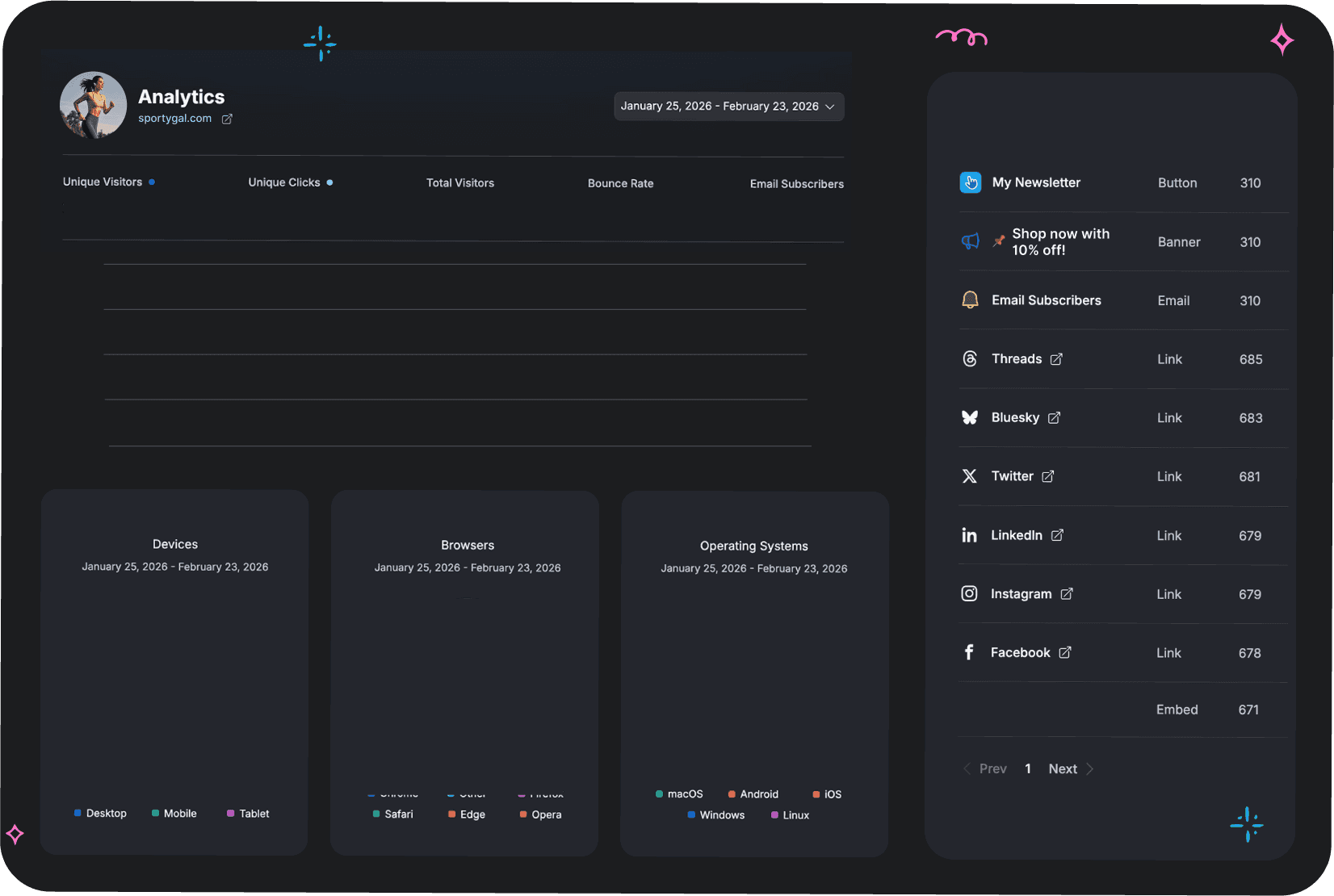
Get clear, visual insights into how people interact with your links, buttons, and embeds. Track your link in bio visitors, clicks, sources, devices and performance over time
Everything you need to know in one dashboard.
Get clear, visual insights into how people interact with your links, buttons, and embeds. Track your link in bio visitors, clicks, sources, devices and performance over time.






Optimize Your Linkie With Confidence
Optimize Your Linkie With Confidence

Prove What Works
Prove What Works

Improve CTR
Improve CTR

Make Smarter Decisions
Make Smarter Decisions

Report Results Clearly
Report Results Clearly
Get a Clear Overview Instantly
Get a Clear Overview Instantly
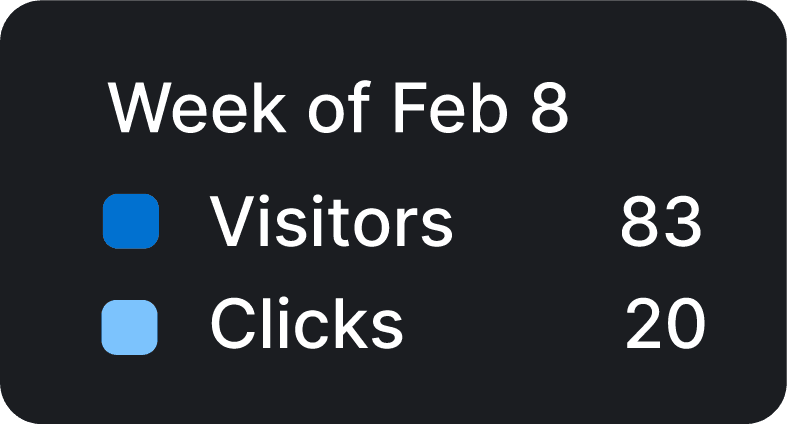
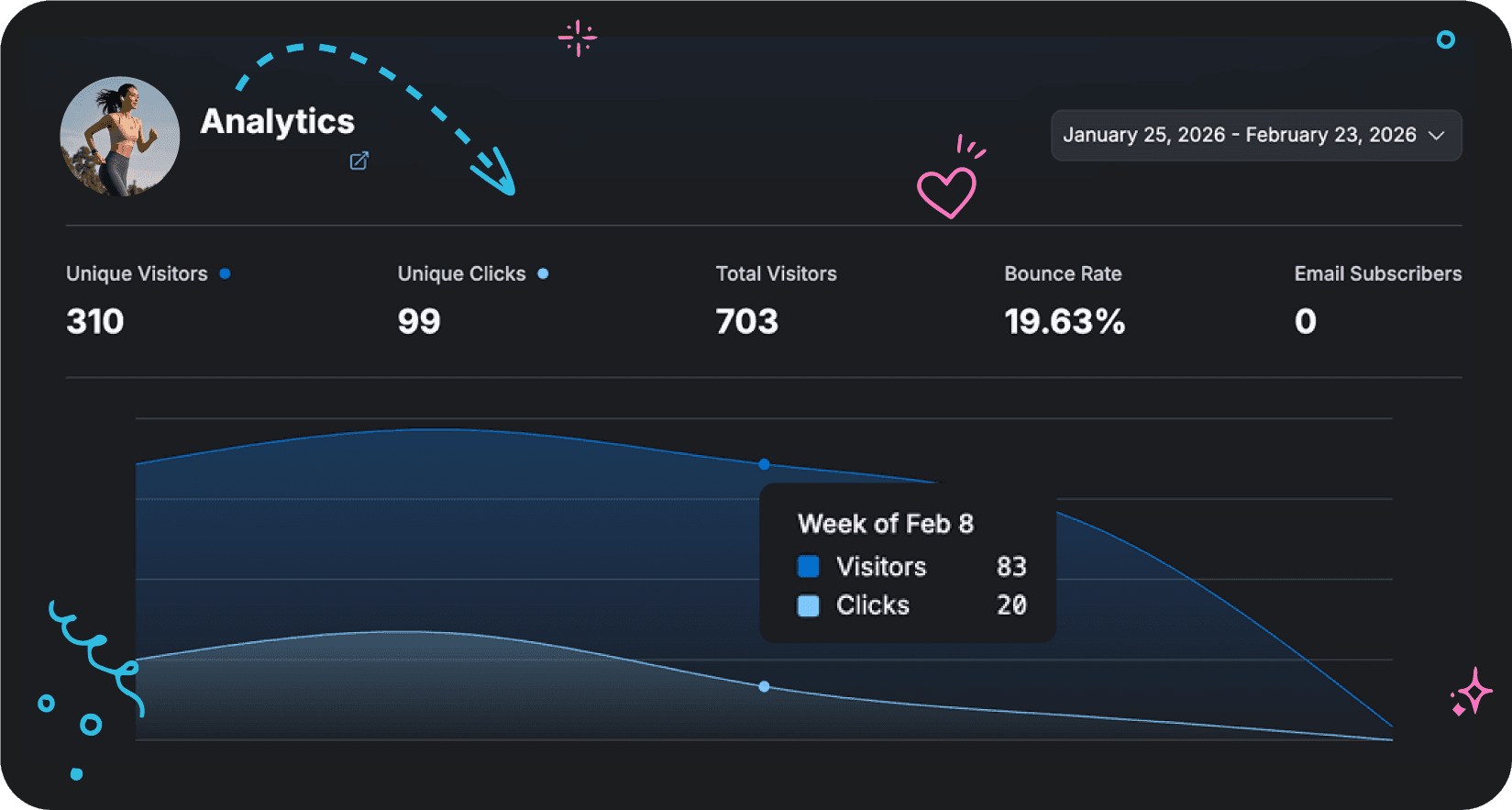
Use the various metrics to understand your Linkie’s reach and engagement. Check the visual trend charts to spot peak and dip periods, monitor bounce rate to identify drop-offs, and track how many visitors you convert into subscribers.
Use the various metrics to understand your Linkie’s reach and engagement. Check the visual trend charts to spot peak and dip periods, monitor bounce rate to identify drop-offs, and track how many visitors you convert into subscribers.

Track Performance Over
Any Time Range
Track Performance Over Any Time Range
Track Performance Over Any Time Range
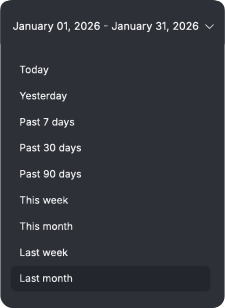
Zoom in or out on your data with flexible date ranges. Perfect for spotting trends, testing changes, or reviewing campaign performance.
Zoom in or out on your data with flexible date ranges. Perfect for spotting trends, testing changes, or reviewing campaign performance.
Switch views instantly between daily, weekly, monthly, or the last 90 days to analyze performance from every angle.
Switch views instantly between daily, weekly, monthly, or the last 90 days to analyze performance from every angle.


Know Exactly Where Your Traffic Comes From
Know Exactly Where Your Traffic Comes From
See which platforms send you the most visitors
See which platforms send you the most visitors
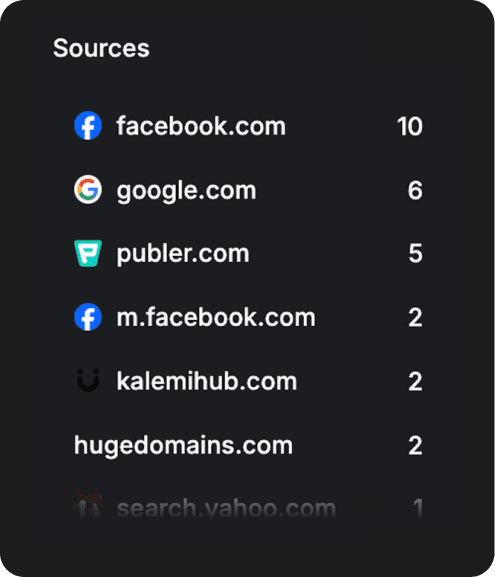
See exactly which sources drive the most visitors to your Linkie, from direct traffic to social platforms, websites, apps, and other referrers.
See exactly which sources drive the most visitors to your Linkie, from direct traffic to social platforms, websites, apps, and other referrers.
Know exactly the number of visitors from each source so you can focus your efforts where they deliver the biggest impact.
Know exactly the number of visitors from each source so you can focus your efforts where they deliver the biggest impact.
Understand Your Audience
By Location
Understand Your Audience By Location
Understand Your Audience By Location
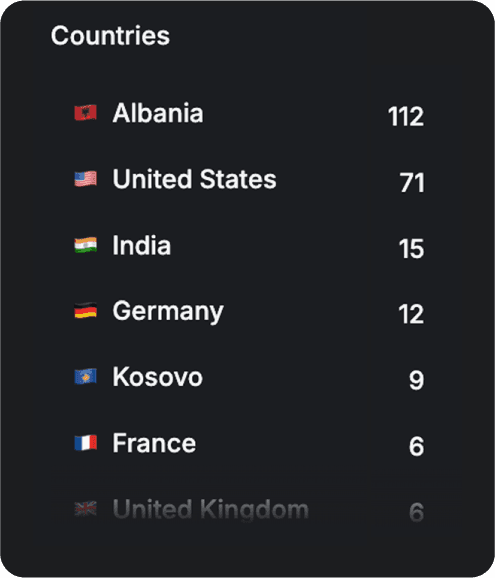
See where your visitors are based in a country-level breakdown to spot geographic trends.
See where your visitors are based in a country-level breakdown to spot geographic trends.
Go deeper by spotting the number of visitors from each country, not just a rank fo the top countries.
Go deeper by spotting the number of visitors from each country, not just a rank fo the top countries.

Optimize For Real Devices
& Environments
Optimize For
Real Devices
& Environments
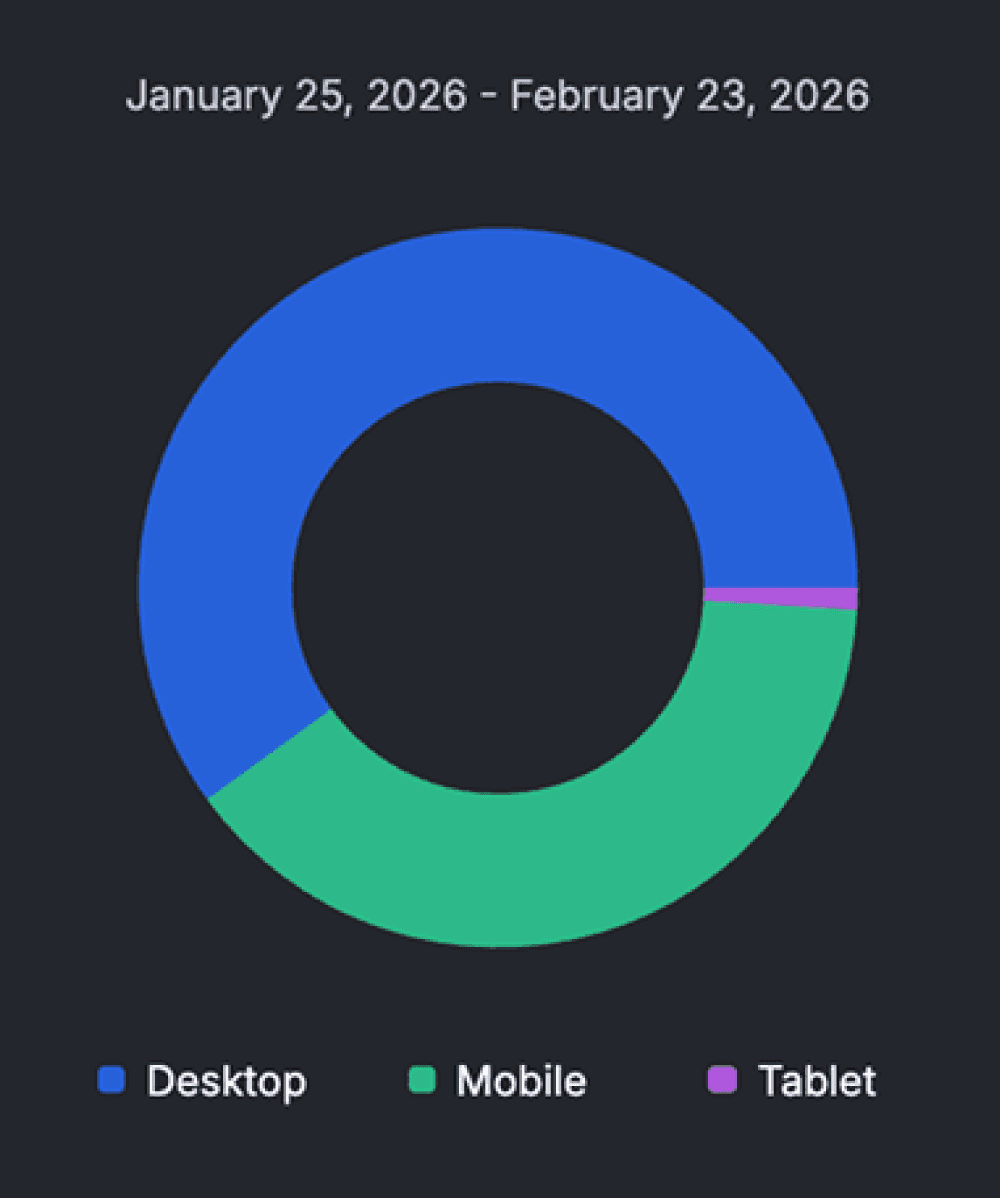
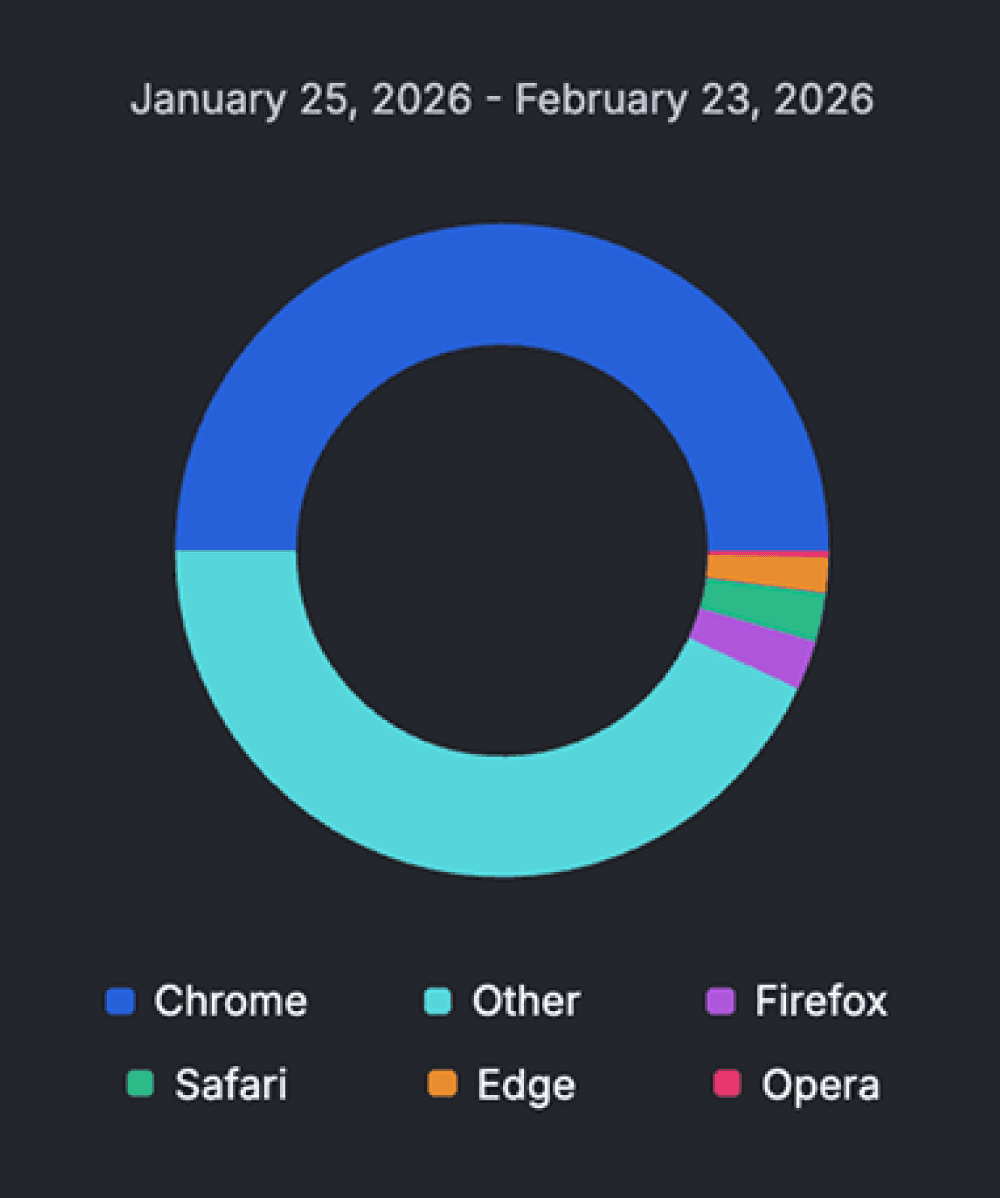
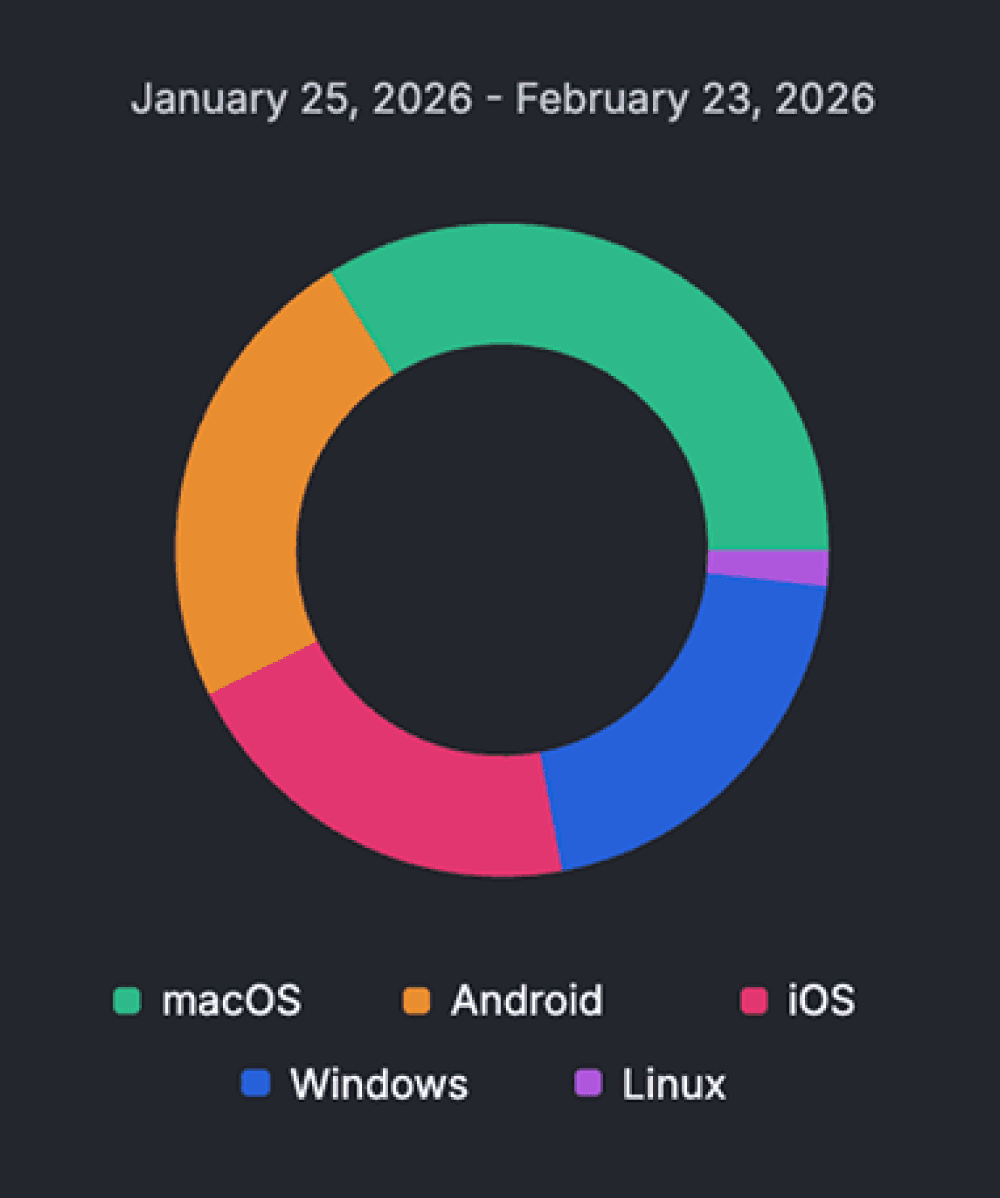
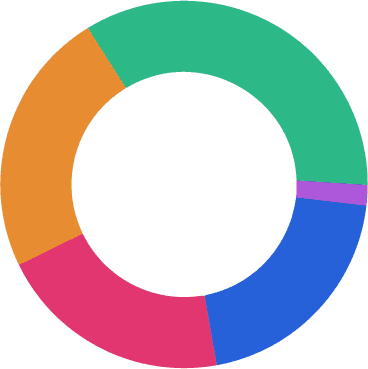
See exactly how people access your Linkie to make smarter layout and testing decisions. Get technical insights for:
See exactly how people access your Linkie to make smarter layout and testing decisions. Get technical insights for:
01
Devices
02
Browsers
03
Operating systems
Measure Every Link, Button, and Embed
Measure Every Link, Button, and Embed
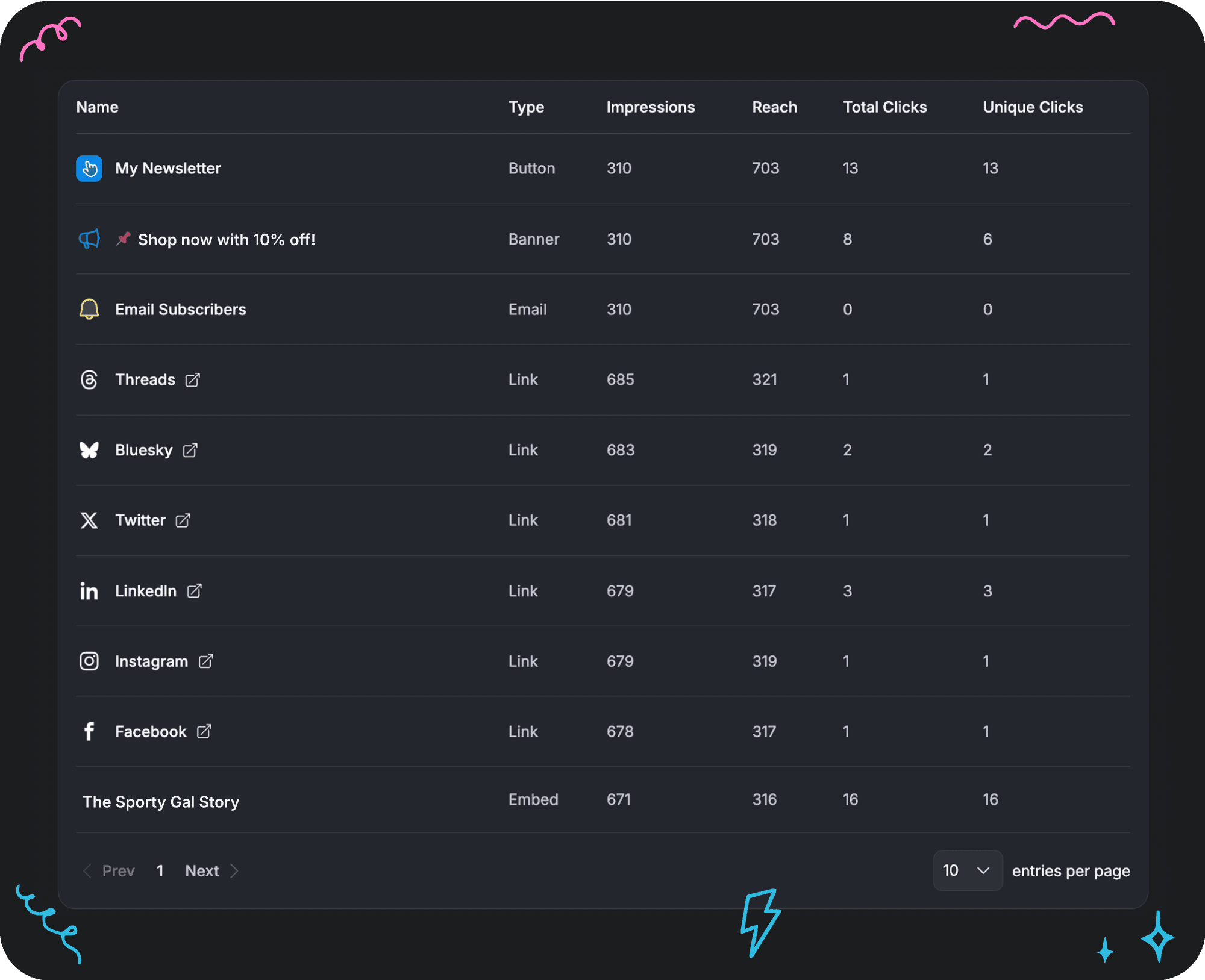
Go beyond page-level analytics by tracking impressions, reach, total clicks, and unique clicks for every card type, whether it’s a button, banner, link, embed, or social card.
Go beyond page-level analytics by tracking impressions, reach, total clicks, and unique clicks for every card type, whether it’s a button, banner, link, embed, or social card.

People ask about Linkie
Got any questions about Linkie? Browse our list of FAQs below - you're likely to find your answer there. If not, just get in touch, we're always here and ready to help.
What can I track with Link Analytics?
You can track unique visitors, total visitors, unique clicks, total clicks, bounce rate, traffic sources, countries, devices, browsers, operating systems, and performance over time.
Can I see which platforms send me the most traffic?
Yes. Analytics shows detailed traffic sources including direct traffic, social platforms (LinkedIn, X, Facebook, Instagram, Threads, Bluesky), websites, apps, and embeds.
Can I filter analytics by source, country, or device?
Yes. You can tap on any source, country, device, browser, or operating system to instantly filter your entire analytics dashboard and view data only for that selection.
Does filtering update all charts and metrics?
Yes. Once a filter is applied, all charts, totals, and tables update automatically so you can analyze performance in context.
Can I track individual links, buttons, or embeds?
Yes. Analytics lets you measure impressions, reach, total clicks, and unique clicks for each link, button, banner, embed, or email subscription collection on your page.
Do I need to install tracking codes or third-party tools?
Not at all. You can get all the insights you need in your Linkie Analytics without having to add any third-party tools or tracking codes.
Blog
We're here to help you succeed
Stay updated with smart strategies, stories, and design tips that help you build faster, look sharper, and grow with confidence.
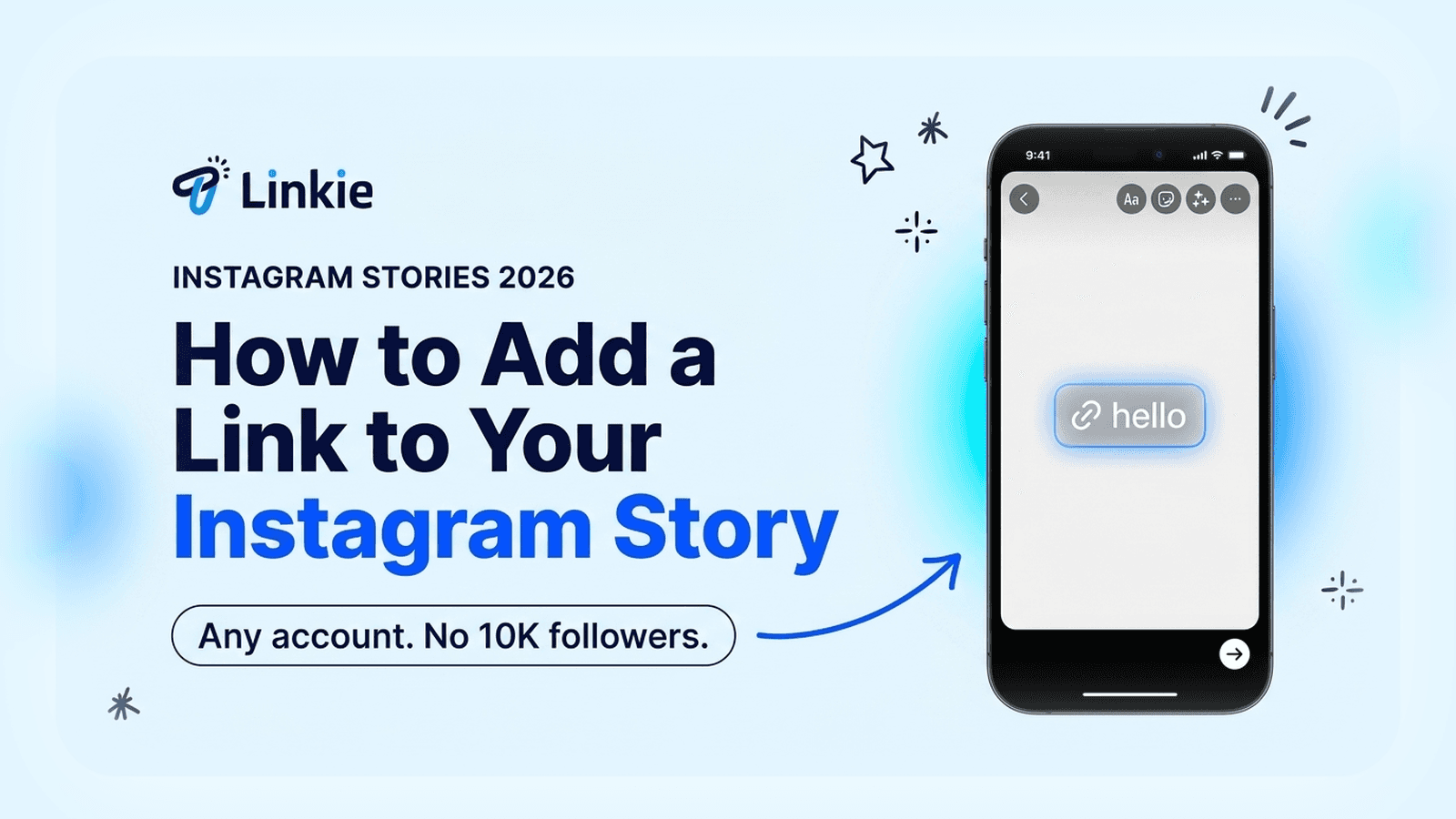
How to Add a Link to Your Instagram Story (2026)
Add a link sticker to your Instagram Story in four taps. No 10K followers needed since 2021, and no professional account either. Here's the catch.
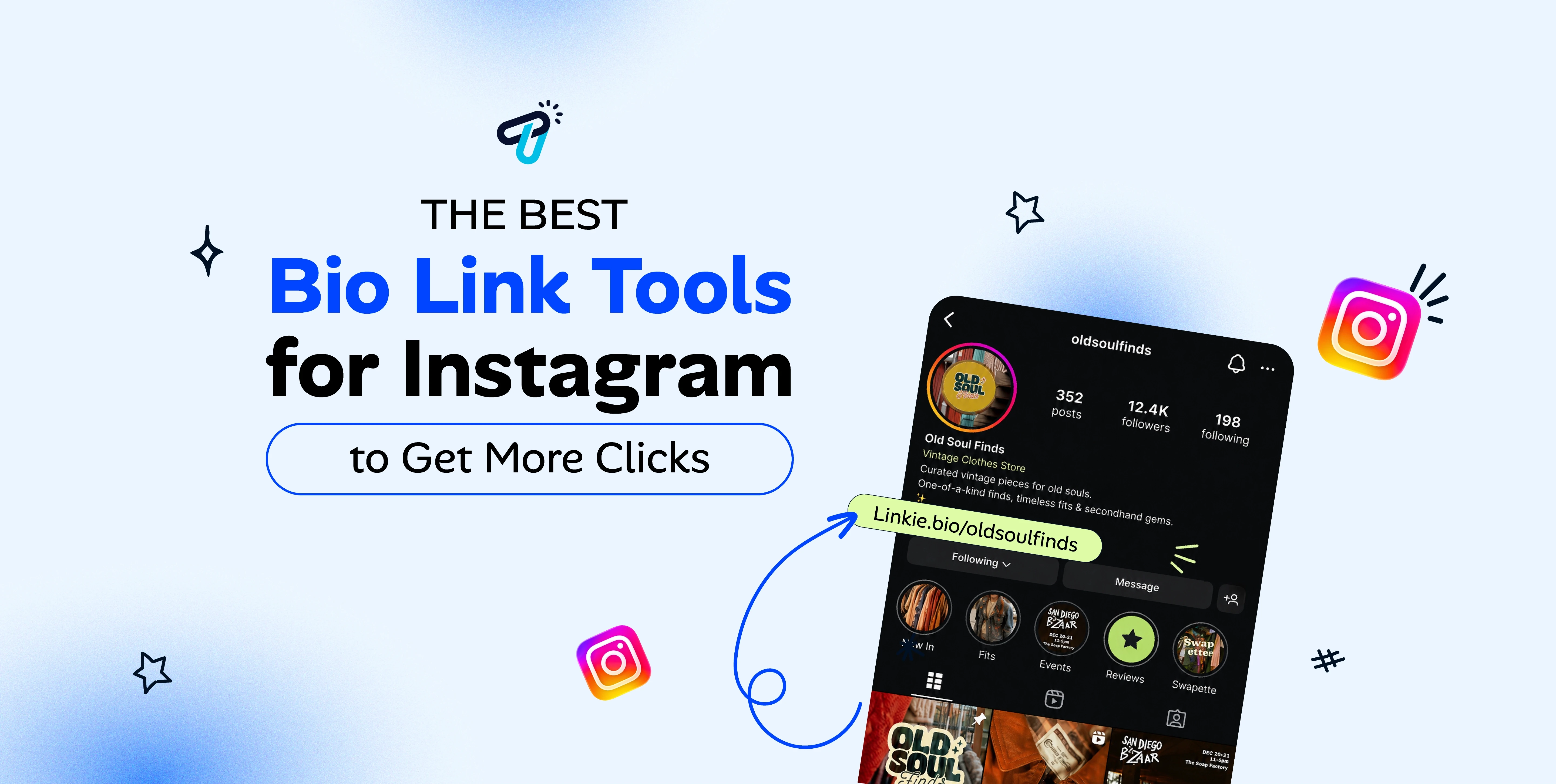
Best Bio Link Tools for Instagram in 2026
Best Instagram bio link tools for 2026, compared on live pricing, hierarchy and what each one hides behind a paid plan.

Is Beacons Free? Beacons Pricing 2026, Explained
Yes, Beacons is free. $0 forever, with real analytics included. But removing Beacons branding costs $300 a year, double Linktree. Every 2026 plan compared.
Link in Bio Pricing Guide (2026)
How link in bio pricing works in 2026: free plans versus paid tiers, what each one includes, and how to pick the right plan for your page.

Is Linktree Free? Linktree Pricing 2026, Explained
Yes, Linktree is free. Here's what the free plan includes, what it doesn't, and why removing Linktree branding costs $144 a year.

Beacons vs Linktree: Which Should You Use?
Beacons vs Linktree, compared honestly: what each is actually built for, who should pick which, pricing questions to check, and when neither fits.
Blog
We're here to help you succeed
Stay updated with smart strategies, stories, and design tips that help you build faster, look sharper, and grow with confidence.
How to Add a Link to Your Instagram Story (2026)
Add a link sticker to your Instagram Story in four taps. No 10K followers needed since 2021, and no professional account either. Here's the catch.
Is Beacons Free? Beacons Pricing 2026, Explained
Yes, Beacons is free. $0 forever, with real analytics included. But removing Beacons branding costs $300 a year, double Linktree. Every 2026 plan compared.
Is Linktree Free? Linktree Pricing 2026, Explained
Yes, Linktree is free. Here's what the free plan includes, what it doesn't, and why removing Linktree branding costs $144 a year.
Best Bio Link Tools for Instagram in 2026
Best Instagram bio link tools for 2026, compared on live pricing, hierarchy and what each one hides behind a paid plan.
Link in Bio Pricing Guide (2026)
How link in bio pricing works in 2026: free plans versus paid tiers, what each one includes, and how to pick the right plan for your page.
Beacons vs Linktree: Which Should You Use?
Beacons vs Linktree, compared honestly: what each is actually built for, who should pick which, pricing questions to check, and when neither fits.
Blog
We're here to help you succeed
Stay updated with smart strategies, stories, and design tips that help you build faster, look sharper, and grow with confidence.
How to Add a Link to Your Instagram Story (2026)
Add a link sticker to your Instagram Story in four taps. No 10K followers needed since 2021, and no professional account either. Here's the catch.
Is Linktree Free? Linktree Pricing 2026, Explained
Yes, Linktree is free. Here's what the free plan includes, what it doesn't, and why removing Linktree branding costs $144 a year.
Link in Bio Pricing Guide (2026)
How link in bio pricing works in 2026: free plans versus paid tiers, what each one includes, and how to pick the right plan for your page.
Is Beacons Free? Beacons Pricing 2026, Explained
Yes, Beacons is free. $0 forever, with real analytics included. But removing Beacons branding costs $300 a year, double Linktree. Every 2026 plan compared.
Best Bio Link Tools for Instagram in 2026
Best Instagram bio link tools for 2026, compared on live pricing, hierarchy and what each one hides behind a paid plan.
Beacons vs Linktree: Which Should You Use?
Beacons vs Linktree, compared honestly: what each is actually built for, who should pick which, pricing questions to check, and when neither fits.





Use Cases
© 2026 Kalemi. All rights reserved.
Use Cases
© 2026 Kalemi. All rights reserved.
Use Cases
© 2026 Kalemi. All rights reserved.