

TL;DR — A link in bio tool replaces the one link a social profile gives you with a page that holds many — and, more usefully, tells you which ones get tapped. The ten compared below split into three groups: simple routers, creator platforms that also sell, and builders that replace a small site. Pick the group first. See also Linktree alternatives and free options.
Reviewed 21 August 2026 by the Linkie team.
The selection of a link in bio tool often involves scanning feature grids. That's the wrong filter. The essential question is simpler. Which tool helps a creator, brand, or agency turn attention from Instagram, TikTok, and YouTube into clicks, subscribers, bookings, and sales without making the page look generic or impossible to measure?
That gap matters more than ever because this category isn't small anymore. The global link in bio tools market was valued at $1.2 billion in 2025 and is projected to reach $3.2 billion by 2032, expanding at a 14.4% CAGR, according to StrategyMRC's link-in-bio tools market report. Tools in this space now sit much closer to conversion infrastructure than simple link lists.
The mistake is treating every option as interchangeable. They aren't. Some are best for brand control. Some are built for monetization. Some are better for tracking traffic and cleaning up campaign reporting. Some are quick to launch but hard to scale once a creator starts selling, segmenting, or managing multiple campaigns.
This list gets straight to the point. These are the 10 best link in bio tools for 2026, ranked by practical fit. Not just features. Actual use cases. A musician doesn't need the same setup as a coach. A local business doesn't need the same setup as a creator agency. The right pick depends on whether the job is visual branding, storefront revenue, lead capture, or analytics.
1. Linkie
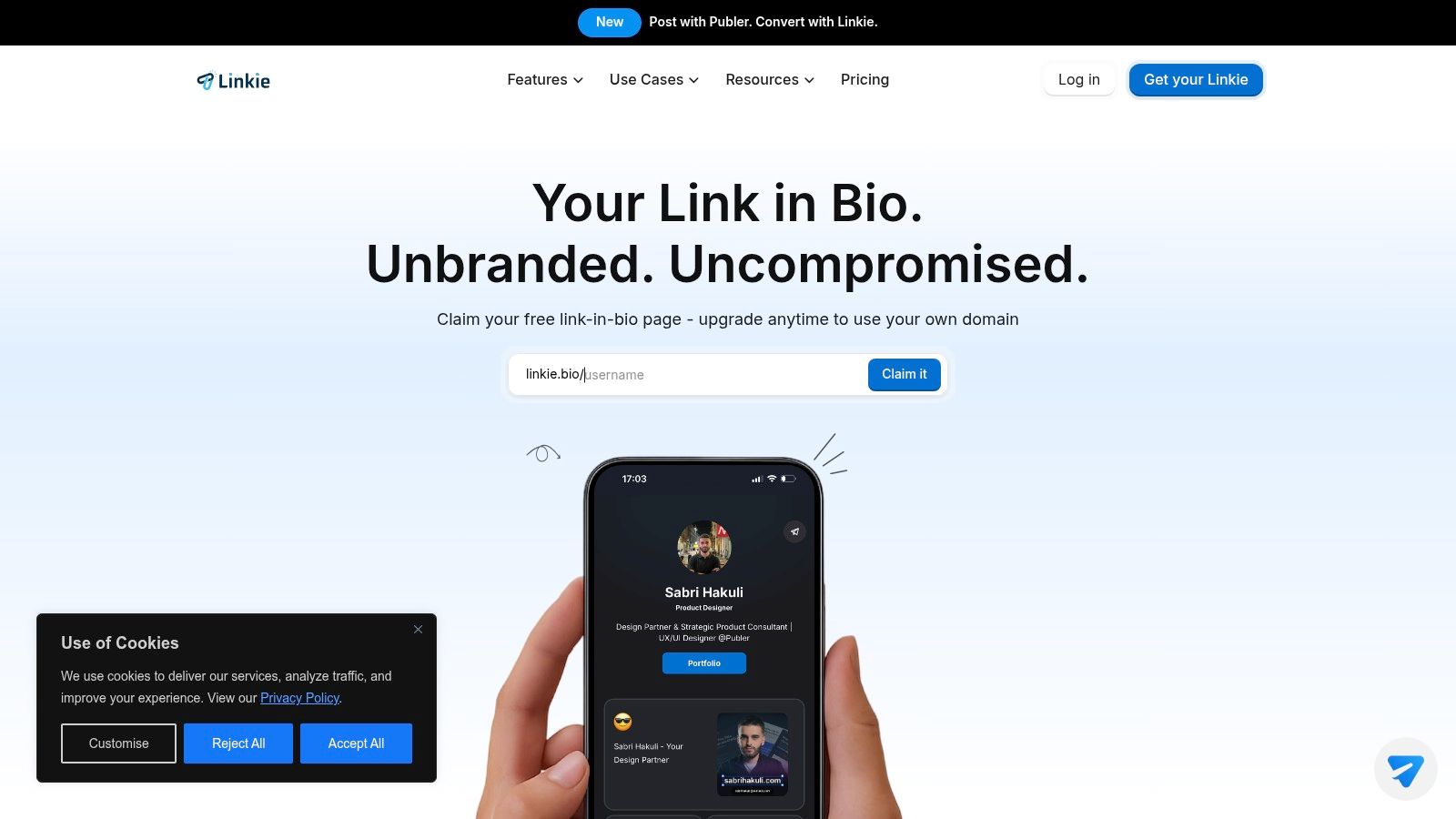
Want a bio page that looks like your brand instead of a template every other creator is using?
Linkie fits that job better than tools built around a simple stack of buttons. Its main advantage is layout control. You can arrange cards, banners, videos, products, embeds, and social blocks in a way that feels closer to a compact landing page than a generic link hub. For creators, consultants, agencies, and ecommerce brands, that difference shows up fast. The page looks branded, and branded pages usually earn more trust than recycled templates.
Why Linkie ranks this high
Linkie is strongest for users who care about two things at the same time. Brand control and measurement.
The free plan is generous in the places that matter. You get unlimited cards, multiple Linkies per account, custom thumbnails, flexible layouts, embeds, and no forced platform branding. That makes it useful for testing offers, lead magnets, store links, or campaign-specific pages without cleaning up someone else's logo first.
Analytics are the second reason to pay attention. Linkie tracks performance at the card and button level, along with traffic sources, subscriber growth, and historical trends. That gives marketers something to work with. If you want a broader market view before choosing, this guide to Linktree alternatives for creators and brands that want more control is worth reading.
My take: If your bio page cannot tell you which section gets clicks, it is a design asset, not a conversion asset.
Best for users who want branding without building a full microsite
Linkie also makes sense for teams that update links often. It supports a public API, Google Sheets subscriber sync, and Publer integration, which helps agencies and active creators keep pages current without constant manual edits.
The trade-off is straightforward.
Best fit: Brands and creators who want more visual control than Linktree gives them.
Biggest strength: Card-based layouts and detailed analytics make testing possible.
Main limitation: Custom domains and deeper customization sit behind paid plans, and pricing is less straightforward than fixed public tiers.
Email trade-off: Subscriber capture is useful, but serious email automation still belongs in a dedicated email platform.
Choose Linkie if your end goal is a branded page that can drive clicks, signups, and sales without forcing you to build a full website first. It is a strong pick for marketers who care how the page looks and what the page does.
2. Linktree
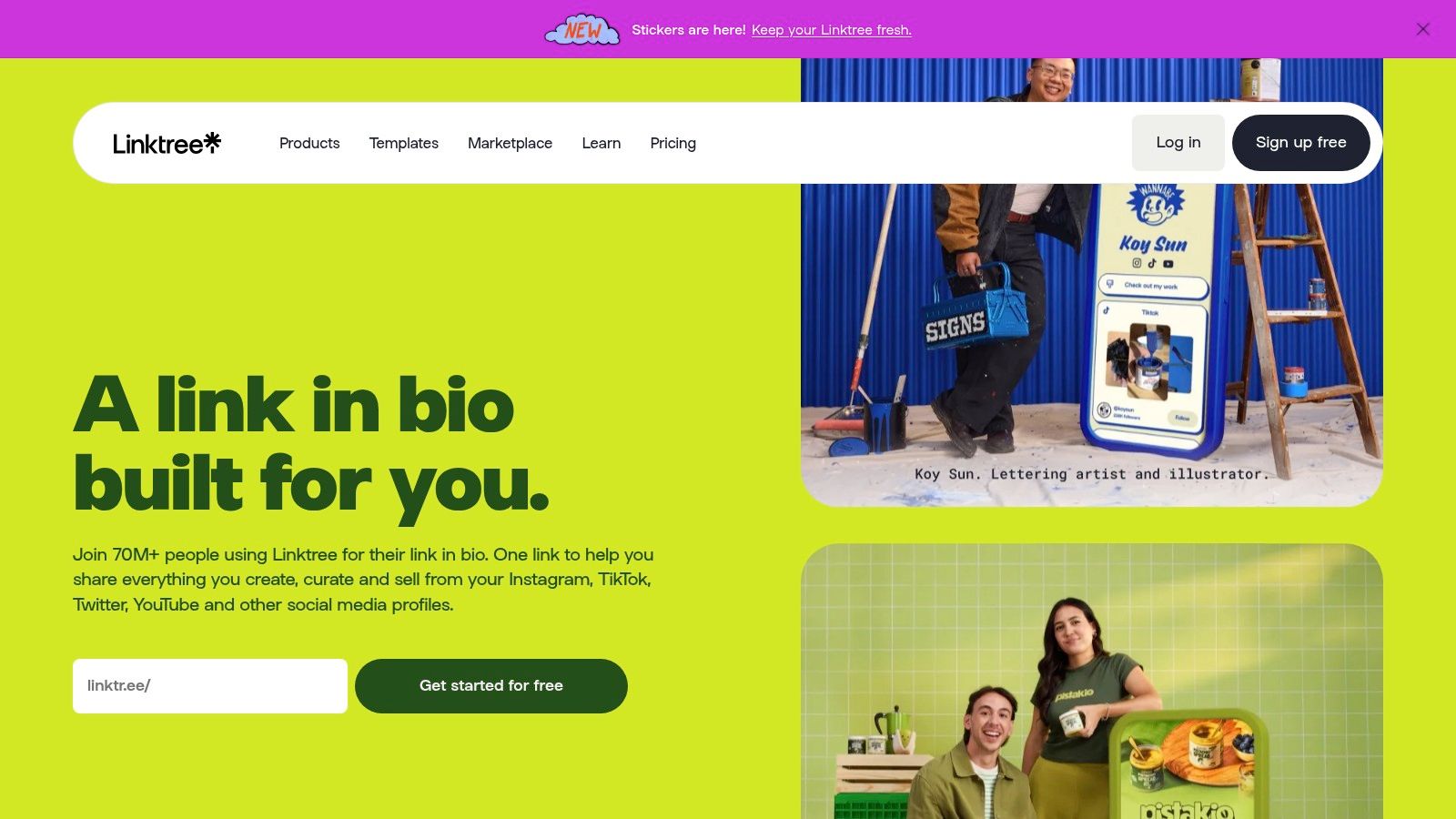
Linktree is still the default answer for beginners, and that's not an accident. It's familiar, quick to launch, and recognized by audiences who already know what they're clicking. On Instagram alone, about 31 million users actively use link in bio tools, and Linktree serves 24.7 million of them with a 79.95% market share, according to Influencers Club's state of the link-in-bio market.
That dominance gives Linktree a simple advantage. It feels safe. Audiences trust it, brands understand it, and teams can roll it out fast.
Where Linktree works best
Linktree is a strong choice for creators and brands that want a low-friction setup with broad integrations and monetization modules. Unlimited links, embeds, and social icons on the free plan make it easy to get moving. Paid plans expand customization, analytics, and commerce features.
For a lot of users, that's enough. For anyone considering alternatives with more visual freedom, this guide to Linktree alternatives is worth reviewing.
Linktree is the easiest recommendation for people who need a reliable default and don't want to think too hard about setup.
Trade-offs to know
The downside is creative ceiling. Linktree is polished, but it still feels more templated than free-form. It scales better than many lightweight rivals, yet users who want a page that feels distinctly theirs may outgrow it.
Best for: Beginners, teams, established creator accounts, and brands that want familiarity.
Less ideal for: Users who care about custom layouts and stronger page identity.
3. Beacons
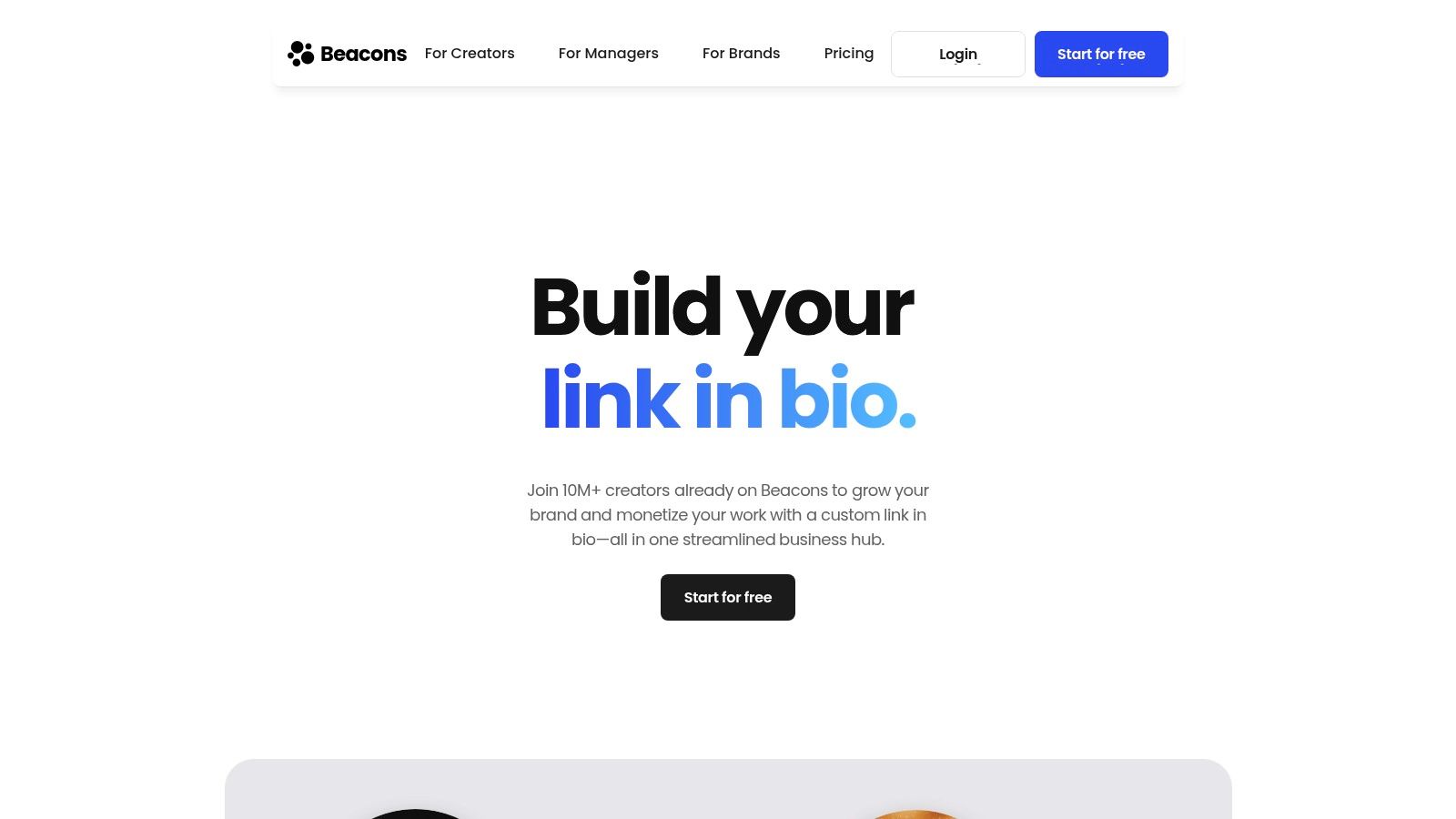
Beacons is the best pick for creators who want their bio link to function like a small business stack. It's more than a page builder. It combines a link hub with storefront tools, memberships, courses, email features, and CRM-style functionality.
That all-in-one model is the appeal. Instead of stitching together separate tools for selling, list building, and audience management, Beacons tries to keep everything inside one platform.
Best for direct monetization
Creators selling digital products, memberships, or courses should put Beacons near the top of the shortlist. The free plan is usable, and paid plans open up much more meaningful commerce functionality, including custom domains and broader monetization options.
It's also a strong fit for creators trying to improve conversion paths. Instagram users who use link in bio tools achieve 2.3x higher click-through rates than those using a single traditional link, and visuals plus category labeling drive a 34% increase in conversion rates and a 51% improvement in user retention, according to InfluenceFlow's 2025 guide to Instagram link-in-bio tools. Beacons plays well with that behavior because it supports a more content-rich structure than a plain list.
For creators trying to tighten page structure and offers, this guide on how to optimize a link in bio is a useful companion.
Where it loses points
Beacons can feel busy. That's the trade-off for having so many features under one roof. A creator who only needs a clean brand page may find it heavier than necessary.
Best for: Digital sellers, educators, membership creators, and creators who want commerce plus audience tools.
Less ideal for: Minimalists who want speed, simplicity, and a cleaner interface.
4. Campsite.bio
Campsite.bio is the practical marketer's pick. It doesn't try to be a creator operating system. It focuses on tracking, control, and campaign management, which makes it especially useful for small brands and agencies.
The strongest reason to choose Campsite.bio is its tracking stack. UTM support, exportable analytics, and ad pixels for platforms like Meta, TikTok, and Pinterest make it more useful than the average bio tool for paid and organic campaign measurement.
Best for campaign tracking
This tool works well for marketers who care about attribution. Highlighted links, grouped links, embeds, scheduling, and locked content options make it flexible enough for promotions and gated offers. Team and multi-profile options also make it one of the more agency-friendly picks.
Campsite.bio is not the best-looking option in the category, and that's fine. It's stronger as a measured, trackable traffic hub than as a brand showcase.
Advisor's take: If paid social, UTM discipline, and campaign reporting matter more than visual experimentation, Campsite.bio is a better fit than the trendier creator-first tools.
Main trade-offs
Some of the more useful analytics and advanced settings sit behind add-ons or paid features. It also doesn't bring the same native commerce depth as tools built for storefronts and digital products.
Best for: Agencies, marketers, small brands, and campaign-heavy teams.
Less ideal for: Creators who want their page to feel highly visual or product-led.
5. Lnk.Bio
Lnk.Bio is the budget-conscious choice that still deserves respect. It's simple, broad in its embed support, and one of the few options that appeals to people who hate recurring software bills.
The standout here is affordability combined with ease. Lnk.Bio offers a lightweight experience that works well for creators who want to publish once and maintain very little.
Best for set-it-and-forget-it users
Users get unlimited links on the free plan, basic analytics, many templates, multiple layouts, email opt-ins, and a wide range of embeds. That's a solid package for musicians, solo creators, bloggers, and side-project founders who don't need advanced funnel logic.
The lifetime pricing angle is especially attractive for users who want a one-time purchase instead of another monthly subscription. Few link in bio tools lean that hard into long-term cost control.
Where it falls short
The interface isn't the most modern in the category, and analytics are more basic than what serious marketers usually need. Users looking for card-level insights, deeper traffic source analysis, or subscriber reporting will outgrow it.
Best for: Budget buyers, musicians, creators with evergreen links, and anyone who values simplicity over sophistication.
Less ideal for: Agencies and performance marketers who need sharper analytics.
6. Taplink
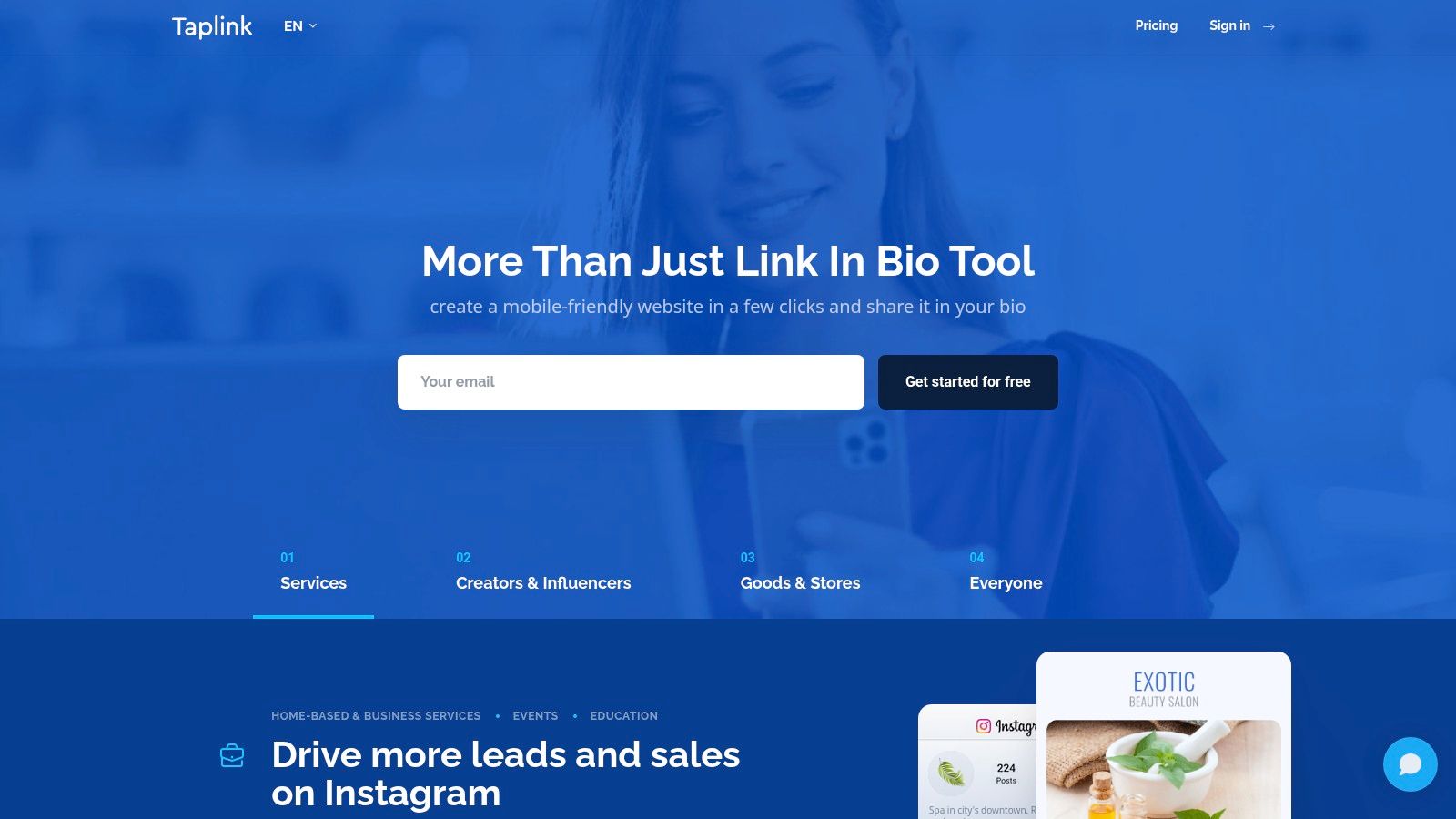
Taplink remains a useful option for service businesses and sellers who care more about getting inquiries than designing a polished media hub. It's built around practical conversion blocks like forms, messenger buttons, and basic payment options.
That makes it especially relevant for Instagram and TikTok users selling through DMs, appointment requests, or lightweight checkout flows.
Best for lead capture and contact actions
Taplink's drag-and-drop blocks and templates make setup approachable. Users can add contact forms, direct messaging buttons, and basic mini-site elements without much friction. For coaches, freelancers, salons, local businesses, and service providers, that often matters more than advanced aesthetics.
There's also a straightforward logic to Taplink. It's designed for action. Message, book, inquire, pay.
What to watch
Taplink isn't the tool for users who want deep analytics or broad creator monetization. Those functions exist in more limited form here. The interface also feels more utility-first than brand-first.
Best for: Service providers, local sellers, and DM-driven businesses.
Less ideal for: Creators building a richer content hub or a polished branded destination.
7. Later Link in Bio
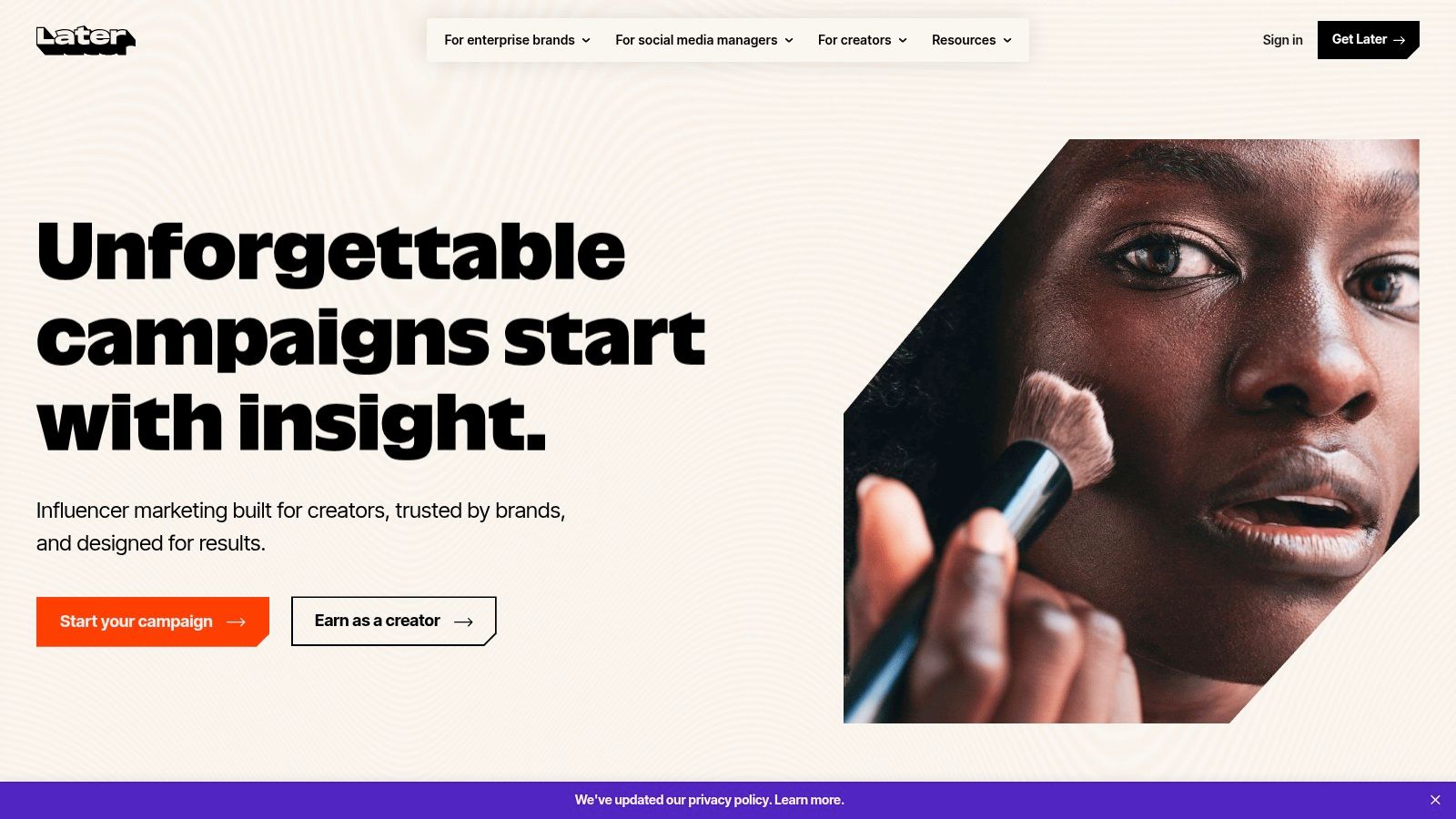
Later's Link in Bio, often known as Linkin.bio, makes the most sense for users already inside the Later ecosystem. It mirrors social posts in a grid-style format and connects link management more tightly to scheduling workflows.
For Instagram-heavy creators, that can be a smart operational choice. The feed itself becomes the navigation layer.
Best for feed-first workflows
This tool is especially useful when content publishing and bio-link updates need to stay aligned. Daily posting creates a maintenance problem for many creators, and that problem usually shows up as stale links, hidden offers, or mismatched campaigns. That issue is often ignored in reviews of link in bio tools, even though multi-platform creators deal with it constantly.
Later solves part of that problem because the bio experience lives close to the scheduling workflow. If a team already manages Instagram or TikTok publishing in Later, keeping the page aligned becomes simpler.
Why it isn't for everyone
Linkin.bio is not a standalone-first tool. It works best when someone is already committed to Later. Outside that setup, the value drops.
Best for: Existing Later users, social teams, and feed-driven Instagram brands.
Less ideal for: Users wanting a flexible standalone page builder with broader creative freedom.
8. Carrd
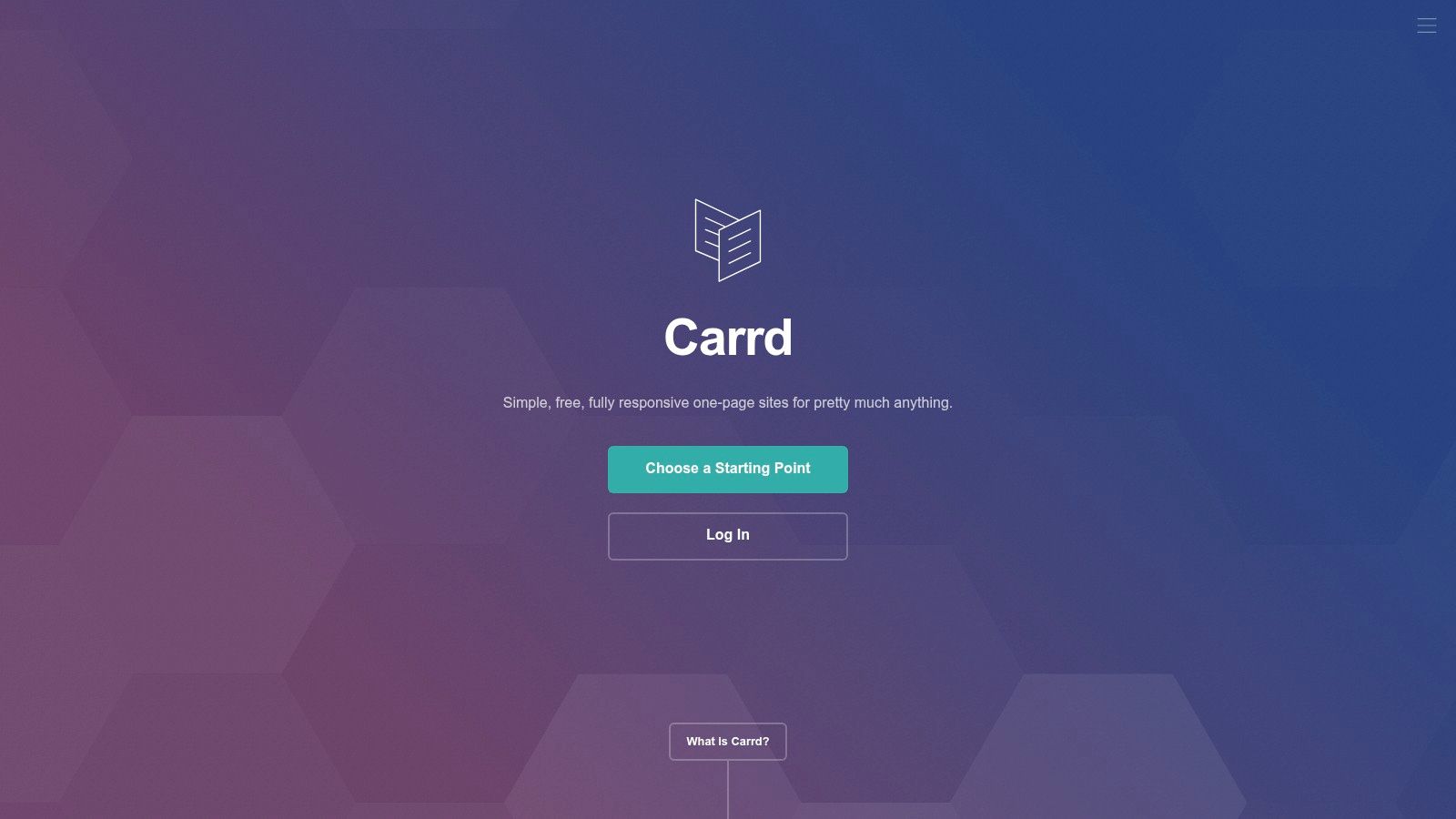
Carrd is the best option for people who don't want a traditional bio tool. They want a small website that happens to live in a social bio.
That distinction matters. Carrd gives near-pixel-level control compared with list-based platforms. For designers, startups, artists, consultants, and personal brands, that freedom can produce a much stronger first impression.
Best for design control
Carrd supports fully custom layouts, mobile tweaks, forms, embeds, custom domains, and even CSS or JS on higher plans. For the right user, that's far more useful than a standard button-based interface.
This is also where branded links matter. Branded links used within link in bio architectures can increase click-through rates by up to 39% compared with non-branded alternatives, according to Rebrandly's guide to link-in-bio tools. Carrd becomes much more compelling when paired with a custom domain because the whole experience feels owned, not rented.
A well-designed Carrd page can look less like a bio tool and more like a real brand destination. That's a competitive advantage.
The obvious downside
Carrd asks for more work. It's not built specifically as a social bio hub, so users handle more of the page design and structure themselves. Commerce, advanced analytics, and growth features usually rely on outside services.
Best for: Designers, agencies, founders, and brand-conscious users.
Less ideal for: Beginners who want plug-and-play simplicity.
9. Flowpage by Flowcode
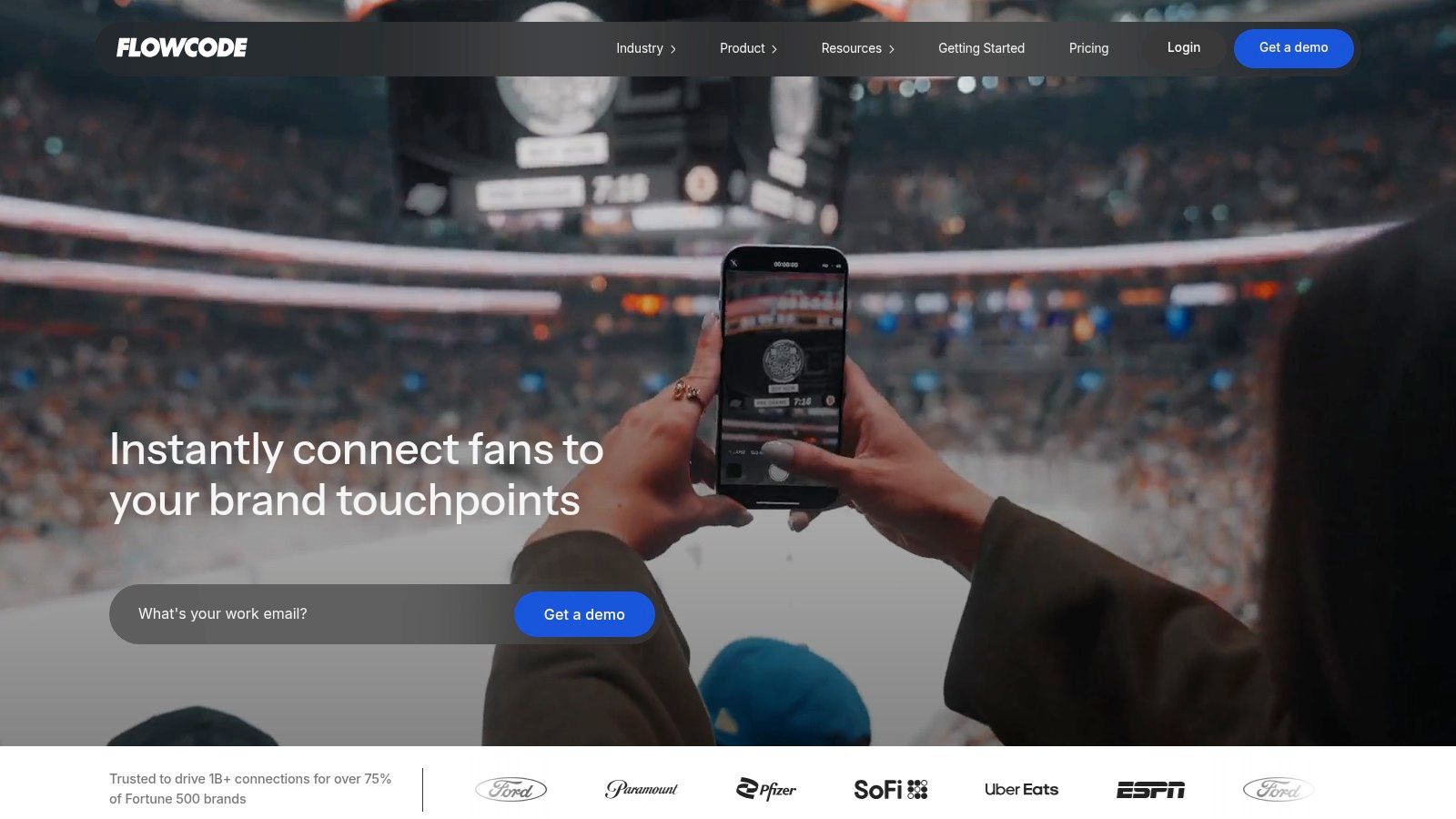
Flowpage is the strongest niche option on this list. It makes the most sense for brands that mix social traffic with offline traffic from QR codes, events, print materials, packaging, menus, or in-store displays.
Most bio tools focus almost entirely on social profiles. Flowpage becomes more interesting when a business needs one mobile landing page that works across both social and physical touchpoints.
Best for QR-driven campaigns
Because it sits naturally within the Flowcode ecosystem, Flowpage works well for venues, restaurants, retail brands, event teams, and local businesses. Templates, media embeds, contact cards, and real-time analytics support that hybrid model.
A team running posters, table tents, flyers, and Instagram stories at the same time can keep the destination consistent. That's Flowpage's real strength.
Not the best generalist pick
This isn't the first recommendation for solo creators unless QR strategy is already part of the plan. Some of its strongest value comes from the broader Flowcode product family, so standalone users may find better value elsewhere.
Best for: QR-heavy campaigns, local businesses, events, and organizations managing many pages.
Less ideal for: Creators who only need a social-first bio page.
10. Shorby
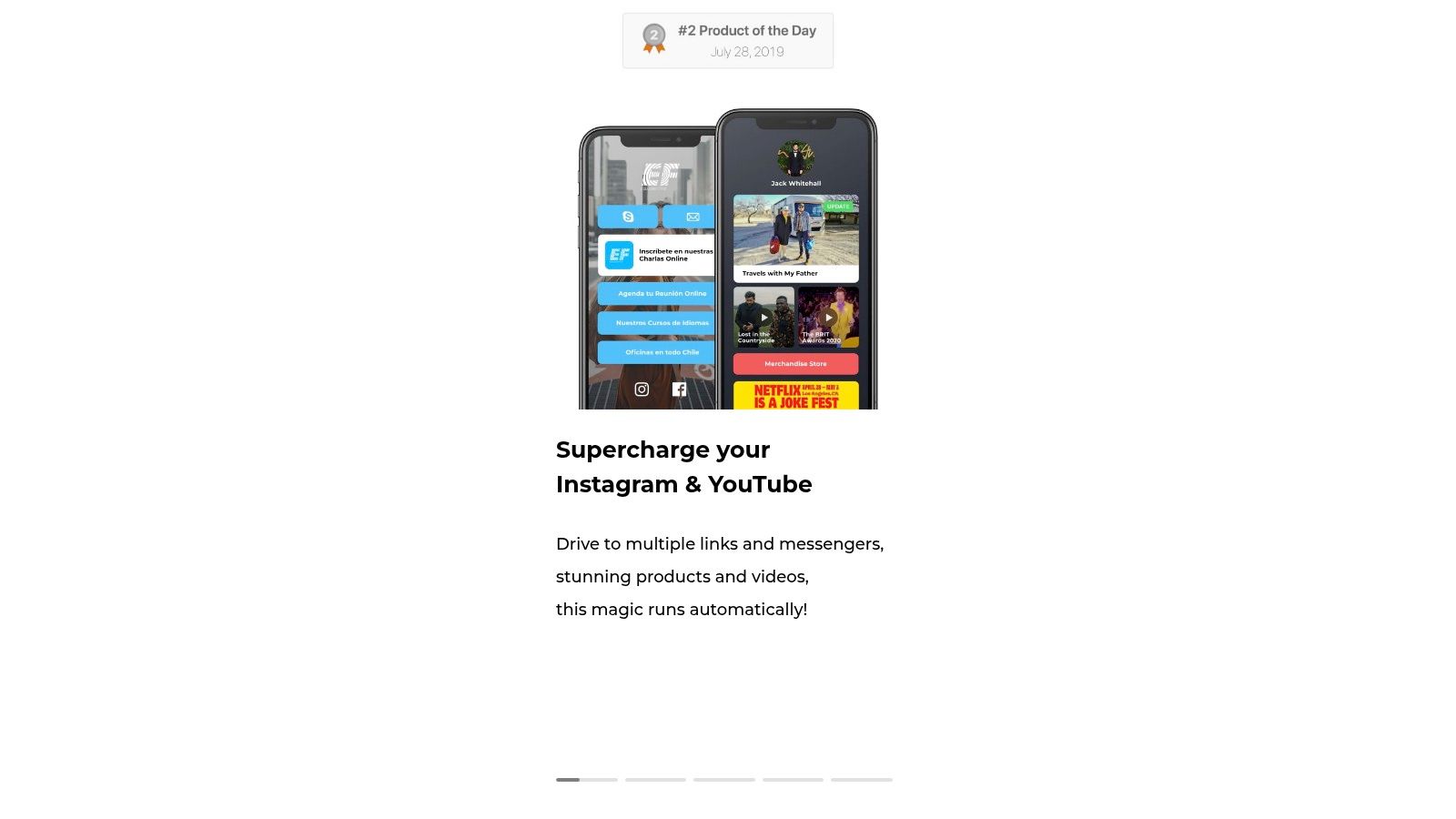
Shorby is the performance marketer's option. It combines bio pages with short-link management, click tracking, messaging buttons, and retargeting features. That mix makes it more tactical than visual.
For affiliates, ad buyers, and marketers who think in terms of clicks, routing, and retargeting audiences, that's useful. It keeps the page simple while preserving some campaign muscle.
Best for tracking-focused users
Shorby's Smart Pages, branded short URLs, click insights, and retargeting support make it appealing for marketers who treat a bio page as part of a broader paid funnel. Messenger buttons are also helpful for lead-gen and direct-response campaigns.
This is not the prettiest tool in the category, but it doesn't need to be. Its appeal is utility.
Where it loses ground
Users wanting a polished branded page will likely find Shorby too limited in design. Availability of some features, especially around custom domains on certain tiers, should also be verified before buying.
Best for: Affiliates, performance marketers, and users who care about retargeting.
Less ideal for: Brand-led creators who want a richer visual experience.
What Is a Link in Bio Tool?
A link in bio tool turns the single URL a social profile allows into a page that can hold many destinations, and reports which ones people actually tap. That second half is the part worth paying for: without it you are guessing which links earn their place. Everything else these tools differ on — design control, selling, custom domains, scheduling integrations — sits on top of that.
Top 10 Link-in-Bio Tools Comparison
Product | Core features | UX & Analytics | Best for | Value / Pricing |
|---|---|---|---|---|
Linkie | Drag-and-drop resizable cards, unlimited cards, embeds, free public API, Publer sync, email capture (Google Sheets) | Real-time + historical analytics, card-level engagement, flexible layouts, multi-Linkie dashboard | Creators, influencers, e‑commerce, agencies, developers | Generous free plan; paid unlocks custom domains, advanced analytics & deeper styling |
Linktree | Unlimited links/embeds, templates, Shops & digital product modules, integrations | Reliable performance, growth tools; deeper analytics on paid tiers | Creators, brands, teams needing quick setup | Free tier; tiered paid plans for commerce, analytics & lower fees |
Beacons | Link-in-bio + storefront, memberships, courses, email & AI tools, CRM-like features | Integrated monetization analytics, real-time metrics | Creators who need built-in commerce & audience tools | Usable free plan; paid tiers for advanced commerce & 0% seller fees at top tier |
Campsite.bio | Highlighted links, scheduling/locking, UTM/GA/GTM support, embeds | Marketer-focused analytics, exportable CSVs, ad pixel support | Marketers, small brands, agencies needing tracking | Free base; add-ons/paid plans for advanced analytics and pixels |
Lnk.Bio | Lightweight links, 500+ templates, many embeds, extensive icons | Simple UI, basic analytics, quick publish | Users wanting low-cost, low-maintenance bio pages | Generous free plan; affordable paid/lifetime one-time options |
Taplink | Drag-and-drop blocks, templates, forms, messenger buttons, basic payments | Easy to launch, basic analytics; custom domains on paid tiers | Instagram/TikTok sellers and small merchants | Free with core features; paid for domains, deeper analytics |
Later, Link in Bio (Linkin.bio) | Grid-style linked posts mirroring social feed, buttons, page customization | Centralized metrics when paired with Later; scheduling integration | Users already on Later who want unified workflow | Included in Later plans; best value when bundled with Later subscription |
Carrd | One-page site builder, mobile tweaks, embeds, forms, CSS/JS (Pro) | Pixel control and flexible layouts; no specialized bio workflow | Creators/brands wanting custom landing pages | Extremely affordable annual pricing; Pro tiers for domains & advanced features |
Flowpage (Flowcode) | Link blocks, contact cards, media embeds, templates, A/B-style workflows | Real-time analytics tied to Flowcode; team features for many pages | Brands/venues running QR-driven or offline campaigns | Free/paid tiers; best paired with Flowcode QR products for full value |
Shorby | Smart Pages, branded short URLs, click tracking, retargeting audiences | Performance-focused analytics and retargeting integrations | Affiliates, performance marketers, advertisers | Paid plans with higher tracked-click limits; verify custom domain availability |
How to Choose a Link in Bio Tool
What are you trying to get from your bio link. More sales, stronger branding, or clearer analytics? Start there, because the wrong tool creates friction fast.
Generic "best link in bio" rankings miss the point. A creator selling digital products needs a different setup than a local service business chasing inquiry forms. An agency running paid campaigns needs cleaner tracking than a musician promoting a new release. The right choice is the one that fits the job, not the one with the longest feature list.
Here's the practical read on this group. Linktree is the default pick for speed and familiarity. Beacons fits creators who want built-in monetization without stitching together extra tools. Carrd is the right call if brand control matters more than convenience. Campsite.bio is better for marketers who care about attribution and campaign structure. Taplink suits businesses that convert through DMs, forms, and simple actions.
Linkie earns attention for a different reason. It covers the middle ground well. You get more control over layout and branding than basic link hubs offer, without taking on the work of building a full landing page from scratch. You also get meaningful performance visibility, including how individual cards perform, where traffic comes from, and how the page is helping grow your audience.
That matters because a bio page now acts like a first-click landing page. Someone taps from TikTok, Instagram, YouTube, or a story mention and makes a decision in seconds. If the page looks generic, loads poorly, or buries the next action, you lose the click. If it matches your brand and makes the next step obvious, you keep momentum.
Maintenance matters too.
A bio tool that looks good on day one but becomes tedious to update will fail once your campaigns start changing every week. Product links expire. Lead magnets rotate. Event promos end. Tools that make updates fast and give you usable analytics hold up better once content volume grows.
If you want the blunt recommendation, choose based on your end goal. Pick Carrd for maximum design control. Pick Beacons for creator monetization. Pick Campsite.bio or Flowpage if analytics and campaign measurement come first. Pick Linktree if you want the fastest familiar setup and do not care much about differentiation. Pick Linkie if you want a branded page with flexible layouts, cleaner presentation, and analytics that are useful without becoming a full web project.
Linkie is a smart pick for anyone who wants a cleaner, more branded alternative to basic link hubs. Users can explore Linkie and build a free page that looks like a real mini landing page instead of a generic list.
Link in Bio Tools FAQ
What is the best link in bio tool?
There is no single answer, because the tools split by job: routing traffic, selling, or replacing a small website. Decide which of the three you need before comparing features.
Are link in bio tools free?
Most have a free tier. The usual limits are link count, analytics and provider branding — see free link in bio tools.
Do I need a custom domain?
Only if the address itself is doing brand work. It is almost always a paid feature — custom domains explained.