


TL;DR — A strong Instagram bio for creators does four things in order: names who you help, says what you make, gives one proof point, and ends with one instruction above the link. The eight content creator bio examples below show that pattern in different styles — value-first, YouTuber, coach, TikTok, founder, educator, fitness and artist. Steal the structure, not the wording. See also Instagram bio link tools and how to get more clicks from your Instagram bio.
Reviewed 21 August 2026 by the Linkie team.
The best Instagram bio examples for creators fit inside Instagram's 150-character limit and do three things fast. They state what the creator makes, who it helps, and give one clear CTA that leads to a focused page.
Most advice about bios stops at wording. That's the gap. A bio doesn't work alone. It works as the top of a funnel, and the click after the bio matters just as much as the copy itself.
A weak setup usually looks familiar. A vague line like “creator | traveler | coffee lover,” then a messy link page asking visitors to choose between a store, three old videos, a newsletter, and a half-finished offer. People bounce because the promise in the bio and the page behind it don't match.
Instagram's bio field is limited to 150 characters, including spaces, emojis, and line breaks, which is why every word has to earn its place and why creators often use emojis to save space while keeping the message scannable (Captions on Instagram bio ideas). The strongest bios also improve searchability when they use clear niche keywords instead of filler.
That's why the best Instagram bio examples for creators aren't just clever. They're structured. Each one below pairs a practical bio example with the ideal Linkie setup, because a better profile click path usually beats a prettier one. Linkie is especially useful here because it supports branded landing pages with draggable and resizable cards, custom thumbnails, sticky banners, custom domains, email collection, embedded content, detailed analytics, multiple Linkies, a free public API, and two-way Publer integration to keep pages updated.
Instagram bio ideas by what you actually sell
Most bio advice is written for people with nothing to sell. Funny bios, aesthetic bios, quote bios: all fine if the account is private and you're posting for friends. If there's money on the other side of the link, a bio is three lines of sales copy and the last line is the only one doing real work.
So these are grouped by what you do, not by mood. Copy one, swap the brackets, keep the last line pointing at the link. Every one of them fits inside Instagram's 150 characters.
Creators
I make videos about [topic].
[340]k people watch them.
New one every Tuesday 👇
[Topic], without the fluff.
Three things a week. No spam.
Start here 👇
[240] videos. [3] that mattered.
Those three are here 👇
Creators usually need the newest thing at the top and the back catalogue underneath it. See how creators set the page up.
Influencers
[City] based. [Niche] obsessed.
Tested [200] products so you don't have to.
This week's picks 👇
Paid partnerships marked. Opinions aren't.
Everything I actually use 👇
I say no to [90]% of brands.
The other [10]% are below 👇
If you take paid work, the page is where disclosure lives without eating bio characters. See how influencers set the page up.
Artists
I paint [subject].
Commissions open [March].
Prints and prices 👇
Originals sell in [48] hours. Prints don't.
Both here 👇
I don't take commissions.
I take requests, sometimes.
Ask below 👇
Artists sell two things at two prices, so the page has to separate originals from prints. See how artists set the page up.
Musicians
[Genre] out of [city].
New single is up.
Listen wherever you listen 👇
No label. No manager. [11]k monthly listeners.
Everything's here 👇
We've played [40] rooms. [Two] were good.
Come to the next one 👇
Music, tour dates and merch change at different speeds, which is the whole argument for a page. See how musicians set the page up.
Shops and ecommerce
We make [product].
[4,000] sold. [4.8] stars.
Shop the bestsellers 👇
[4,200] sold. [61] returned.
That's the whole pitch 👇
Made in [place] because it costs more.
Here's why 👇
One bestseller beats a catalogue. The page is where you decide what gets seen first. See how shops and ecommerce set the page up.
Restaurants
[Cuisine] in [neighbourhood].
Open [Tue–Sun]. Kitchen shuts [10pm].
Menu and bookings 👇
[Nine] tables. One sitting.
Book early or don't bother 👇
No delivery. No app. No QR code.
Just come in 👇
Hours, menu and booking are three different jobs and a bio only has room to promise them. See how restaurants set the page up.
The bio isn't the part that converts
Every template up there ends by pointing at a link. That's where the bio stops working and the page takes over. You can write a perfect bio and still lose the tap if what's behind it is twelve buttons of equal weight and no order.
Worth being honest about the limit here: a bio gets you the tap. Nothing in these 150 characters decides what happens next. If you want to know which link people actually press, that's a different problem, and Linkie's analytics covers it on the Plus plan.
Claim your name and build the page the bio points at: linkie.bio/[your name]
1. The Value-First Bio — a content creator bio that leads with the offer
This is the safest high-converting format for most creators. It says who the content helps, what the visitor gets, and what to click.
Example Instagram bio
📈 Helping creators grow on Instagram
🎥 Weekly growth tips
👇 Free Creator Toolkit
That works because it removes guesswork. The visitor knows the niche, the benefit, and the next step before scanning the feed.
Ideal Linkie page structure
A value-first bio needs a value-first page. The first card should deliver the exact thing promised in the CTA.
Featured freebie first: Put “Free Creator Toolkit” at the top as the largest card.
Fresh content second: Add the latest YouTube video or Instagram tutorial below it.
Email capture third: Offer newsletter signup for people who want ongoing tips.
Resource stack after that: Templates, guides, or a “Start here” card.
Social proof only if relevant: A short credibility card can help, but it shouldn't outrank the promised resource.
Practical rule: If the bio says “free templates,” the first thing on the page should be free templates. Not a generic menu.
Why that combination converts
Specificity beats broad personality language. A documented creator case changed a bio from generic wording like “Coffee lover & Traveller” to specific niche language like “Mumbai street food reviews” and “Budget travel for Indian students,” producing a 34% increase in profile-to-follow conversion within 14 days and a 22% increase in link clicks when paired with a clear CTA (Profiletap's creator bio examples).
That same principle applies to the value-first format. Visitors respond when the promise is obvious and the landing page fulfills it immediately. Benefit-driven CTA language like “Get my free templates” usually pulls more intent than “Check out my links.”
For more ways to tighten this path, Linkie's guide to Instagram bio conversion tips is worth bookmarking.
Common mistakes to avoid
Generic CTA language: “Check links” wastes the most valuable words in the bio.
Too many asks: Don't ask visitors to subscribe, shop, join, DM, and book all at once.
Mismatched page promise: If the CTA offers a toolkit, don't lead with unrelated cards.
Overwriting the bio: Two to three short lines usually scan better than a packed paragraph.
2. The YouTuber Bio — an Instagram bio for a YouTube creator
What should an Instagram bio do for a YouTuber. Get the visitor to watch, subscribe, or join the creator's monetization path without making them hunt for the right link.
Instagram traffic behaves differently from YouTube traffic. A profile visitor often knows the creator's name but not the channel structure, best videos, or current offer. The bio has to close that gap fast.
Example Instagram bio
🎥 1.2M subscribers
Web design & Figma tutorials
👇 Watch latest tutorial
This format works because it answers three questions in order. Why trust this creator. What content do they make. What should I do next. Subscriber count works as proof only when it is current and relevant to the niche. The topic line then filters the audience, so design beginners know they are in the right place.
Ideal Linkie page structure
For YouTubers, Linkie should function like a focused viewing hub, not a generic link list.
Top CTA first: “Watch latest tutorial” or “Subscribe on YouTube,” depending on the primary goal
Featured video block: Put the newest or most strategic video at the top with a strong thumbnail
Best-performing videos next: Show proven entry-point content for new viewers
Topic-based sections: Group videos by intent, such as beginner setup, advanced workflows, or tool reviews
Monetization path after content: Add templates, affiliate tools, sponsors, or newsletter signup below the core video options
That order matters. If the bio promises videos, the landing page should open with videos. If the page opens with five unrelated offers, Instagram visitors lose context and drop.
The stronger play is to treat the bio and Linkie page as one conversion path. The bio gets the click. The landing page routes the visitor to the right depth of commitment, whether that is a first video view, a YouTube subscription, or a product click. Linkie's guide to how creators monetize Instagram traffic shows how that path expands beyond simple link clicks.
Why that combination converts
A YouTuber bio performs best when it mirrors how viewers decide. They look for proof, topic fit, and a low-friction next step. The landing page should continue that logic with recognizable thumbnails, clear viewing paths, and one obvious primary action.
This is also where many creators lose momentum. They write a strong bio, then send traffic to a cluttered page full of merch links, old collaborations, and buried videos. That setup forces visitors to sort the creator's priorities for them.
A better structure gives each visitor a clean choice. New viewer. Start with the best video. Warm follower. Watch the latest upload. Buyer. Access the product or tool after content trust is established.
A strong YouTuber bio makes a programming promise, then the Linkie page fulfills it in the right order.
Common mistakes to avoid
Leading with subscriber count only: Proof helps, but it should be tied to a clear content niche
Using stale metrics: If the number is old, remove it
Sending traffic to a cluttered link page: Video creators need a viewing path, not a menu dump
Putting monetization above content: Courses, tools, and sponsors convert better after visitors see the videos
Featuring only the newest upload: New visitors often need a proven starter video before they commit
3. The Coach Bio — a creator bio that sells a service
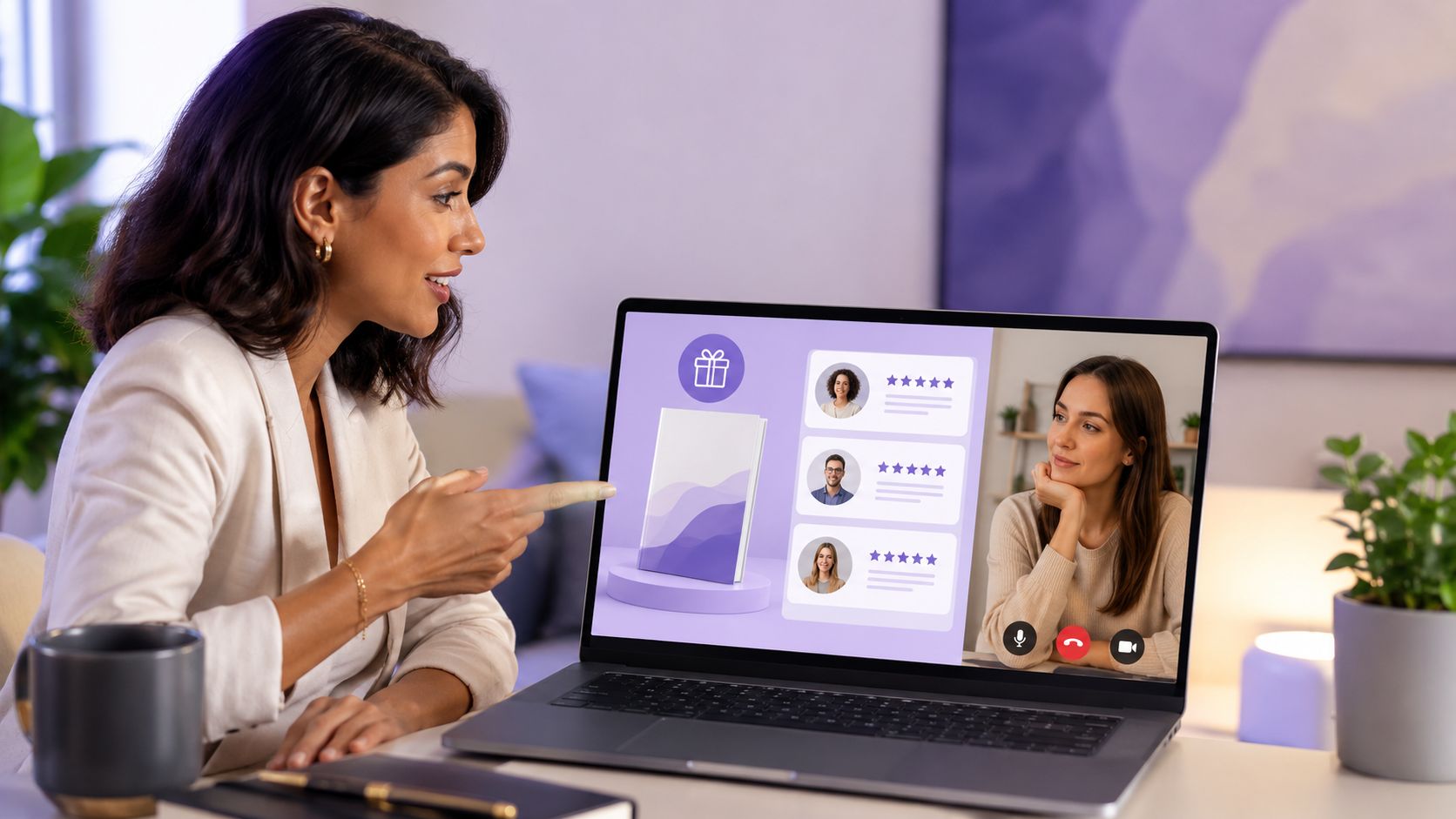
How do you make a coaching bio feel credible without sounding like a pitch?
The answer is specificity. A personal brand coach bio has one job. Show who you help, why you're qualified to help them, and what the visitor should do next.
Example Instagram bio
💼 Executive leadership coach
Certified | 15+ years experience
👇 Book consultation
This works because every line reduces uncertainty. “Executive leadership coach” defines the category. “Certified” and “15+ years experience” give proof. “Book consultation” sets a clear action. For coaches, that clarity matters more than clever phrasing.
Ideal Linkie page structure
For a coach, Linkie should function like a focused conversion page, not a generic list of links.
Primary CTA first: “Book consultation,” “Apply for coaching,” or “Start the free workshop”
Proof block second: Certifications, niche expertise, client type, or a concise founder story
Results or testimonials third: Short outcomes with enough context to feel real
Lead magnet fourth: Free training, audit, workbook, or email series for visitors who are interested but not ready
Secondary contact options last: Email, calendar, podcast, or social links
That order reflects how coaching buyers decide. They check fit first, then credibility, then risk. A strong Linkie page supports the bio's promise in the same sequence instead of asking people to hunt for proof.
Linkie's email capture feature helps here because many profile visitors are curious before they are committed. If your only option is “book now,” you lose people who would have joined your list and converted later. This matters even more for coaches building authority across Instagram and short-form video. The same conversion logic shows up in this guide to building a TikTok bio strategy that routes followers by intent.
Why that combination converts
Authority markers work when they are concrete. “Since 2016,” “Career coach for senior operators,” or “Helped founders communicate through growth and layoffs” gives a visitor something they can assess. Generic language like “transforming lives” does not.
The landing page should continue that proof. If the bio says you coach executives, the page should show executive-relevant proof, not broad motivational copy. If the bio highlights career clarity, the first card should offer a consultation, case study, or diagnostic tied to that outcome.
For coaches turning profile traffic into leads, the full path matters. The bio gets attention. The Linkie page organizes trust. The offer captures intent. That is the difference between a profile that looks polished and one that consistently books calls. Linkie's guide on how creators monetize Instagram traffic explains that handoff in more detail.
Common mistakes to avoid
Leading with vague identity labels: “Mentor,” “guide,” or “thought leader” leaves too much unanswered
Using proof that lacks context: Years of experience help more when paired with a niche or client type
Sending visitors straight to a bare calendar page: Warm leads book faster after they see a reason to trust you
Stacking too many offers at once: Coaching, consulting, speaking, and digital products can coexist, but one primary path should lead
Writing a personal bio that ignores buyer intent: Your Instagram profile is brand positioning, but your Linkie page is where conversion structure does the work
4. The TikTok Creator Bio on Instagram

TikTok creators move fast, and their bio should do the same. Personality matters more here, but clarity still wins over randomness.
Example Instagram bio
😂 Comedy skits
New vids daily
👇 Watch the best ones
That works because it keeps the energy of short-form content while still directing people somewhere useful. It sounds native to a creator brand, not copied from a corporate profile.
Ideal Linkie page structure
A TikTok creator usually needs routing more than explanation.
Trending content first: Feature the current viral theme, series, or campaign.
Platform split second: YouTube, Twitch, Discord, merch, or newsletter as separate cards.
Limited-time card third: New merch drop, live stream tonight, or collab announcement.
Archive or evergreen section after that: Best skits, compilations, or recurring series.
Social links at the bottom: They matter, but they shouldn't dominate the page.
Linkie's draggable cards, custom thumbnails, and sticky banners offer solutions. TikTok creators often run fast-changing campaigns, and the page has to keep up without a full redesign each week. Publer integration also helps keep the page fresh when content updates frequently.
Why that combination converts
Fast-moving creators benefit from a single bio destination rather than a pile of fragmented links. One 2025 discussion around creator bio strategy framed this as a “One-Link Ecosystem,” noting that creators using a single dynamic bio page can replace 5+ static links, and that creators using dynamic bio pages gained 3x more email subscribers than those using traditional link-in-bio lists (Reddit discussion on Instagram bio ideas and one-link ecosystems).
That doesn't mean every TikTok creator needs email capture front and center. It means the page should reduce dead ends and keep the click path obvious. Linkie's guide to TikTok bio strategy is useful for planning that flow.
Trend-heavy creators should update the bio and the page together. A campaign-based bio with an outdated landing page breaks trust fast.
Common mistakes to avoid
Too much slang, not enough meaning: Personality should support clarity, not replace it.
Old campaign cards: A merch drop from last month makes the whole profile feel stale.
Platform clutter: Five equal-priority destinations create indecision.
No current hook: Visitors should immediately see what's hot right now.
5. The Founder Bio — a creator bio for a product
A founder bio on Instagram has a different job from a creator bio. It still needs personality, but it should lead with the problem solved and the easiest entry point.
Example Instagram bio
🚀 Automating creator payouts
Built for agencies and platforms
👇 Book a demo
That is stronger than “Founder at X” because it talks in customer language, not resume language. People don't click because the title is impressive. They click because the problem sounds familiar.
Ideal Linkie page structure
A founder's Linkie page should function like a compact product page.
Primary CTA first: “Start free,” “Book a demo,” or “Join waitlist”
Explainer video second: A short product walkthrough or founder intro
Use-case cards third: Agencies, creators, startups, marketers, or e-commerce
Proof and trust section next: Testimonials, notable integrations, or product screenshots
Founder content after that: Podcast clips, articles, or launch updates
Linkie fits well here because the page can mix product cards, videos, embeds, banners, and separate customer paths without feeling like a generic button stack. Multiple Linkies are also useful if the founder speaks to more than one audience.
Why that combination converts
Founders often overexplain features in the bio. That usually hurts more than it helps. The bio should state the pain solved and point to a low-friction action. The page can carry the rest of the persuasion with visuals, product context, and segmented routes.
This is also one of the best use cases for custom domains and detailed analytics. Founders and growth teams usually care about which entry points drive demo requests, which cards people click first, and how campaign traffic behaves over time.
Common mistakes to avoid
Leading with title only: “Founder | builder | startup life” tells visitors nothing useful.
Feature dumping: The bio isn't the place for a product spec sheet.
Weak CTA: “Learn more” is softer than “Book a demo” or “Start free.”
No audience segmentation: Agencies and solo creators shouldn't land on the same generic first path if their needs are different.
6. The Educator Bio — a content creator bio for courses
Education creators need their bio to answer one key question. Why should someone learn from this account instead of saving a random carousel and moving on?
Example Instagram bio
📚 Data science educator
8,000+ students
👇 Enroll or watch free preview
The authority marker matters here because teaching is a trust business. A number, credential, or clear experience marker can reduce hesitation fast.
Ideal Linkie page structure
The page should behave like a short course landing page.
Free preview first: A sample lesson, masterclass, or walkthrough
Enrollment card second: Direct path to the main course or cohort
Curriculum overview third: What students will learn
Student proof next: Testimonials or short success stories
Skill-level paths below: Beginner, intermediate, advanced, or certification-specific options
Why that combination converts
People don't usually buy education from a bio alone. They buy after a small trust-building step. A free preview lowers friction and lets the creator demonstrate teaching style before asking for commitment.
Names, student counts, and teaching credentials also work well in this category because they give newcomers a reason to take the account seriously. On the Linkie side, embedded videos and email collection make it easier to capture interest from visitors who aren't ready to enroll yet but do want updates or a waitlist spot.
For educators, the strongest CTA is often not “Buy now.” It's “Watch the free lesson” or “Start with the preview.”
Common mistakes to avoid
Overpromising transformation in the bio: Keep the claim clear and believable.
No sample content: Visitors want proof that the teaching style works for them.
Mixing too many courses together: The page should have one obvious offer hierarchy.
Burying testimonials: Educational offers usually need visible trust signals.
7. The Fitness Creator Bio
Fitness creators sit at the intersection of content, community, and coaching. Their bios need to create momentum without sounding like every other transformation account.
Example Instagram bio
💪 Strength coach for busy professionals
30-min workouts + real nutrition
👇 Join the program
This works because it identifies the audience and the practical outcome. It avoids the usual “be your best self” language that feels interchangeable across dozens of fitness profiles.
Ideal Linkie page structure
A fitness creator's page should guide people toward action quickly.
Program or challenge first: Membership, coaching application, or free starter plan
Workout preview second: Short clips with strong custom thumbnails
Transformation proof third: Before-and-after examples with permission
Nutrition or guide card next: Meal framework, grocery list, or starter resource
Community path after that: Group coaching, community access, or private app
Seasonal updates matter more in fitness than in many niches. A January challenge, summer cut plan, or holiday reset should be visible on the page when it's relevant. Sticky banners are especially useful for that.
Why that combination converts
Fitness visitors often want one of three things. A fast result, proof that the method works, or a sense that the coach understands their schedule and constraints. The best bios address at least one of those instantly. The page should then support it with visual evidence and a low-friction entry point.
One practical detail is brand outreach. Keep Calm and Chiffon recommends placing an email address on the second or third line of the bio because Instagram's native email button is mobile-only, while over 60% of brand managers and agencies recruit influencers on desktop where they can't click that button (Keep Calm and Chiffon on Instagram bio setup). That's especially useful for fitness creators who work with brands, gyms, and apparel partners.
Common mistakes to avoid
Making the bio about the coach only: Lead with the client outcome or audience fit.
Using only aesthetics as proof: Abs don't replace a clear offer.
No visible entry point: “DM me” is weaker than a structured program card.
Ignoring desktop outreach: If partnerships matter, write the contact info where it can be seen.
8. The Artist Bio — a digital creator bio for visual work
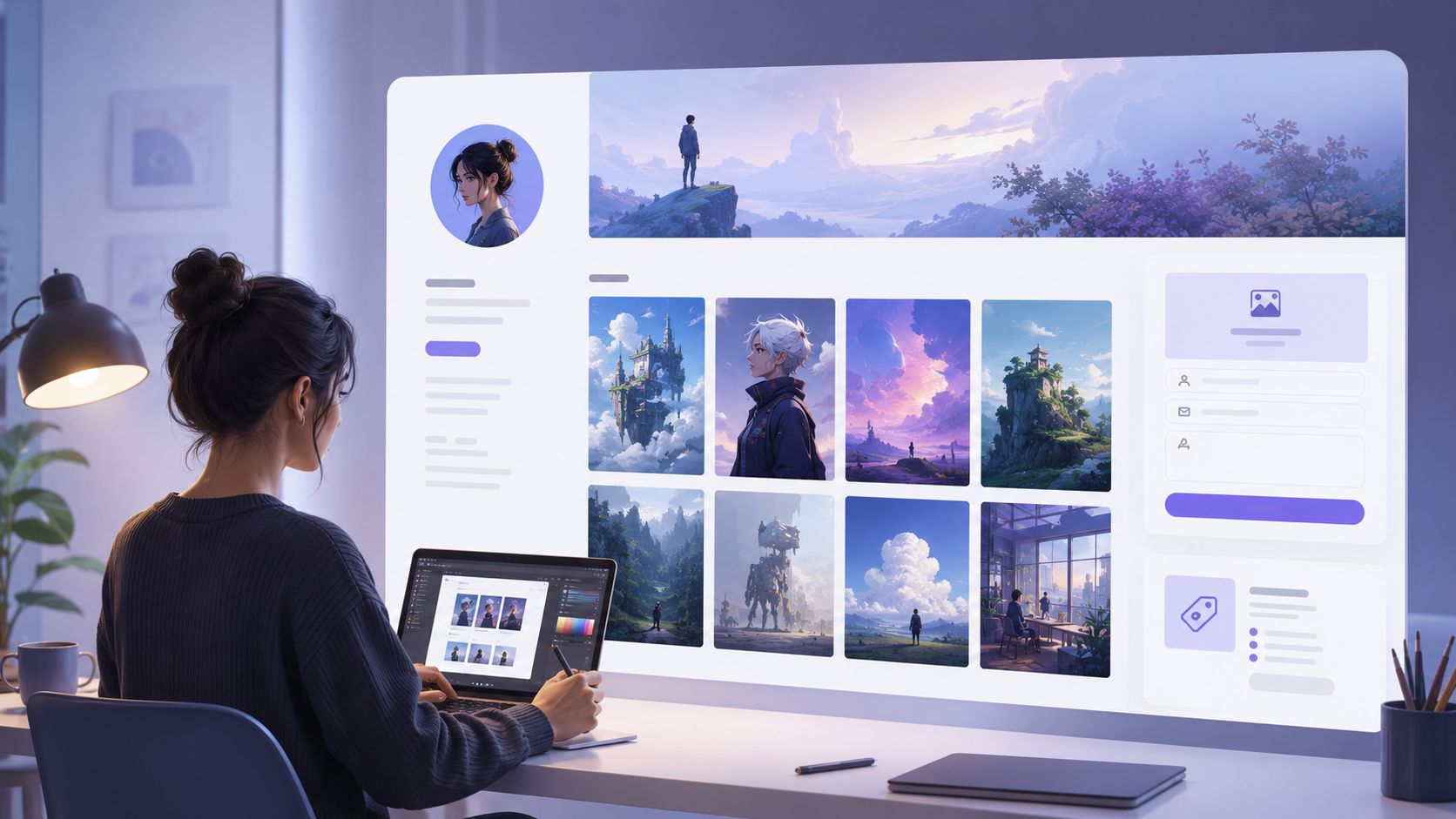
Artists often make the opposite mistake from coaches and founders. They rely on visual work alone and leave the bio too vague. The art may be strong, but the buying path isn't.
Example Instagram bio
🎨 Digital illustrator
Commissions open
👇 View portfolio and rates
That works because it tells visitors whether the creator is available and where to go next. It saves everyone time.
Ideal Linkie page structure
For artists, Linkie should function like a visual mini-portfolio.
Portfolio gallery first: Image cards organized by style, medium, or project type
Commission info second: Rates, process, turnaround, and availability
Shop or prints third: If products are a priority, they need a dedicated section
Inquiry form next: Capture project details directly instead of relying on email alone
Social proof last: Press features, client logos, or selected testimonials if relevant
Custom thumbnails matter a lot in this category. So do sticky banners. A visible “Commissions Open” or “Sold Out” banner sets expectations before someone clicks around.
Why that combination converts
Art buyers and commission leads usually make quick decisions based on clarity. They want to see the work, understand the process, and know whether the creator is available. If any of those pieces are missing, interest drops fast.
A strong artist bio doesn't need to sound clever. It needs to sound operational. Clear service language such as “commissions open,” “pet portraits,” “licensing,” or “prints” usually outperforms abstract identity lines because it tells visitors what can happen next.
Common mistakes to avoid
Only writing an aesthetic bio: Mood without offer clarity leaves money on the table.
No rate or turnaround guidance: That invites low-fit inquiries.
Sending people to a generic homepage: Lead them to the relevant gallery or commission page.
No inquiry structure: A form captures better briefs than a cold DM.
8-Point Instagram Bio Comparison for Creators
Bio Type | Implementation complexity | Resource requirements | Expected outcomes | Ideal use cases | Key advantages |
|---|---|---|---|---|---|
The Value-First Bio | Low, simple copy + single CTA | Minimal, one lead magnet, Linkie setup | Higher click-throughs to primary offer | Focused creators with one core offer or campaign | Clear CTA reduces friction; easy to test |
The YouTuber Bio | Medium, embed videos, update metrics | Video content, thumbnails, subscriber count | Increased watch time and subscriptions | Established YouTubers and video-first creators | Strong social proof; drives channel growth |
The Personal Brand Coach Bio | Medium–High, funnels, testimonials, booking | Case studies, lead magnet, booking + email tools | Qualified lead generation and booked consults | Coaches and service-based experts | Builds authority; attracts qualified leads |
The TikTok Creator Bio | Low–Medium, frequent updates, routing | Trend monitoring, multi-platform links, merch | Fast audience routing and short-term spikes | Trend-driven creators targeting younger audiences | Flexible, trend-aligned; routes revenue streams |
The SaaS Founder Bio | Medium–High, product storytelling + demo flow | Explainer videos, case studies, signup/demo system | Free trials/demos and qualified product leads | SaaS founders seeking trials and demos | Leads with pain point; converts ICP via trials |
The Educator / Course Creator Bio | Medium, preview content and enrollment funnel | Course previews, testimonials, email capture | Increased enrollments and lead lists for launches | Online course creators and educators | Free previews build trust; boosts enrollments |
The Fitness Creator Bio | Medium, media, community routing, updates | Before/after images, workout content, community tools | Membership signups and community retention | Trainers selling programs, challenges, memberships | Transformation proof + community drives conversions |
The Artist / Creator Bio | Low–Medium, portfolio curation and forms | High-quality images, pricing, shop or inquiry form | Commission requests and direct sales | Visual artists selling commissions or prints | Visual portfolio demonstrates skill; pricing reduces friction |
Instagram Bio Ideas for Content Creators
If none of the eight archetypes above fits exactly, build your own from four parts: who you help, what you make, one proof point, and one instruction. That order matters — the instruction is the only line that produces a tap, and it belongs last, right above the link. Rotate the proof point as it changes; leave the other three alone once they work.
Digital Creator vs Content Creator: Which Bio Label to Use
The two labels are read differently. Content creator reads as the broader, more familiar term and is what most brands search when looking for partners. Digital creator is also one of Instagram’s own selectable profile categories, so it can appear on the profile itself rather than in the bio text — which frees a line of bio copy for something that actually converts. If you use the category, do not spend bio characters repeating it.
What Instagram’s Own Profile Bio Best Practices Say for Creators
Instagram’s own creator guidance is narrower than most bio advice: use the profile category and pronouns fields rather than the bio text, keep the name field searchable because it is indexed in Instagram search where the bio body is not, and use the single link field deliberately. The practical consequence is that the bio is for positioning and one instruction — everything else has a dedicated field. Check the current wording in Instagram’s own Help Centre, since these fields change.
Your Instagram Bio Optimization Checklist
A strong bio isn't a decoration. It's a conversion layer sitting between content discovery and action. The best Instagram bio examples for creators work because they reduce confusion, create a clear expectation, and connect to a page that delivers exactly what the CTA promised.
Many creators get stuck trying to sound original. That's the wrong priority. Clarity wins first. Distinct voice matters after the visitor understands what the account does, who it helps, and why clicking is worth it.
Use this checklist to tighten both sides of the funnel.
State the niche clearly: Say what the creator makes in plain language.
Name the audience: “For busy professionals,” “for creators,” or “for founders” gives the bio direction.
Add one value promise: Weekly tips, free templates, latest uploads, or portfolio and rates.
Use one primary CTA: Choose one action, not three.
Keep the page aligned: The first Linkie card should match the CTA in the bio.
Lead with the highest-intent asset: Freebie, booking link, latest video, shop, or application.
Use proof where it helps: Experience, student counts, certifications, subscriber counts, or milestones can strengthen trust when they're real and current.
Prioritize visual hierarchy: The best card should be largest and highest on the page.
Trim the clutter: Old launches, duplicate links, and low-priority socials can move down or disappear.
Keep campaigns current: Update bios and Linkie pages together when a launch, challenge, or merch drop changes.
Use analytics to refine structure: Watch which cards earn clicks, which CTAs attract attention, and where visitors drop.
Add contact details when partnerships matter: Especially for creators who work with agencies, brands, or media.
Create separate Linkies when audiences differ: One page for coaching leads and another for brand partners is often cleaner than one overloaded page.
Use embeds and custom thumbnails: They make video, portfolio, and product pages feel more credible and easier to scan.
Collect emails when the offer has a longer decision cycle: Courses, coaching, SaaS, and newsletters all benefit from this.
The cleanest setup usually wins. One audience, one promise, one CTA, one well-structured page.
Linkie works well for this because it gives creators more control than a basic link list. Draggable and resizable cards help shape the page around the primary offer. Custom thumbnails improve scanning. Sticky banners make campaign updates obvious. Custom domains, email collection, embedded content, detailed analytics, multiple Linkies, a free public API, and two-way Publer integration make it easier to keep the entire conversion path current instead of letting the bio become static.
The useful test is simple. A new visitor should understand the profile in a few seconds, click one obvious action, and land on a page that feels like a direct continuation of the bio. If there's friction at any point, the setup needs editing.
Creators who want to turn profile visits into subscribers, leads, or customers can build a free branded page with Linkie and test the layout in the free Linkie playground.