


TL;DR — Every tool on this list has a free tier, and they differ in the same three places: how many links you get, whether you see analytics, and whether the page carries someone else’s branding. Pick on which ceiling you will hit first, not on feature count — moving a bio link after you have shared it everywhere is the expensive part. Wider comparison in the best Linktree alternatives.
Reviewed 21 August 2026 by the Linkie team.
Which free link in bio tool fits the way you make money?
That is the right starting point. A creator selling digital products needs a different setup than a restaurant collecting reservations, an agency managing client pages, or a musician who mostly needs clean links, embeds, and light analytics. On the surface, many free tools look interchangeable. In practice, the differences that matter show up fast: branding control, layout freedom, usable analytics, and whether the page can do more than send people to a list of links.
Those trade-offs affect conversion. A free plan can be enough if it lets you present offers clearly, keep the page on-brand, and measure what gets clicks. If the tool forces heavy platform branding, rigid templates, or weak tracking, the page starts to feel like a temporary workaround instead of a real traffic asset. I have seen that gap matter most when a page needs to support more than one goal at once, such as newsletter signups, product sales, and content discovery.
The bigger point is strategic. This is not just a roundup of features. It is a comparison framework built around four buying criteria that change outcomes: customization, analytics, branding control, and monetization potential. If you want a page that performs instead of just existing, the same principles behind a high-converting link in bio page apply even on free plans.
The 10 tools below are worth comparing for different reasons. Some are fast to launch. Some give better design control. A few can support real campaigns, product pushes, and lead capture without forcing an upgrade on day one.
1. Linkie — what its free plan includes and limits
What do you pick if you want a free bio page that still looks like part of your brand?
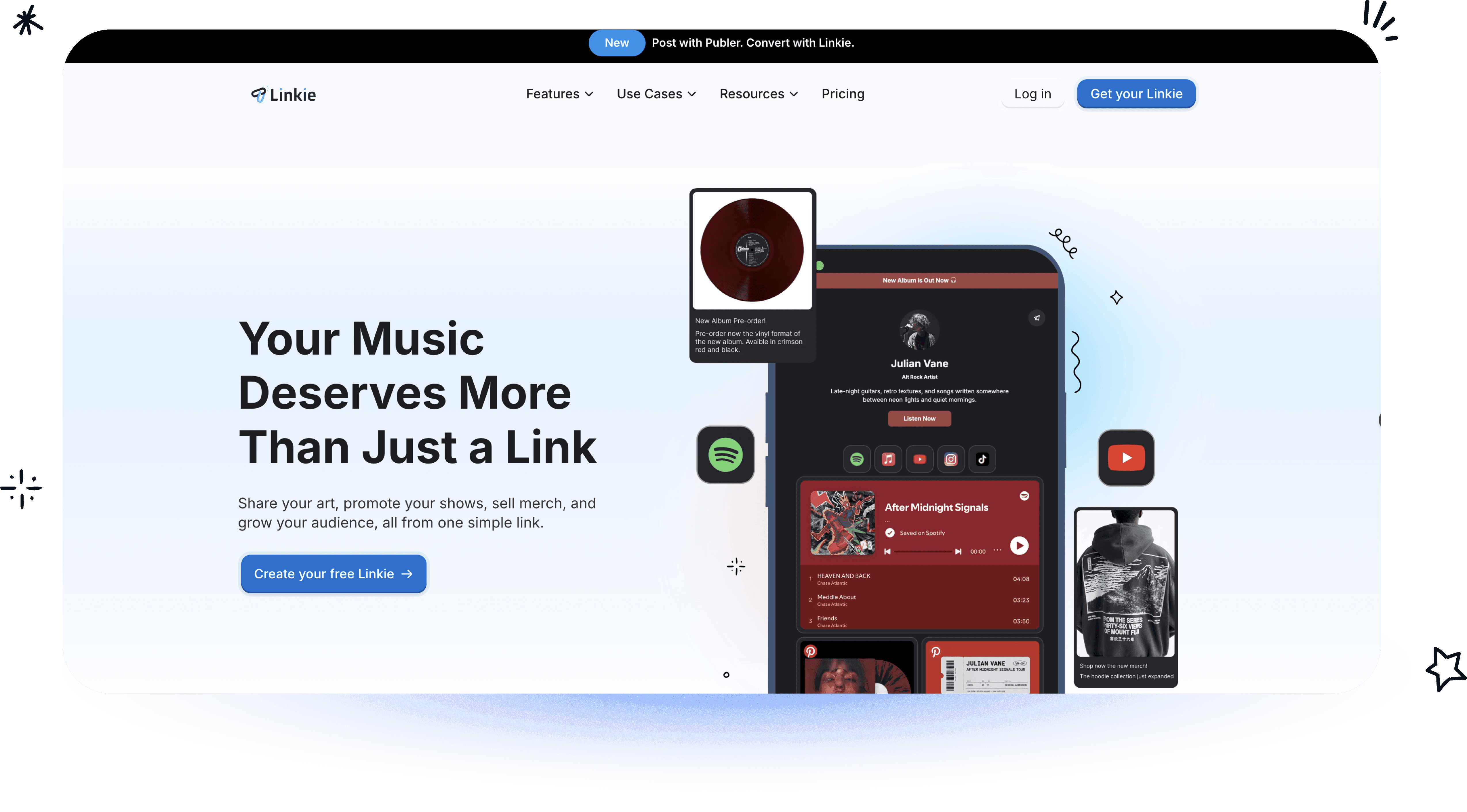
Linkie is one of the few tools in this group that answers that question well. Its core advantage is layout control. Instead of locking every user into the same vertical stack of buttons, it uses draggable, resizable cards that let you build a page with hierarchy. That matters in practice. A newsletter signup, featured product, latest video, and proof block should not all compete for the same amount of space.
That design flexibility is what separates a temporary bio page from a page you can run campaigns through.
Why Linkie stands out on a free plan
The free plan gives users room to build. You get unlimited content cards, multiple Linkie pages, embeds, custom thumbnails, and no forced “powered by” branding. For creators and small brands, that last point matters more than feature tables usually admit. Tool branding weakens trust, especially when the page is supposed to support a launch, collect leads, or send traffic to paid offers.
I also like that Linkie is opinionated in the right place. It does not try to be a full website builder. It focuses on helping users create a conversion-aware page quickly, with more freedom than the standard list format allows.
The page structure supports that well. Cards can be resized, reordered, and grouped around a primary goal, which makes it easier to control attention. If custom domain ownership is part of your long-term plan, this guide to using a custom domain with Linktree alternatives is a useful benchmark for what stronger brand control should look like.
Best fit and trade-offs
Linkie is a strong fit for a few specific use cases:
Brand-first creators: Better visual control than a plain button list.
Agencies and managers: Multiple pages under one account makes client and campaign separation cleaner.
Lead generation: Built-in email capture with subscriber data synced to Google Sheets gives direct access to leads.
Operational teams: The public API and native Publer integration help teams keep pages updated without manual edits.
Analytics are another real strength. Linkie tracks more than clicks, including page views, unique visitors, bounce rate, traffic sources, subscriber growth, and card-level engagement. That gives creators and marketers enough visibility to see what is getting attention and what is being ignored.
The trade-off is straightforward. Linkie is best for users who want a flexible bio page with stronger branding control and better page structure on a free plan. If the goal is a full multi-page site or CMS, use a website builder instead. If the goal is a free link-in-bio tool that can support real campaigns without looking generic, Linkie is one of the strongest options in this comparison.
2. Linktree — what its free plan includes and limits
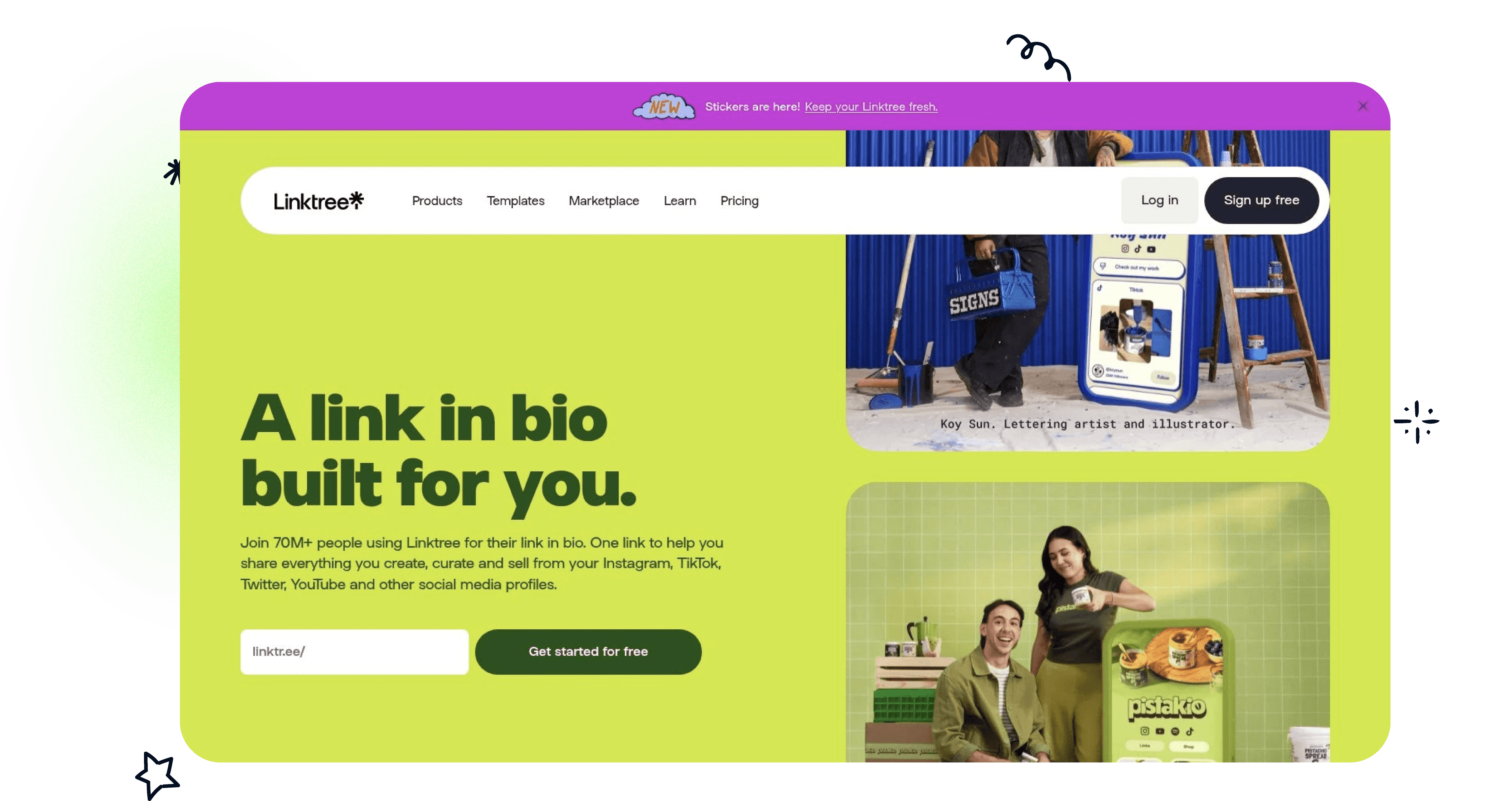
Linktree is still the default choice for a lot of creators because setup is fast, the interface is familiar, and collaboration partners already recognize it. That matters for beginners. A tool only works if it gets published.
Its free plan covers the basics well. Users get unlimited links, social icons, embeds, essential analytics, and a QR code. For someone who needs a page live in minutes, Linktree remains one of the safest picks in this category.
Where Linktree works best
Linktree is a strong fit for creators who want speed over control. It's good for:
New creators: Little setup friction.
Campaign pages: Easy to publish one page quickly for a launch or promo.
Broad compatibility: Brand partners, podcast guests, and media contacts already understand the format.
The biggest advantage is familiarity. The biggest weakness is that many of the features serious users want later, such as deeper customization, stronger branding control, and more advanced analytics, sit behind paid tiers.
Linktree is the “good enough now” choice. It isn't always the “best six months from now” choice.
That's why a lot of growing brands eventually compare it with tools that allow stronger ownership signals. For example, custom domain support becomes more important once a creator wants the bio page to feel like part of the brand rather than a profile hosted on someone else's subdomain. This Linktree custom domain breakdown is useful for understanding that trade-off before making a substantial commitment.
The main trade-off
Linktree is massive, but scale can hide sameness. In a crowded feed, recognizable can also mean forgettable. If a creator only needs a practical starting point, it works well. If the page needs to sell, segment offers, or reflect a more polished identity, Linktree often becomes a stepping stone rather than the final setup.
3. Beacons — what its free plan includes and limits
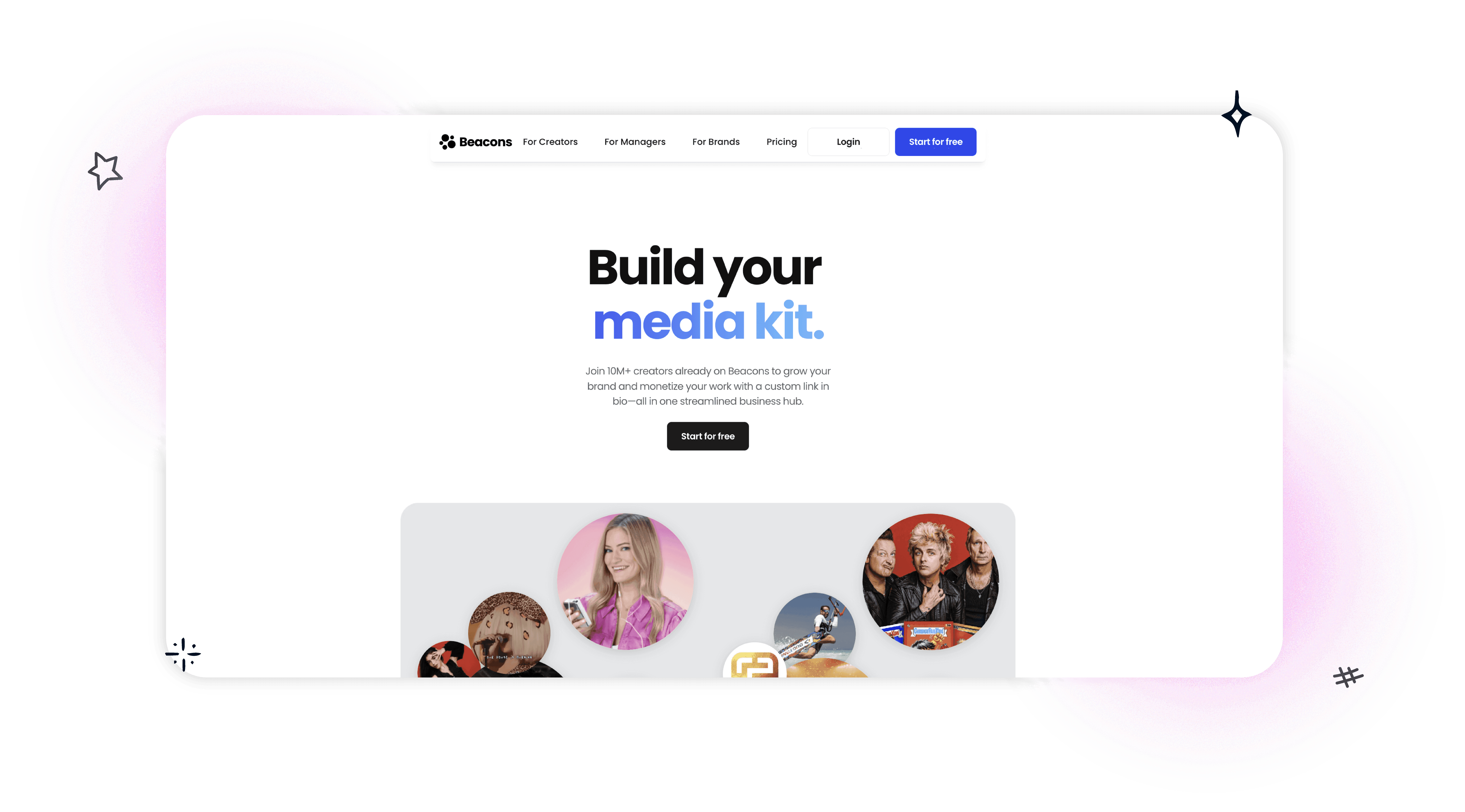
Beacons is one of the few free link in bio tools that changes how a creator runs the business side of their profile. It is not just a page of buttons. It bundles a storefront, media kit, email capture, audience tools, and automation into one system.
That matters if the goal is more than sending people to YouTube or a latest post.
I usually recommend Beacons to creators who already know they want to sell, pitch sponsors, or collect leads from social traffic. In that context, the primary comparison is not just design versus design. It is whether one tool can replace several others well enough to save time and keep the funnel simple.
Best for creators who care about monetization
Beacons is strongest when revenue is part of the plan. The free version gives creators a usable store, a media kit, and enough built-in business features to test offers without paying for a full stack on day one. For a solo creator, that can mean fewer subscriptions, fewer integrations, and fewer places where things break.
It also fits the strategic framework better than many free tools because it scores well on monetization potential and reasonably well on analytics, while giving up some branding control in exchange. That trade-off is worth it for digital product sellers, affiliate creators, coaches, and UGC freelancers. It is less compelling for someone who only needs a polished, low-friction link page.
If the main job of the bio link is converting profile visits into buyers or subscribers, this broader approach to how creators monetize Instagram traffic is the right lens for evaluating Beacons.
The trade-off
Beacons can feel crowded. That is the price of an all-in-one product. Users who want a minimal page may end up ignoring half the feature set, and the free plan still carries Beacons branding. The built-in store also comes with platform fees on the free tier, which is fine for testing demand but less attractive once sales volume grows.
My practical take is simple. Beacons is a strong free option for creators treating Instagram or TikTok like a business channel. It is weaker for brands that care more about a tightly controlled visual identity than built-in monetization tools.
Best use case: Digital sellers, UGC creators, coaches, and creator businesses
Less ideal for: Minimalist brands that want a clean, lightly branded page
Biggest strength: Strong monetization features on a free plan
Biggest weakness: More platform branding and complexity than simpler tools
4. Squarespace Bio Sites — what its free plan includes and limits
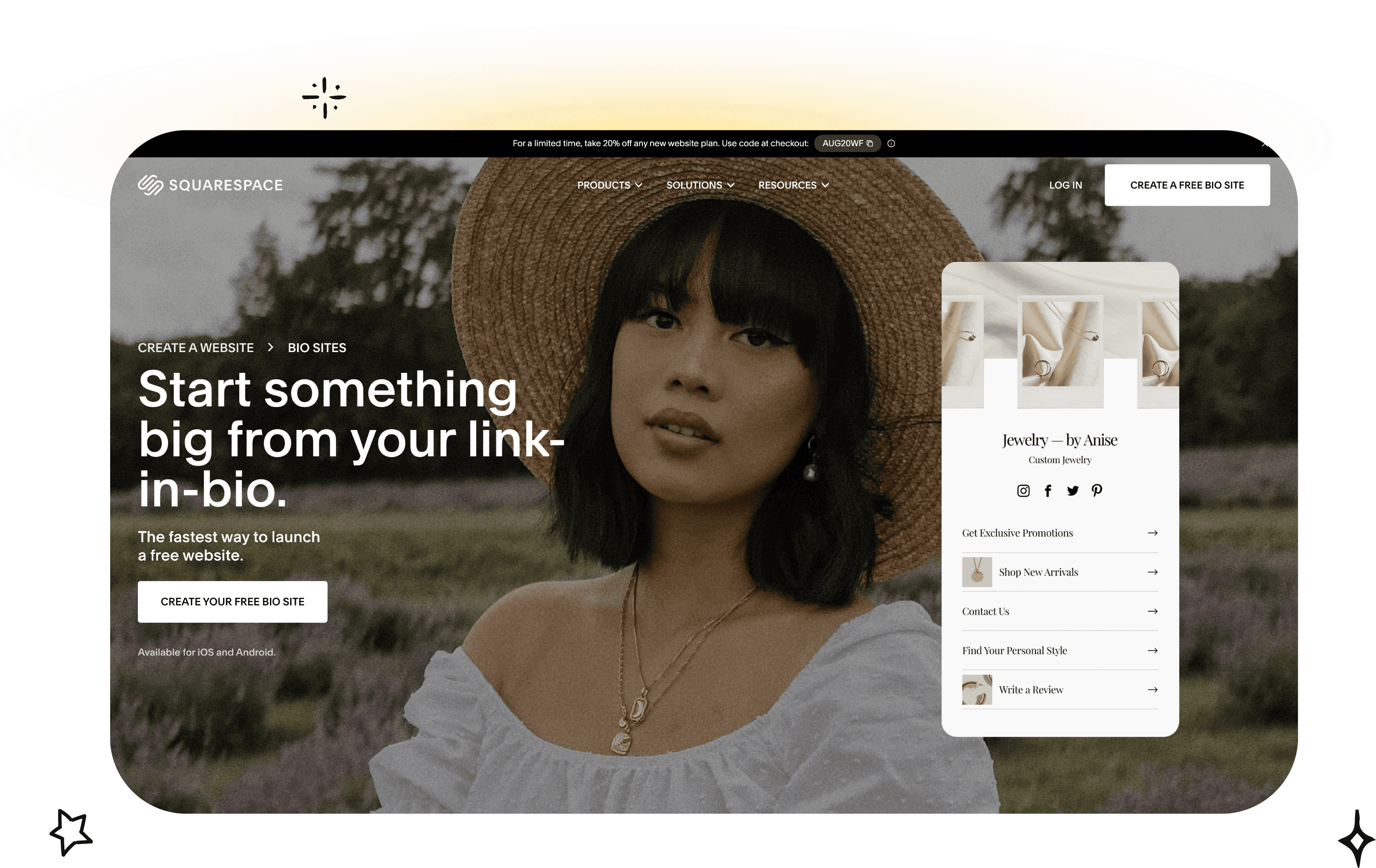
Squarespace Bio Sites is a clean option for people who care about visual polish more than feature depth. The design language is restrained, which helps pages feel more like a curated profile and less like a stack of utilities.
That makes it a strong choice for photographers, designers, consultants, musicians, and personal brands that want a simple page to look put together without much effort. It's free to publish and doesn't require a full Squarespace website subscription, which removes a common barrier.
Where it fits
Squarespace lets users create up to 10 Bio Sites per account, which is useful for people juggling different projects, offers, or client-facing identities. The ability to create via the Unfold app also makes it practical for mobile-first creators who still care about presentation.
Its analytics are basic, and that's the main limitation. Bio Sites is good for looking polished fast. It's less compelling for users who want deeper experimentation, monetization, or custom page structure.
A sleek page isn't the same as a high-performing page. Bio Sites gets the first part right more consistently than the second.
The trade-off in plain terms
Bio Sites is a design-first free tool. It's not the best pick for people who want advanced integrations or lots of dynamic content blocks. Some users also report footer branding on lower tiers, which matters if the goal is a fully owned brand experience.
Still, for creators already living in the Squarespace ecosystem, it's convenient and easy to maintain. That convenience is often enough for people who don't want to manage another dashboard.
5. Campsite.bio — what its free plan includes and limits
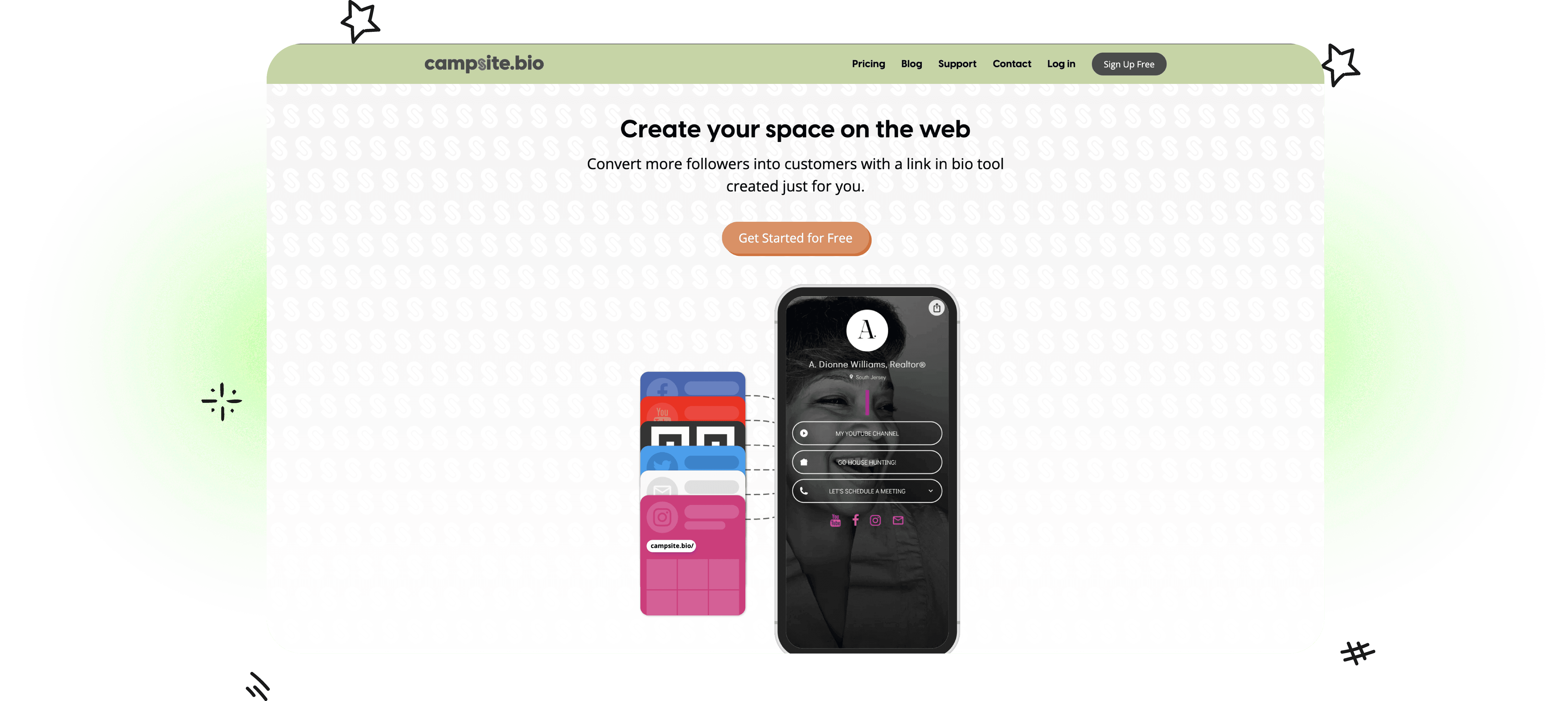
Campsite.bio is a strong middle-ground pick for people who have outgrown the simplest bio link tools but do not want the overhead of a broader creator platform. In practice, that makes it useful for solo creators, small brands, and agencies managing a few profiles with different goals.
The free plan covers the basics well: unlimited links, custom themes, social icons, a QR code, and a short analytics window. That combination matters because it gives users room to test page structure and link priorities before paying for more reporting.
Where Campsite stands out
Campsite is better at page organization than many free alternatives. Instead of forcing every profile into the same vertical stack, it gives users more ways to group attention with titles, dividers, image grids, and carousel-style blocks. That makes a real difference for creators who are promoting more than one thing at a time, such as a lead magnet, current content, affiliate links, and a store.
I've found that flexibility is the main reason people stick with it. A page can feel closer to a lightweight landing page than a basic list of links, which improves branding control without making setup slow or confusing.
The trade-off
Campsite is not the best free option for users who care most about analytics depth or long-term reporting. The free version gives enough data to spot top clicks and make basic decisions, but heavier testing usually pushes users toward a paid plan. Some of the more polished content blocks also sit behind upgrades, so the free experience is good, but not fully representative of the best version of the product.
That puts Campsite in a specific lane. It is a better fit for users prioritizing customization and cleaner page structure than for users building around measurement or monetization first.
Best for: Creators and small teams that want stronger layout control on a free plan
Less ideal for: Users who need deeper analytics history or advanced monetization tools
Best free-plan strength: Page structure feels more intentional than many competitors
Main limitation: Some high-value design and reporting features require an upgrade
6. Lnk.Bio — what its free plan includes and limits
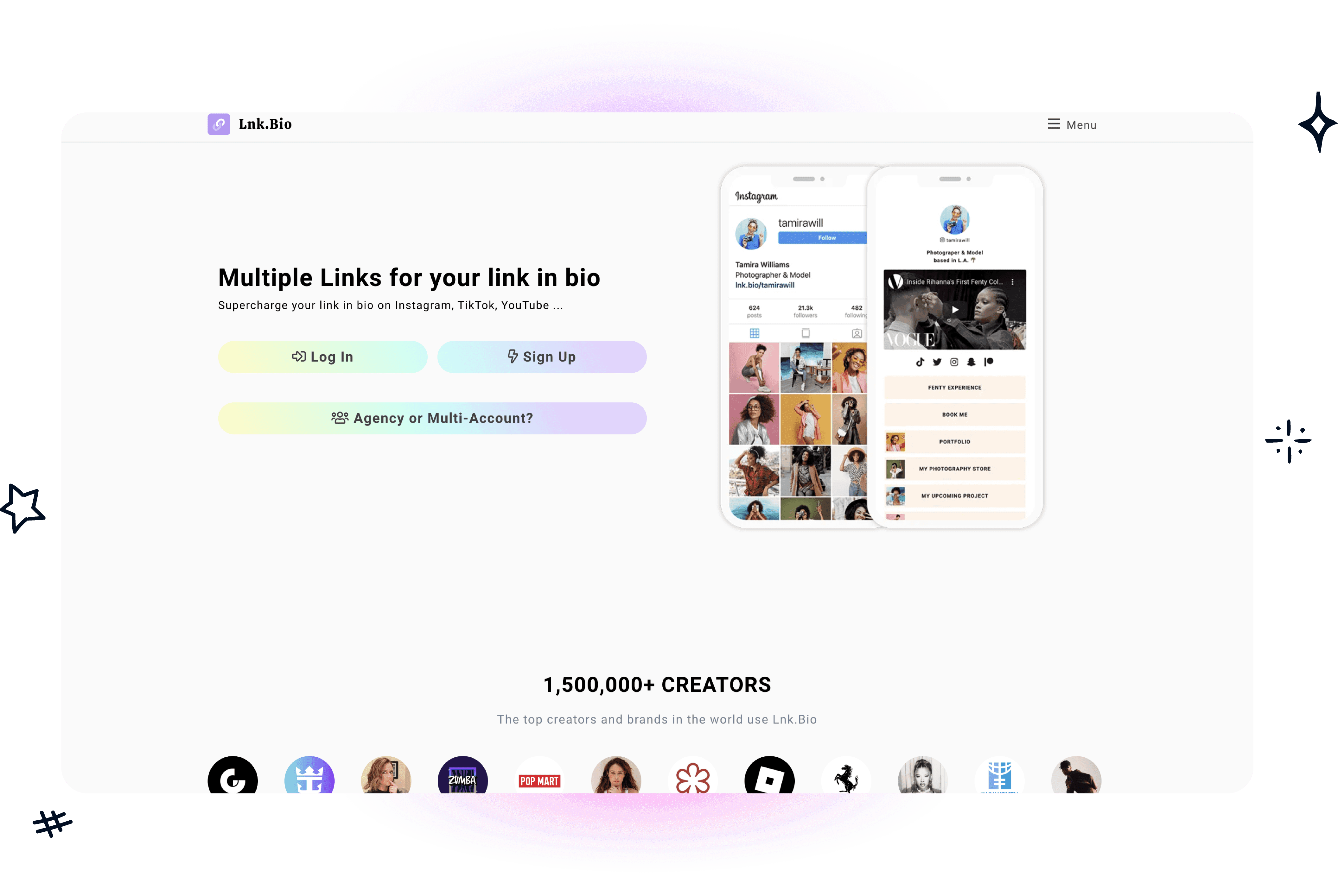
Lnk.Bio fits users who want more control than a simple bio page usually gives. The free plan allows unlimited links, basic analytics, and a large range of embeds and templates. That combination puts it in a different category from stripped-down tools that are easier to set up but harder to grow with.
I usually recommend Lnk.Bio to creators who already know they will want more than a clean link list. Musicians, newsletter operators, affiliates, and side-hustle sellers often end up there because they can publish a fuller page without hitting a link cap right away. The one-time lifetime pricing also stands out. For people tired of monthly software creep, that pricing model is practical, not gimmicky.
Strong option for feature depth, weaker on ease of use
Lnk.Bio gives you a lot to work with. That is the upside and the friction.
Compared with cleaner tools on this list, the interface feels denser and less guided. Setup is still manageable, but it is not the product I would hand to a beginner who wants to be live in ten minutes with zero second-guessing. Users who care more about flexibility than polish will usually accept that trade-off.
Brand control is another dividing line. The free plan can do plenty, but some of the sharper branding choices and advanced options sit behind paid upgrades or add-ons. In practical terms, that means Lnk.Bio makes more sense for users prioritizing customization first, while brand-sensitive businesses may prefer a tool with stronger free branding control.
Bottom line on Lnk.Bio
Lnk.Bio is one of the better free picks for users who want room to build, test, and expand without immediately paying for more links or content types.
Best for: Creators and small businesses that want lots of embeds, unlimited links, and optional lifetime pricing
Less ideal for: Beginners or brand-focused teams that want a cleaner interface and stronger free branding control
Best free-plan strength: More feature depth than many simpler free tools
Main limitation: The product feels busier, and some important branding options require an upgrade
7. solo.to — what its free plan includes and limits
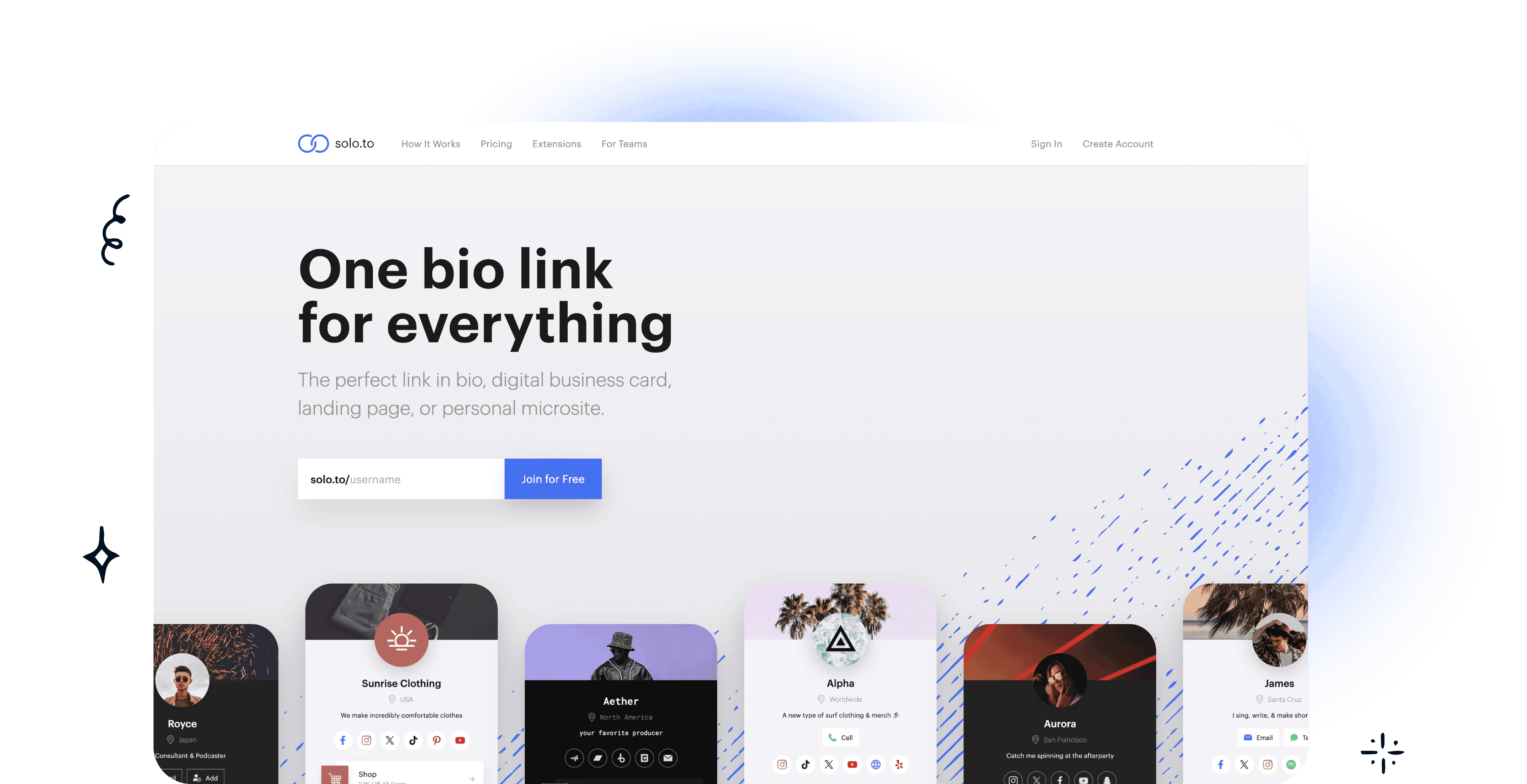
solo.to is one of the cleanest tools on this list. The product doesn't try to be a storefront, CRM, creator OS, and website builder all at once. That restraint is useful.
The free Beginner plan supports up to 25 links, basic analytics for 30 days, social and contact buttons, and built-in themes. For a personal brand, speaker page, or creator profile that doesn't need much complexity, that's often enough.
Why minimalism works here
solo.to is a good reminder that maintenance matters. The easiest page to optimize is often the page that doesn't need constant cleanup. For consultants, coaches, founders, and professionals with a small set of priority links, the simplicity can improve execution.
It also includes two-factor authentication and responsive design, which are small but welcome details. Those aren't flashy features, but they add credibility.
The best free page for some users isn't the one with the most blocks. It's the one that stays clear after three months of updates.
Where solo.to falls short
The 25-link cap is real. So is the limit on free analytics and the fact that many growth features, such as embeds and advanced reporting, require an upgrade. Users who need richer media or a more campaign-heavy setup will probably outgrow it.
Still, solo.to is a strong minimalist choice. It's especially good for people who already know their top priorities and don't want their bio page turning into a junk drawer.
8. Flowpage — what its free plan includes and limits
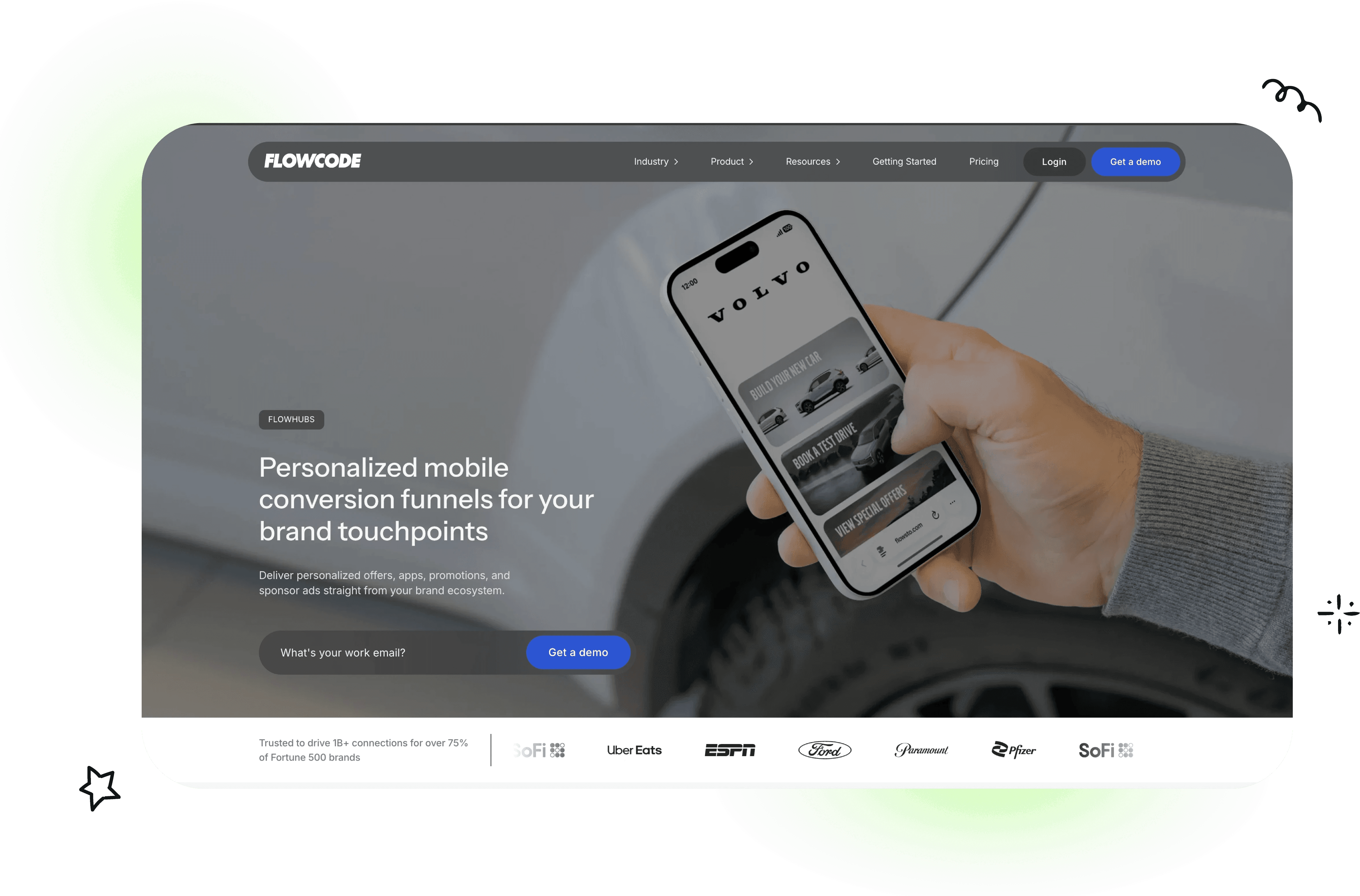
Flowpage makes the most sense when QR codes are part of the traffic strategy. That's its edge. While many link-in-bio tools focus almost entirely on social profile traffic, Flowpage sits inside the broader Flowcode ecosystem, which is useful for offline-to-online journeys.
For events, retail counters, packaging inserts, restaurant tables, posters, merch, or conference badges, that matters a lot. A page that connects scans and clicks in one place is more useful than a generic bio tool dropped into a QR workflow later.
Best use case for Flowpage
The free plan includes up to 2 QR Flowcodes and basic analytics for individuals. Higher tiers add collaboration, API and CRM integrations, and geolocation data. That makes Flowpage especially relevant for brands that want one landing page system for both Instagram bios and real-world campaigns.
This is also where larger market direction matters. The global link-in-bio platform market was valued at $1.8 billion in 2025 and is projected to reach $6.4 billion by 2034 at a 15.2% CAGR, with influencer marketing holding 31.6% market share and e-commerce projected to grow at a 17.3% CAGR through 2034, according to DataIntelo's link-in-bio platform market report. Flowpage aligns well with that blend of commerce, physical touchpoints, and creator distribution.
The limitation
Flowpage's free plan is narrower than some competitors, and the business-oriented framing can add a little friction during onboarding. Users who only need a clean Instagram or TikTok page may find it more specialized than necessary.
For brands that think beyond social profiles, though, that specialization is the reason to choose it.
9. Taplink — what its free plan includes and limits
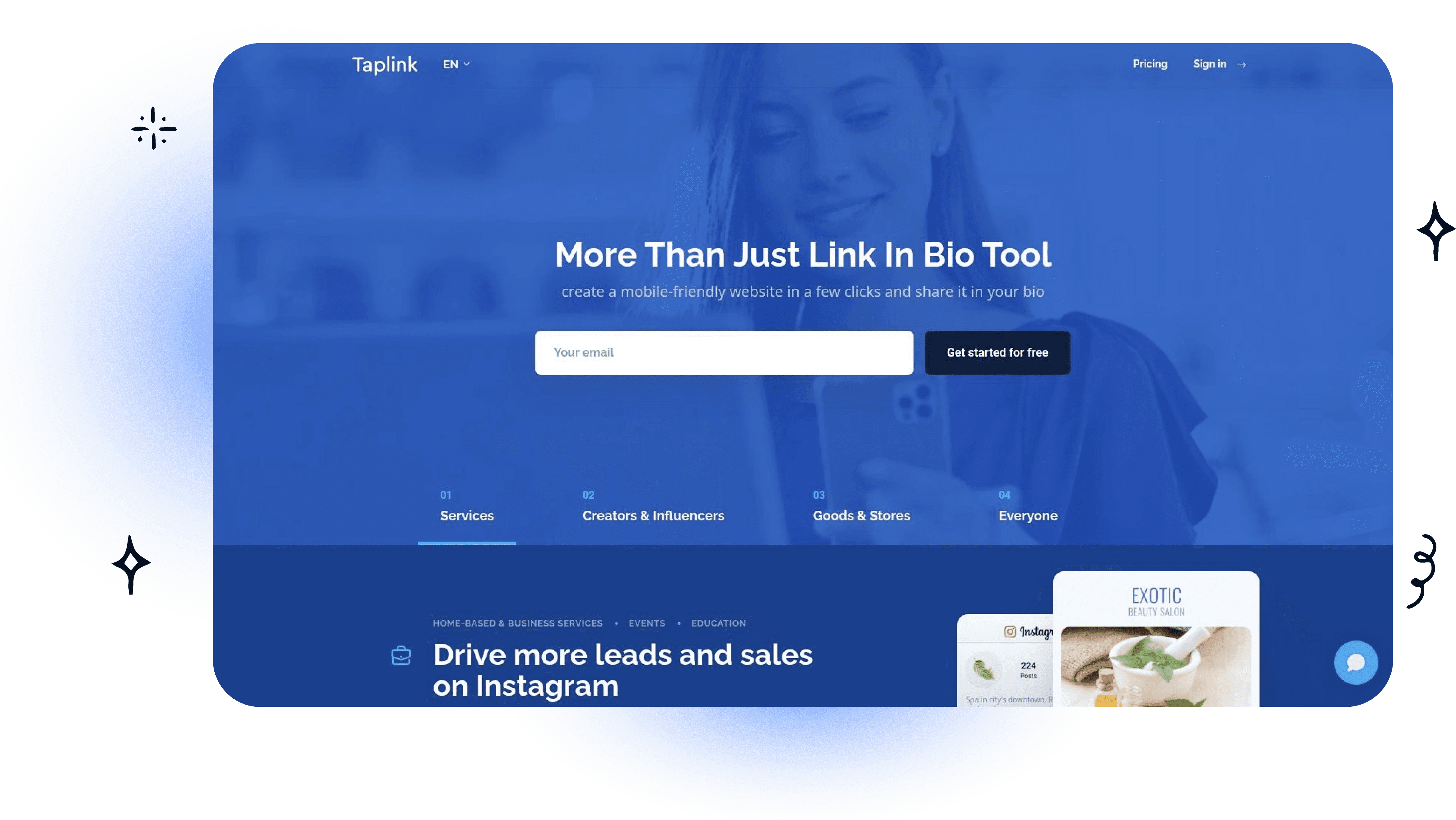
Taplink has stayed popular with Instagram-first businesses because it focuses on a practical use case. Get a simple landing page live fast, then upgrade later if forms, payments, or more advanced blocks become necessary.
That approach still works for service businesses, appointment-led brands, and local sellers. Someone running a salon, fitness service, online coaching offer, or WhatsApp-led inquiry flow can get value from Taplink without needing a huge setup.
Who should consider Taplink
Taplink is best for users who need a basic landing page first and don't mind that the free version is fairly stripped down. The paid bundles are budget-friendly, especially on longer terms, which is part of the appeal.
The weakness is obvious. The free plan is very basic compared with stronger alternatives in this list. Users also run into occasional language or documentation inconsistencies depending on the locale experience, which can make support content feel uneven.
There's another angle worth noting for e-commerce brands. According to Viraly's roundup of free link-in-bio tools, 68% of Instagram shoppers expect product details and purchase options directly from a bio link, and 74% of e-commerce brands using free link-in-bio tools reported lower conversion rates due to missing product showcases and email automation. That's exactly where basic free pages like Taplink's can start to feel limiting.
The direct verdict
Taplink is functional. It's not generous. It's good for simple Instagram-driven pages, but anyone who wants richer merchandising or email capture on a free plan should look harder at other options.
10. Milkshake — what its free plan includes and limits
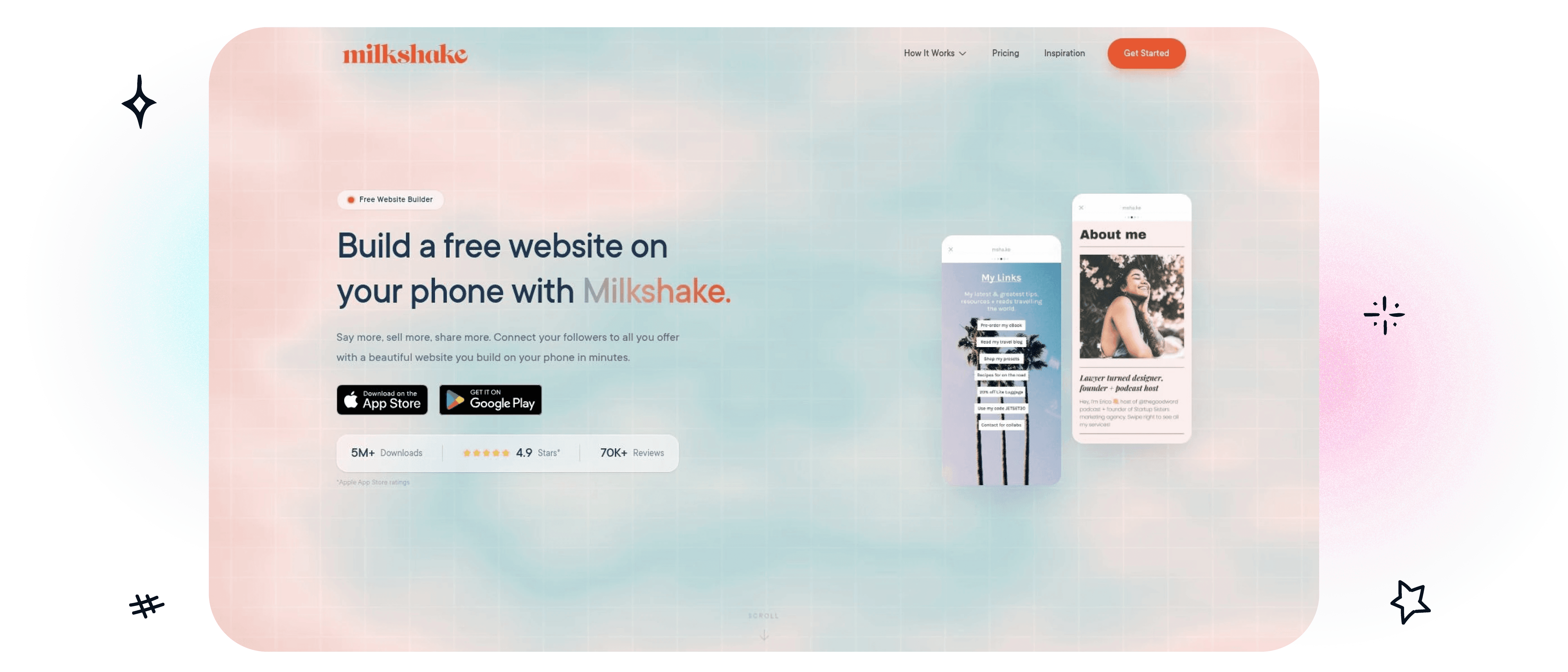
Milkshake takes a different approach from most tools here. It's mobile-first in a literal way. The experience is built around the app, and that makes it especially appealing to creators who operate almost entirely from their phones.
The free plan is fully usable. It supports unlimited links and cards, free hosting, template “Looks,” and 30 days of insights. For creators who want to publish from a phone without touching a desktop editor, Milkshake is one of the easiest options to like.
Where Milkshake wins
Milkshake works well for visual creators, influencers, and small businesses that want a mini-site feel instead of a plain list of links. Its mobile-native workflow is the product. That's not a side benefit. It's the point.
That's useful because the phrase “link in bio” itself doesn't hurt engagement. Analysis found only a negligible 1% difference in mean comments and no real difference in mean likes between posts that use the phrase and those that don't, according to Christopher Penn's analysis of Instagram engagement. So if a creator frequently points followers to a phone-built Milkshake page, there's little reason to worry that the CTA language itself is the problem.
The trade-off
Milkshake is less compelling for users who want desktop-first editing, deeper SEO controls, or advanced analytics without upgrading. Some of its more serious growth tools sit behind paid tiers.
Still, for a creator whose workflow lives in Instagram, TikTok, and mobile content production, Milkshake feels more natural than many browser-first tools.
Free Link in Bio Sites vs Free Plans on Paid Tools
There are two different things called free here. A free link in bio site is a product whose free tier is the product — it stays free and stays limited. A free plan on a paid tool is a trial surface: fuller features, but built to run into a ceiling once the page starts working. Neither is better. Pick the first if the page is a side project you will not revisit, and the second if you expect to need analytics or a custom domain later, because migrating a bio link after it has been shared is the expensive part.
Free Alternatives Compared: Campsite, Squarespace Bio Sites, and Likeshop vs Linktree
Three head-to-head comparisons come up repeatedly against Linktree, and they are asking different questions. Campsite vs Linktree is a design question — both are link hubs, and the choice is which one produces a cleaner page for your content. Squarespace Bio Sites vs Linktree is really a question of whether you want a bio page or a small website, and it usually resolves on whether you already pay Squarespace. Likeshop vs Linktree is a shoppable-feed question: Likeshop’s reason to exist is mapping bio traffic back to individual posts. If you are weighing any of these, the wider field is in the best Linktree alternatives.
Top 10 Free Link‑in‑Bio Comparison
Product | Core features | UX & analytics | Pricing / Value | Target audience | Unique selling point |
|---|---|---|---|---|---|
Linkie | Drag‑and‑drop, resizable cards; embeds, products, videos; multi‑page support; API; Publer sync; email capture | Real‑time + historical metrics, card‑level engagement, Google Sheet subscriber sync | Generous free tier (unlimited cards, multiple Linkies, no branding); paid adds custom domains & advanced analytics | Creators, influencers, SMBs, agencies, e‑commerce brands | Card‑based flexible layouts + free public API + native Publer integration |
Linktree | Unlimited links (free), templates, embeds, built‑in shop | Essential analytics + QR code; deeper metrics on paid tiers | Strong free plan; paid tiers for branding removal, monetization features | Broad creator & brand base wanting easy setup | Largest ecosystem and growing monetization tools |
Beacons | Link pages + media kit, digital store, email campaigns, AI credits | Real‑time analytics; built‑in email tools | Free includes transaction fees & branding; paid removes fees and unlocks features | Creators who want an all‑in‑one creator OS | Consolidates commerce, email, automation and analytics |
Squarespace Bio Sites | Up to 10 Bio Sites, polished templates, Unfold mobile creation | Basic analytics; design‑focused UX | Free to publish; integrates with Squarespace ecosystem | Users needing quick, polished mobile pages; Squarespace users | Polished design and mobile creation via Unfold app |
Campsite.bio | Unlimited links (free), custom themes, multiple link types, QR | 14 days analytics free; clearer starter reporting | Generous free; paid adds custom domains, pixels, longer history | Creators who want themed/advanced link blocks | Thoughtful link types (grids, carousels) and theming |
Lnk.Bio | Unlimited links (free), 500+ templates, large embed catalog | Basic analytics on free plan | Free option; unique lifetime one‑time payment plans available | Users preferring one‑time pricing and deep templates | Rare lifetime pricing + huge embed/template library |
solo.to | Minimalist pages, themes, social/contact buttons, 2FA | Clean UI; 30 days basic analytics | Free Beginner (25 links); low‑cost upgrades for embeds & domains | Creators wanting simple, fast pages | Minimal, fast setup with clear upgrade path |
Flowpage (Flowcode) | Flowpages + QR Flowcodes, mobile landing pages, geolocation (paid) | Unified scan + click analytics; mobile‑first reporting | Free limited (2 QR codes); paid adds API/CRM & geo data | Brands using QR codes on merch/packaging/events | QR‑first platform with unified offline→online analytics |
Taplink | Simple free pages, blocks for commerce & content, AI options (paid) | Straightforward mobile UX; basic analytics | Very basic free; budget‑friendly paid bundles (6–12 mo deals) | Instagram/TikTok‑first businesses | Budget bundles for commerce blocks and quick Instagram pages |
Milkshake | Mobile app builder, template "Looks", sell card with Stripe | App‑first UX; 30 days insights free; best on mobile | Fully functional free app; paid adds domains, longer analytics | Mobile creators who build and publish from phone | Mobile‑first mini‑site builder with built‑in sell card |
Which Free Link in Bio Tool Should You Pick?
What should a free link in bio tool do for your business?
Start there, because the right pick depends less on who has the longest feature list and more on what job the page needs to do. A creator testing offers needs different tools from an agency managing multiple client brands. A coach booking calls has different priorities from a musician pushing streams, merch, and tour dates.
That is why the comparison matters more than a simple ranking. The useful filter is four-part: customization, analytics, branding control, and monetization potential. Once you score tools against those factors, weak fits drop out quickly.
A few patterns are clear from testing these platforms. Linktree is still the easiest default for speed and familiarity. Beacons makes more sense for creators who want products, email capture, and monetization in one stack. Squarespace Bio Sites fits teams that care most about visual polish and brand consistency. Campsite.bio offers stronger layout control than many free options. Flowpage is the clear specialist for QR-led campaigns. Milkshake remains a smart pick for phone-first creators.
Linkie stands out for balance. A lot of free bio tools force an early compromise. Clean design, but weak reporting. Monetization blocks, but heavy platform branding. Flexible layouts, but a page that feels cluttered once you start adding offers, links, and lead capture. Linkie handles that trade-off better than most.
That matters in practice.
Bio pages perform best when visitors understand the next click immediately. Clear grouping, stronger visual hierarchy, and tighter page structure usually improve link distribution and reduce drop-off. If visitors have to scan too much, they leave.
Analytics matter for the same reason. Without visibility into clicks, traffic sources, or which blocks get attention, the page becomes a static profile link instead of a channel you can improve over time. Free only helps if it still gives you enough feedback to make decisions.
For brands and small businesses, the standard should be higher. This page is often the first owned destination after someone taps out of Instagram, TikTok, or YouTube. It should look on-brand, load fast, and point people to one clear next step.
Use this filter:
Choose speed if you need a page live today and can accept limited control.
Choose monetization if the page needs to sell products, capture leads, or book calls.
Choose branding control if the page represents a business, agency, or client account.
Choose analytics if you plan to test offers, content themes, or traffic sources over time.
My recommendation is simple. Choose the free tool that still makes sense six months from now, not just the one that is easiest to publish this afternoon.
If a branded, flexible, low-friction setup sounds like the right fit, test a free Linkie page in the Linkie playground. It is one of the few options here that can start simple and still support sharper positioning, lead capture, and conversion work as the page grows.
Free Link in Bio FAQ
What is the best free link in bio tool?
The one whose free ceiling you will not hit. Compare link limits, whether analytics are included, and whether the free page carries the provider’s branding — those three decide it far more often than feature count.
Are free link in bio sites actually free?
Generally yes, with limits. The common trade-offs are provider branding on the page, capped links, and analytics held back for paid tiers.
Can I use a custom domain on a free plan?
Rarely. Custom domains are usually a paid feature across this category. If a branded address matters to you, check that before you build the page, not after — see custom domains explained.