Your White-Label

Link in Bio

Experience

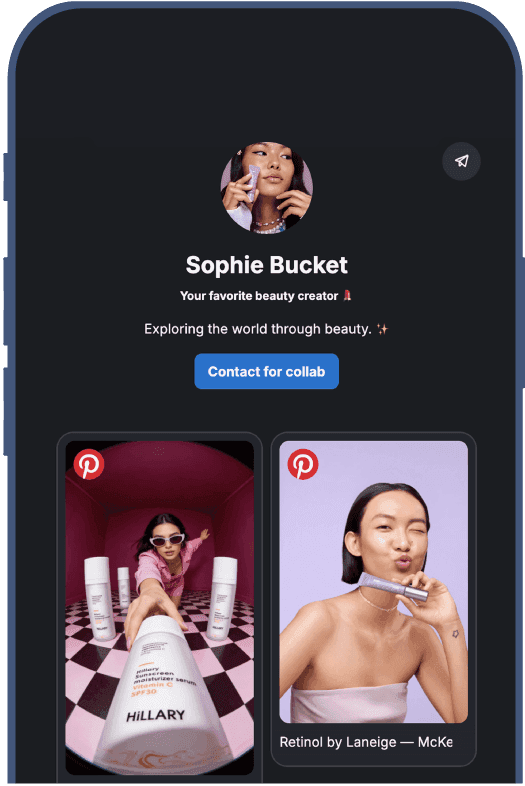
Every link in bio tool promotes itself even in paid plans. Linkie gives you complete control to create a bio page that looks and feels like a natural extension of your brand.

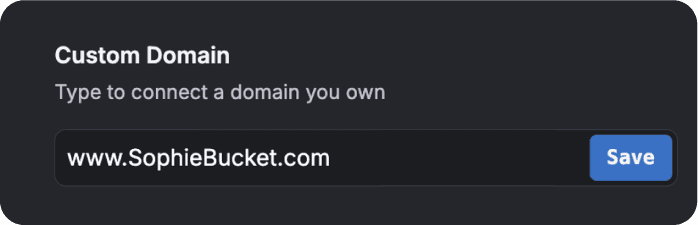
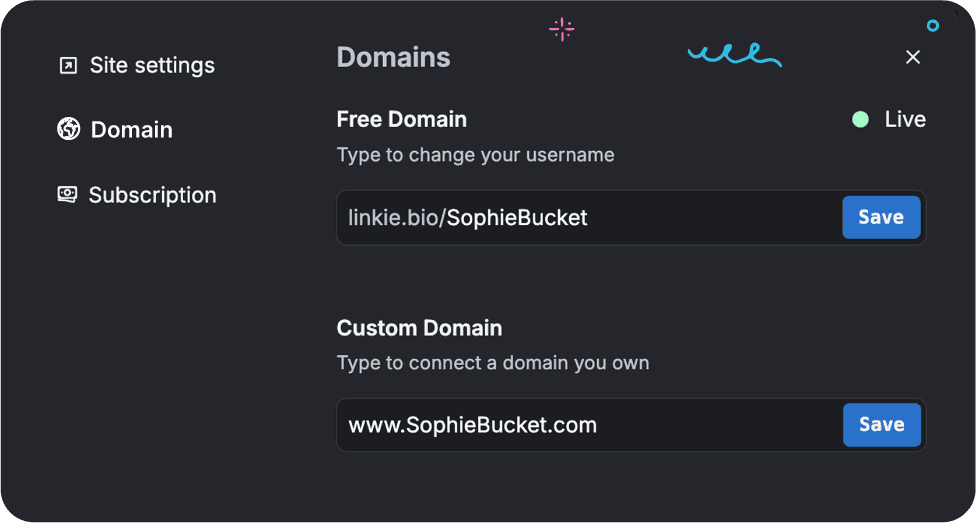
Own Your Link in Bio With Custom Domain

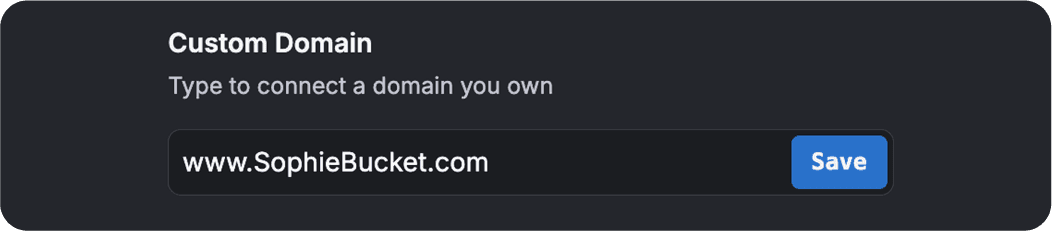
Own Your Link in Bio With Custom Domain

Connect your custom domain to Linkie and strengthen your credibility.

When visitors land on your page, they’ll instantly recognize your brand.

Connect your custom domain to Linkie and strengthen your credibility.

When visitors land on your page, they’ll instantly recognize your brand.

Keep Your Domain Clean as You Grow

Keep Your Domain Clean as You Grow

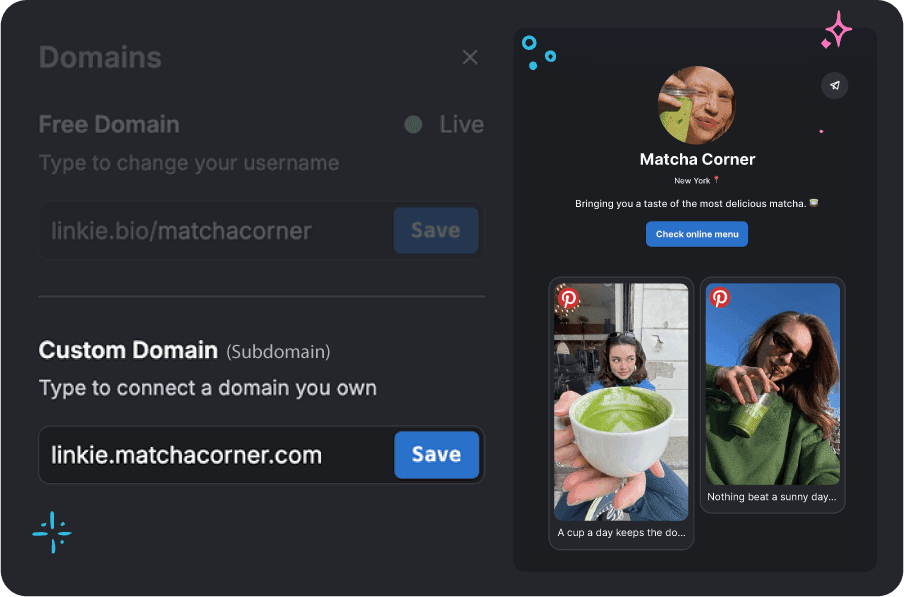
Separate your website and Linkie with a custom subdomain:

Separate your website and Linkie with a custom subdomain:

Keep your primary domain for your main website

Keep your primary domain for your main website

Create a branded subdomain for Linkie

Create a branded subdomain for Linkie

Maintain a clean, scalable domain structure

Maintain a clean, scalable domain structure

Optimize Visibility With

Advanced SEO Settings

Optimize Visibility With Advanced SEO Settings

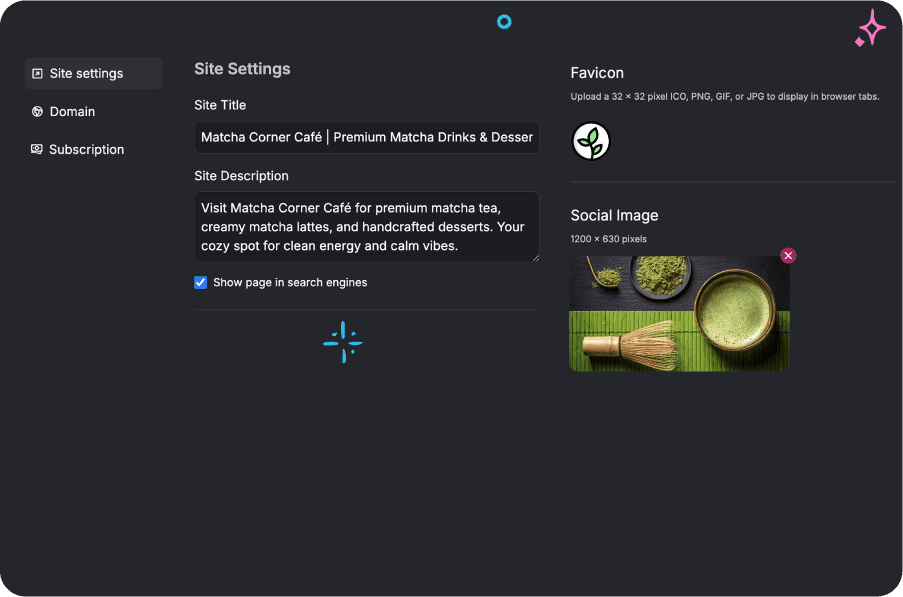
Control how your Linkie appears in Google and social previews

Control how your Linkie appears in Google and social previews

Optimize titles, descriptions, thumbnail, favicon and indexing

Optimize titles, descriptions, thumbnail, favicon and indexing

Improve visibility and capture organic traffic beyond social media

Improve visibility and capture organic traffic beyond social media

Why Choose a

White-Label Link in Bio?

Strengthen your

professional presence

Strengthen your

professional presence

Build long-term
brand recognition

Build long-term
brand recognition

Keep traffic flowing
to your website

Keep traffic flowing
to your website

Improve SEO
ranking

Improve SEO
ranking

Why Choose a

White-Label Link in Bio?

Built for Creators, Agencies,

and Growing Brands

Built for Creators, Agencies,

and Growing Brands

01

Creators

Build a polished personal brand and mini-website with your own domain and SEO control.
02

Agencies

Deliver fully white-labeled link-in-bio pages for clients without exposing third-party tools.

03

Businesses & Brands

Maintain brand consistency across every touchpoint including your bio link.

Get Started In Minutes

Get Started In Minutes

Setting up your clean, branded, and SEO-optimized Linkie is simple:

Setting up your clean, branded, and SEO-optimized Linkie is simple:

  1. Connect your custom domain or subdomain

  1. Connect your custom domain or subdomain

  1. Configure your SEO settings

  1. Configure your SEO settings

  1. Publish your Linkie

  1. Publish your Linkie

  1. Share your fully branded bio link

  1. Share your fully branded bio link

People ask about Linkie

People ask about Linkie

Got any questions about Linkie? Browse our list of FAQs below - you're likely to find your answer there. If not, just get in touch, we're always here and ready to help.

Can I use my own domain for my Linkie page?

Yes. Linkie allows you to connect your own custom domain so your link in bio lives fully under your brand. This helps you build trust, improve credibility, and keep your traffic within your own ecosystem.

What is the difference between a custom domain and a subdomain?

A custom domain replaces your entire Linkie URL (e.g., yourbrand.com). A subdomain keeps your main website intact while adding Linkie as a section of your site (e.g., links.yourbrand.com). Both options help you maintain a branded, professional link in bio experience.

Will Linkie branding appear on my page?

No. Linkie offers fully white-label pages, so you can remove Linkie branding and keep the focus entirely on your brand. This is ideal for creators, agencies, and businesses that want a clean, professional presence.

Can I optimize my Linkie page for SEO?

Yes. Linkie includes advanced SEO settings that let you customize page title, meta description, social preview thumbnail, indexing preferences. This helps your link in bio appear properly in search engines and social shares.

Should I use a domain or a subdomain for my link in bio?

It depends on your setup. Use a custom domain if you want your Linkie to be your main branded destination. Use a subdomain if you want to keep your main website separate and add Linkie as an extension of it. Both options are fully supported in Linkie.

Can I upgrade or downgrade my Linkie plan anytime?

Yes. You can upgrade or change your Linkie plan at any time as your needs evolve. Many users start with the Free plan and move to Plus or Multi when they need advanced analytics, custom domains, or multi-profile management.

Do I need a paid plan to fully customize my Linkie?

You can design your layout, add links, and personalize your page in the free plan. Paid plans unlock advanced features like custom domains, analytics, and additional integrations, for those who want more flexibility and growth tools.
Image

Build your custom link-in-bio with Linkie

From the makers of

Publer

Image

Build your custom link-in-bio with Linkie

From the makers of

Publer

Image

Build your custom link-in-bio with Linkie

From the makers of

Publer

The ultimate link in bio platform for creators and businesses

The ultimate link in bio platform for creators and businesses

The ultimate link in bio platform for creators and businesses

© 2026 Kalemi Code. All rights reserved.