

Multiple Linkies. One account.
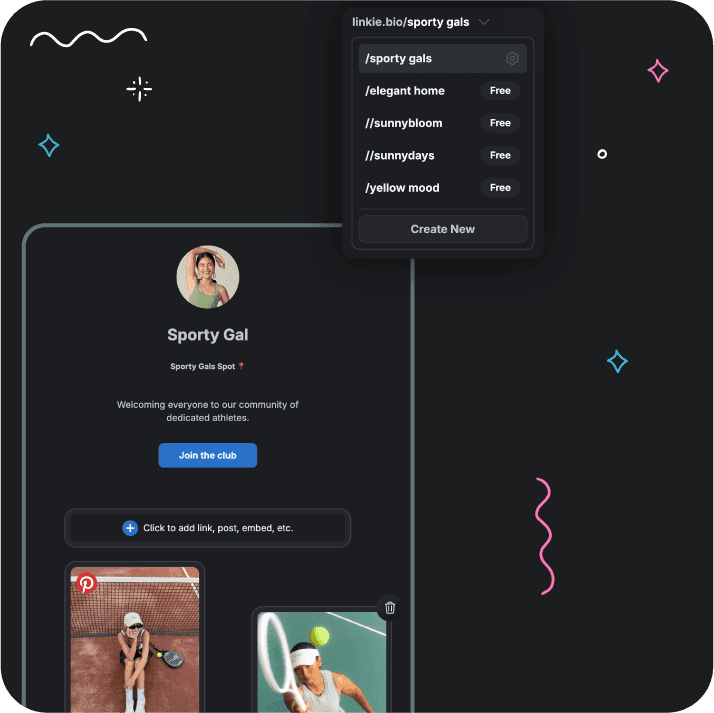
Create, switch, and manage all your Linkie pages in one place. Perfect for handling multiple brands, clients, or projects.

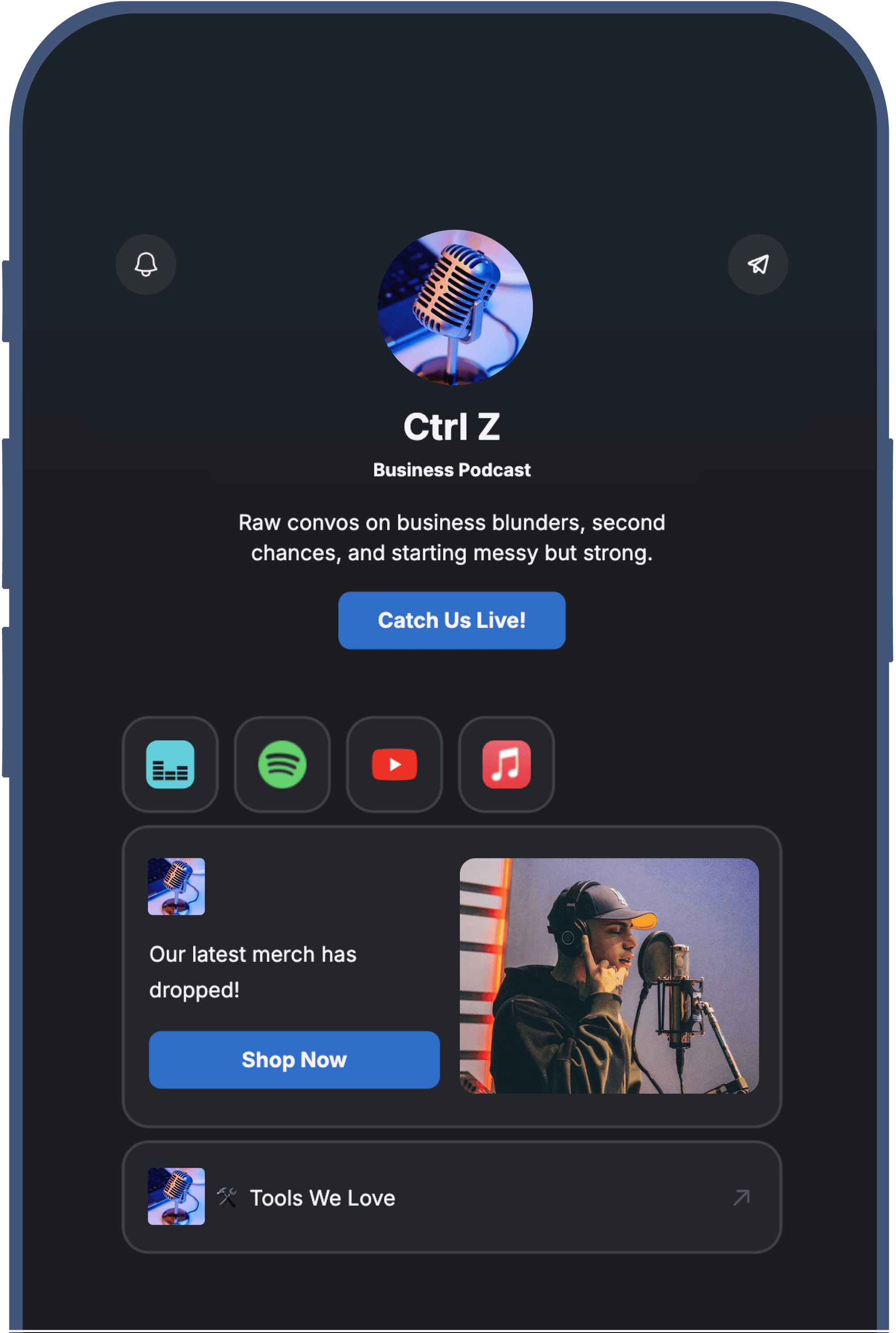
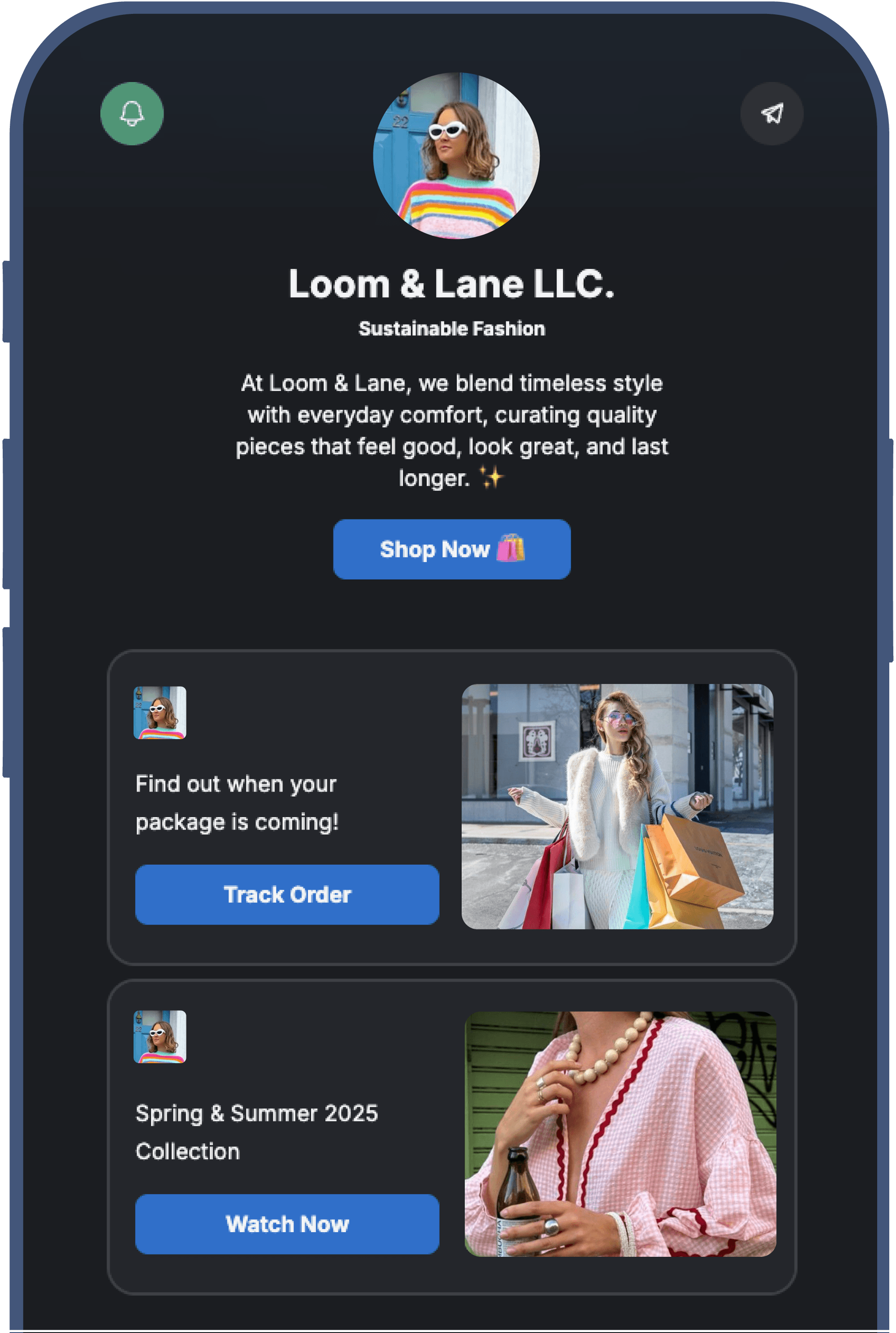
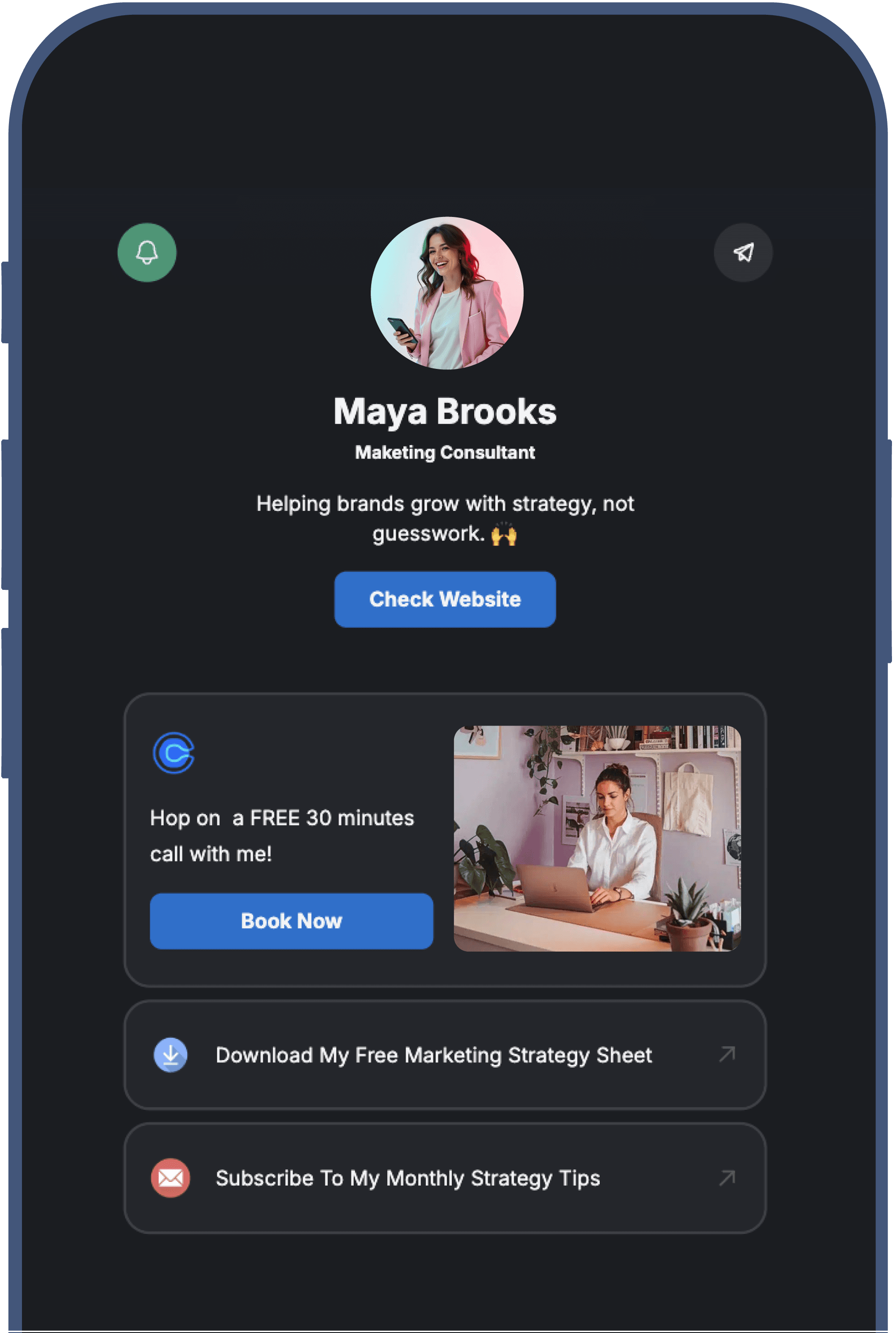
Manage All Your Linkies Like a Pro
Manage All Your Linkies Like a Pro

Move Faster
Move Faster
Switch between Linkies instantly. No extra logins.
Switch between Linkies instantly. No extra logins.

Stay Organized
Stay Organized
See all your Linkies at a glance. Always know what’s live.
See all your Linkies at a glance. Always know what’s live.

Scale Easily
Scale Easily
Add as many Linkies as you need, all under one account.
Add as many Linkies as you need, all under one account.

Stay in Control
Stay in Control
Edit, update, and monitor everything from one place.
Edit, update, and monitor everything from one place.
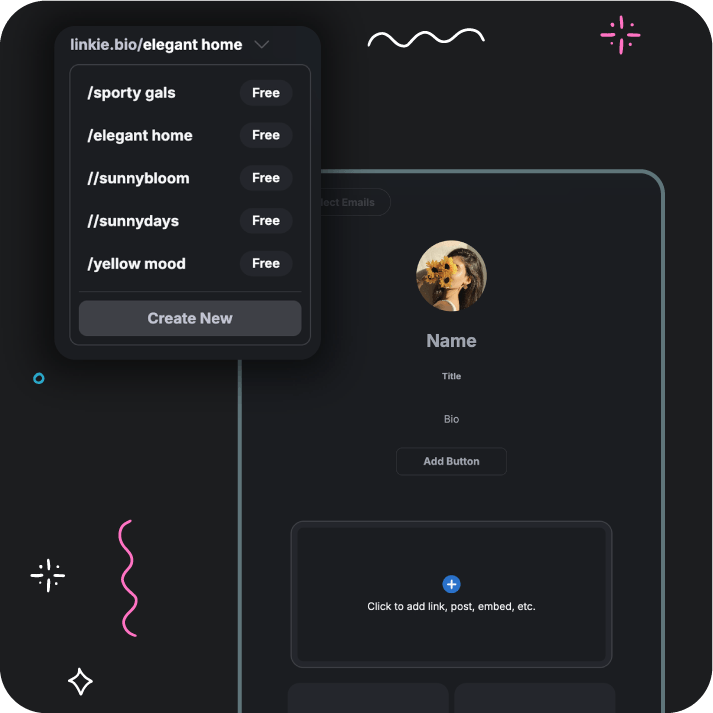

Handle Every Linkie,
From Start To Finish
Handle Every Linkie,
From Start To Finish
Create & manage multiple Linkies from one account:
Create & manage multiple Linkies from one account:
Create unlimited Linkie pages
Create unlimited Linkie pages
Manage all Linkies from one dashboard
Manage all Linkies from one dashboard
Keep client and project Linkies separate, but organized
Keep client and project Linkies separate, but organized
Switch and Update Anytime
Switch and Update Anytime
Switch between Linkies in one click
Switch between Linkies in one click
Update links, content, and layouts
quickly for each Linkie page
Update links, content, and layouts
quickly for each Linkie page
Keep every Linkie up to date for new campaigns,
launches, promos, or content drops
Keep every Linkie up to date for new campaigns, launches, promos, or content drops

Track Performance in One Place
Track Performance in One Place
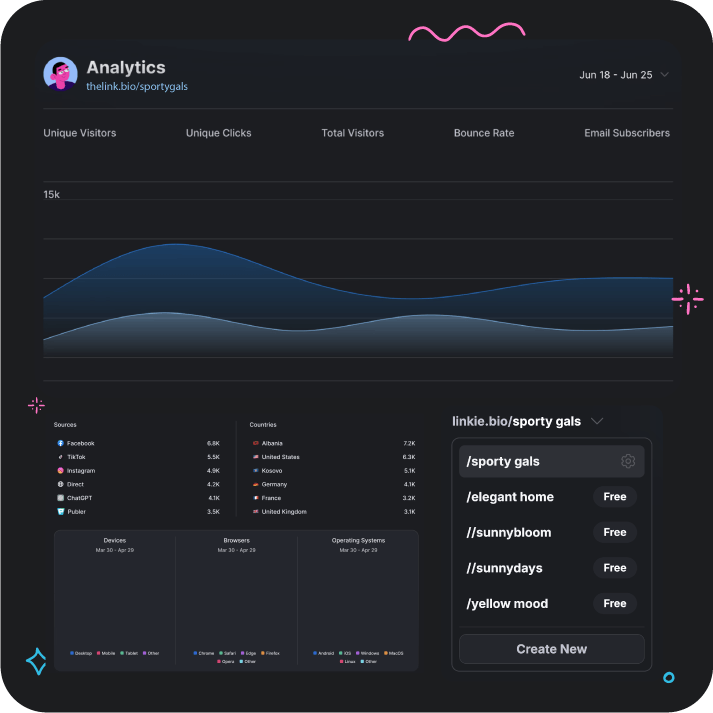
Check detailed analytics for each Linkie
Check detailed analytics for each Linkie
Get a clear overview of performance across all Linkies
Get a clear overview of performance across all Linkies
Spot trends and optimize with confidence
Spot trends and optimize with confidence
Built For Growth,
No Matter Your Role
Built For Growth,
No Matter Your Role
Multiple Linkies give you the power to keep every project clean, separate, and easy to manage.
Multiple Linkies give you the power to keep every project clean, separate, and easy to manage.
01
Agencies & social
media managers
Agencies & SMMs

02
Brands with multiple locations or sub-brands
Brands with sub-brands
03
Creators with
multiple projects
Creators with
multicprojects

04
Teams managing
shared links
Teams sharing
links
People ask about Linkie
People ask about Linkie
Got any questions about Linkie? Browse our list of FAQs below - you’re likely to find your answer there. If not, just get in touch, we’re always here and ready to help.
Can I manage multiple Linkies from one account?
Yes. You can create, switch, and manage unlimited Linkies from a single account, no extra logins or separate dashboards needed.
Can I keep client or project Linkies separate?
Absolutely. Each Linkie stays independent, so you can manage client, brand, or project Linkies separately while keeping everything organized in one place.
How fast can I switch between Linkies?
You can switch between Linkies instantly with one click, making it easy to update links, layouts, or content without interruptions.
Does each Linkie have its own analytics?
Yes. Every Linkie has its own analytics, and you can also get a clear overview of performance across all your Linkies from one dashboard.
Is there a limit to how many Linkies I can create?
No. You can create as many Linkies as you need, perfect for scaling clients, brands, campaigns, or side projects without friction.
Is managing multiple Linkies free?
Yes. You can manage multiple Linkies for free. If you need advanced features like analytics, custom domains, and more control, you can upgrade to Linkie Multi, starting at $24.90/month for 5 Linkies or $7.50/month for a single Linkie.
Blog
We're here to help you succeed
Stay updated with smart strategies, stories, and design tips that help you build faster, look sharper, and grow with confidence.

How to Migrate From Linktree (and Why People Switch)
Why people leave Linktree, what it costs to stay, and how to move your links, bio and photo to Linkie in a few seconds instead of copying them by hand.

Stan Store vs Linktree (2026): Prices and Fees
Stan Store vs Linktree on 2026 prices: Stan starts at $29 a month with no free plan, Linktree is free. What branding removal, fees and domains cost on each.

Link in Bio and GDPR: 7 Popular Tools Compared (2026)
Seven link in bio tools compared on six privacy-documentation checks: DPAs, sub-processors, transfers, hosting, EU representatives and security certification.

Link in Bio for News Publishers: Citizens Channel
Citizens Channel, an Albanian news outlet, links every Instagram post to its article from one link in bio page that updates itself. Here is the setup.

Beacons Alternatives 2026: Prices, Fees, Branding
Leaving Beacons? Linkie, Linktree, Milkshake and Stan Store compared on branding removal, custom domains and sales fees, with prices checked October 2026.

Link in Bio for SEO Companies: Pistakkio’s Setup
How Pistakkio, a Florence SEO agency, uses a Linkie link in bio: booking embed, newsletter signup and podcast, on a page Google indexes.
Blog
We're here to help you succeed
Stay updated with smart strategies, stories, and design tips that help you build faster, look sharper, and grow with confidence.
How to Migrate From Linktree (and Why People Switch)
Why people leave Linktree, what it costs to stay, and how to move your links, bio and photo to Linkie in a few seconds instead of copying them by hand.
Link in Bio and GDPR: 7 Popular Tools Compared (2026)
Seven link in bio tools compared on six privacy-documentation checks: DPAs, sub-processors, transfers, hosting, EU representatives and security certification.
Beacons Alternatives 2026: Prices, Fees, Branding
Leaving Beacons? Linkie, Linktree, Milkshake and Stan Store compared on branding removal, custom domains and sales fees, with prices checked October 2026.
Stan Store vs Linktree (2026): Prices and Fees
Stan Store vs Linktree on 2026 prices: Stan starts at $29 a month with no free plan, Linktree is free. What branding removal, fees and domains cost on each.
Link in Bio for News Publishers: Citizens Channel
Citizens Channel, an Albanian news outlet, links every Instagram post to its article from one link in bio page that updates itself. Here is the setup.
Link in Bio for SEO Companies: Pistakkio’s Setup
How Pistakkio, a Florence SEO agency, uses a Linkie link in bio: booking embed, newsletter signup and podcast, on a page Google indexes.
Blog
We're here to help you succeed
Stay updated with smart strategies, stories, and design tips that help you build faster, look sharper, and grow with confidence.
How to Migrate From Linktree (and Why People Switch)
Why people leave Linktree, what it costs to stay, and how to move your links, bio and photo to Linkie in a few seconds instead of copying them by hand.
Beacons Alternatives 2026: Prices, Fees, Branding
Leaving Beacons? Linkie, Linktree, Milkshake and Stan Store compared on branding removal, custom domains and sales fees, with prices checked October 2026.
Link in Bio for News Publishers: Citizens Channel
Citizens Channel, an Albanian news outlet, links every Instagram post to its article from one link in bio page that updates itself. Here is the setup.
Link in Bio and GDPR: 7 Popular Tools Compared (2026)
Seven link in bio tools compared on six privacy-documentation checks: DPAs, sub-processors, transfers, hosting, EU representatives and security certification.
Stan Store vs Linktree (2026): Prices and Fees
Stan Store vs Linktree on 2026 prices: Stan starts at $29 a month with no free plan, Linktree is free. What branding removal, fees and domains cost on each.
Link in Bio for SEO Companies: Pistakkio’s Setup
How Pistakkio, a Florence SEO agency, uses a Linkie link in bio: booking embed, newsletter signup and podcast, on a page Google indexes.