


TL;DR: Your link in bio opens inside TikTok's browser, so visitors land signed out of everything. This affects conversion. Linkie shows your visitor a way out of TikTok’s browser.
By Denis Qyra, Marketer at Linkie · Last updated 29 September 2026
What TikTok's in-app browser actually is
TikTok's in-app browser is a stripped-down browser built into the app itself. Developers call it a webview. It looks like a browser, and it is not the one your visitor chose, signed into, or saved anything in.
That distinction is invisible to the person tapping. It is not invisible to the things your page depends on.
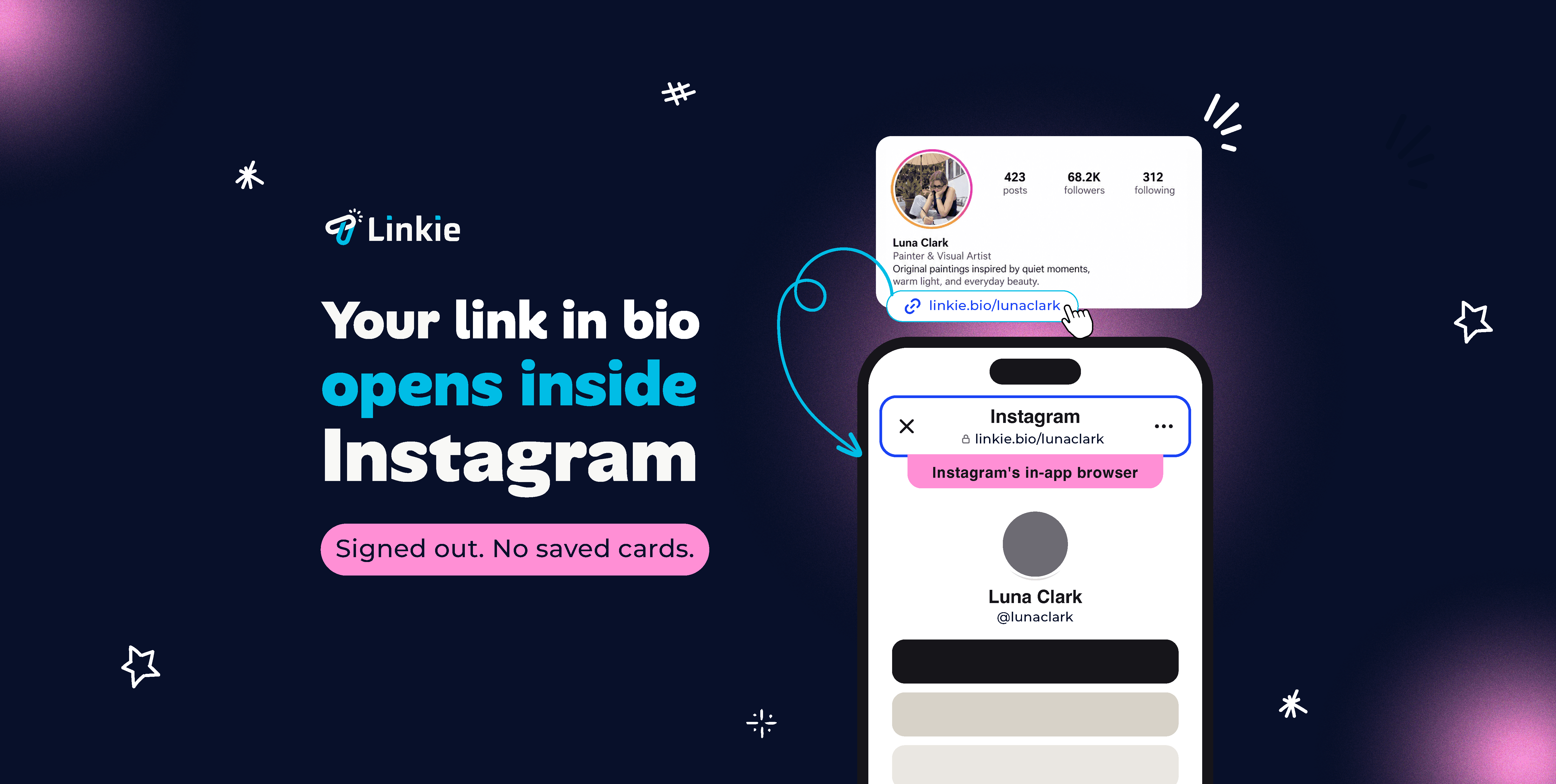
Your link in bio opens inside TikTok’s browser
Every major social app ships its own built-in browser and opens links there rather than handing them to Safari or Chrome. It keeps people one back-swipe away from the feed, which is the point of it.
How TikTok's in-app browser affects conversion:

Logins. Sessions do not carry over. People arrive signed out of accounts they never signed out of.
Saved payment details. Autofill and stored cards go missing at exactly the moment someone is trying to buy.
Your tracking. UTM parameters, pixels and analytics fire unpredictably inside an embedded browser. A campaign can look like it underperformed when it was never measured at all.
The way out your visitor already has
Press and hold the link in TikTok’s browser and choose Go to link. The page opens in the browser they normally use.
Almost nobody knows it is there. Learn more about how to bypass the in-app browser
What you can do to increase conversion with TikTok's link in bio

On some apps a link can offer the visitor a prompt to open in their own browser. TikTok is not one of them. TikTok does not permit that hand-off.
Linkie Plus shows your visitor a pointer to the Open in option their own app already has. That is how you bypass the in-app browser on TikTok, with one extra tap rather than none, and the page loads either way.
Is any of this against TikTok’s rules?
No. TikTok’s own browser has an “Open in” option in its menu. Pointing your visitor at a choice their app already offers is not circumventing anything, and it has nothing to do with logins, private accounts, age restrictions or region restrictions. They see exactly the page you sent them to.
Common questions
Why can’t I open a link from TikTok?
Your link in bio stays inside TikTok’s built-in browser rather than opening in Safari or Chrome. That is normal behavior, and only you, the person who shared it, can change it. The same applies on Instagram, covered in Instagram link in bio not working.
How do I get out of TikTok’s in-app browser?
Press and hold the link and choose Go to link. If you want your visitors to know this so their logins & autofill carry through you can open a link in bio with Linkie.
Can my link in bio open in the real browser automatically on TikTok?
No. TikTok does not permit that hand-off. A banner pointing at the option is what is possible there. Instagram, Facebook, LinkedIn, Pinterest, Threads and YouTube do permit the prompt.
Will my link in bio still work if someone stays in TikTok’s browser?
Yes. The page loads normally. Nobody hits a dead end.