


Your bio link is carrying more weight than most brands admit. It sits in the one spot that Instagram, TikTok, YouTube, and creator profiles consistently funnel attention toward, yet too many pages still look like a stack of generic buttons with no hierarchy, no real branding, and no clear next step.
That's a missed opportunity. Link in bio apps can do far more than hold URLs. The right one can act like a compact landing page, a lead capture point, a lightweight storefront, or a content hub that matches the brand instead of borrowing someone else's template.
The category isn't niche anymore. The global link-in-bio platform market is projected to grow from $1.8 billion in 2025 to $6.4 billion by 2034 at a 15.2% CAGR, with mobile-based platforms growing at 16.7% CAGR and services at 16.3% CAGR, according to Dataintelo's link-in-bio platform market report. More brands are treating the bio link as infrastructure, not a placeholder.
The practical question isn't whether to use one. It's which tool fits the way the brand sells, publishes, and captures demand.
1. Linkie
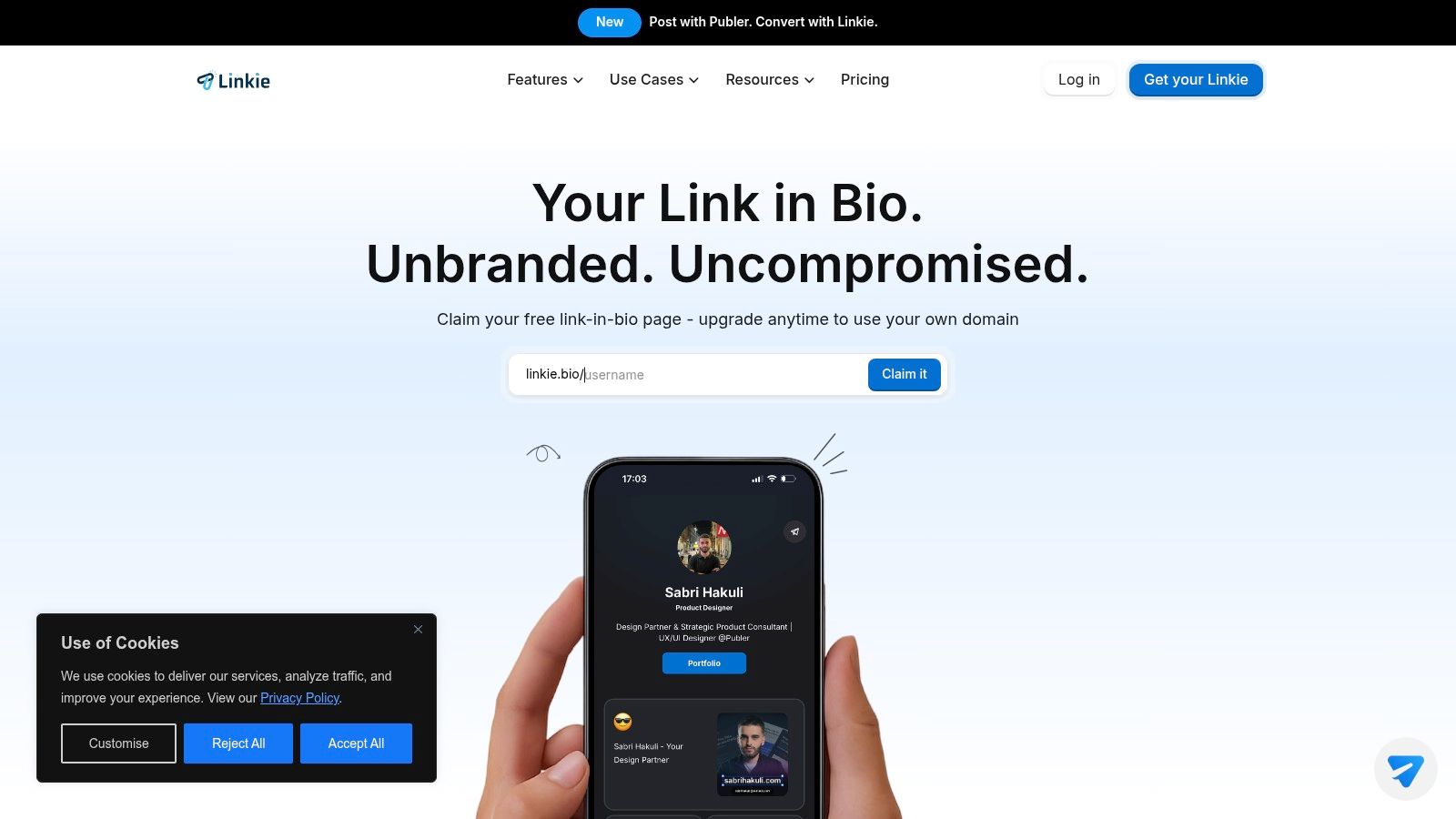
A creator launches a new product, updates the Instagram bio, and sends traffic to a page that looks exactly like every other link hub. Same stacked buttons. Same weak hierarchy. Same missed chance to guide the click. Linkie solves that specific problem better than many tools in this category because it starts with layout flexibility, not a default button list.
Linkie uses card-based blocks that can be dragged, resized, reordered, and styled into something closer to a branded microsite. That difference matters in practice. A waitlist page should not be structured like a creator storefront, and a podcast hub should not mirror a local service business page. Linkie gives enough control to shape the page around the goal without turning the setup into a full website project.
Why Linkie works well for brand-first pages
The free version is generous in the places that affect presentation. You can build with unlimited content cards, run multiple Linkies under one account, add custom thumbnails, use embeds, and avoid platform branding on the page. For small brands and solo operators, that removes one of the biggest visual compromises common on free plans.
That matters more than feature grids suggest.
A bio page performs better when it creates hierarchy. One primary action should lead. Supporting proof, featured content, social proof, or secondary offers should sit around it in a deliberate layout. Linkie is well suited to that approach, which is a big reason it belongs in any serious review of link in bio tools for branded microsites.
Paid plans add the next layer most growing teams ask for. That includes custom domains, stronger visual control, advanced analytics, and email capture. Subscriber data can sync to Google Sheets, which is a practical option for marketers who want leads flowing into a usable sheet immediately instead of waiting on a larger automation project.
Another advantage is operational, not cosmetic. Linkie supports multiple brand profiles from one dashboard, offers a public API, and connects natively with Publer for content syncing and management. Agencies, SaaS teams, and in-house social leads usually care about this more than flashy templates because major friction arises in ongoing maintenance.
Best fit and trade-offs
Linkie is a strong fit for:
Creators with multiple offers: Courses, lead magnets, video content, affiliate links, and bookings can live on one page without feeling cluttered.
Agencies managing several client pages: Multiple Linkies in one account keeps updates and approvals easier to handle.
Brands that care about visual hierarchy: Flexible cards make it easier to feature the action that matters most instead of giving every link equal weight.
Teams that optimize from performance data: Card-level engagement, bounce rate, traffic sources, subscriber growth, and historical metrics support actual iteration.
The trade-offs are clear. Some of the features that make Linkie more useful for serious marketing sit behind paid plans, and pricing is not especially prominent on the main site, so buyers should verify plan details early. Teams that rely on deep native integrations with CRMs or email platforms may also want more connection options than Google Sheets and Publer alone.
For brands that want their bio link to feel like a real campaign asset from day one, Linkie is one of the stronger options here. You can test layouts in the Linkie playground before committing to a full setup, which is a smarter way to evaluate a bio tool than comparing button counts or template screenshots.
2. Linktree
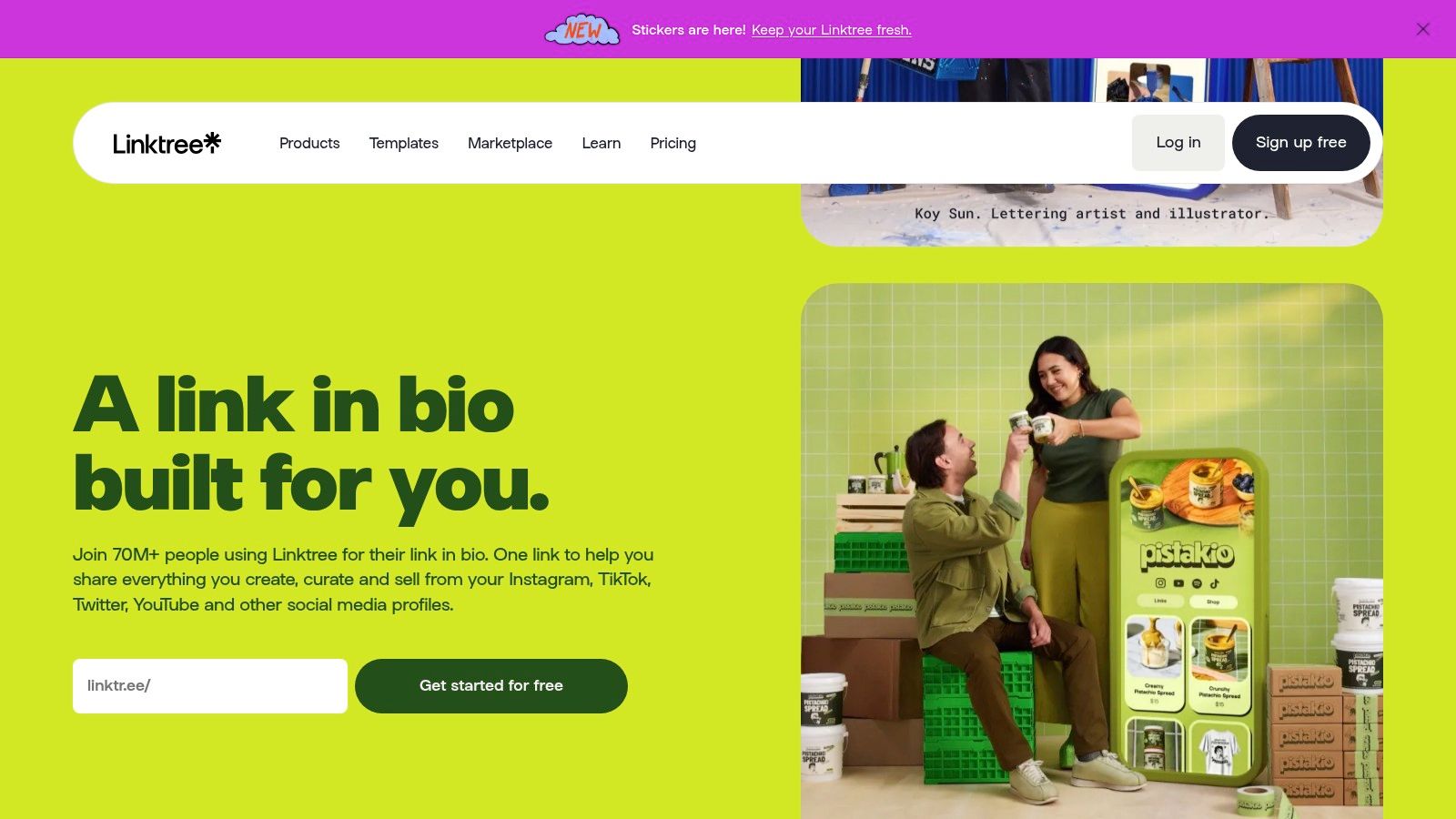
Linktree is still the category reference point. It's the tool many people try first, and for good reason. Setup is fast, the interface is familiar, and the product has expanded well beyond simple link hosting.
Its biggest strength is ecosystem maturity. Linktree works well for creators and brands that want a known platform with a clear upgrade path into richer analytics, templates, monetization features, and third-party integrations.
Where Linktree is strongest
Instagram alone has 31 million users actively using link-in-bio tools, and Linktree holds 79.95% market share among link-in-bio tool users, according to this roundup of link in bio shopping stats. That kind of adoption creates familiarity. Audiences recognize the format, and teams can usually onboard quickly without training.
For many brands, that matters more than originality. A social manager who needs a page live this afternoon may prefer a polished default over a more customizable system that takes longer to shape. Linktree also offers selling features for digital products and courses, audience collection, QR codes, and paid-plan integrations with tools like Mailchimp, Google Sheets, and Klaviyo.
A broader breakdown of category options appears in this guide to link in bio tools, and Linktree usually lands near the top when ease and familiarity matter most.
Linktree is often the safe choice. Safe isn't always best for branding, but it's often good enough for teams that value speed over differentiation.
Trade-offs to watch
The downside is that Linktree can start to feel like everyone else's page unless the brand invests in customization. Advanced styling, better analytics, and stronger integrations also sit behind paid plans, and seller fees depend on the tier.
That doesn't make it a bad option. It makes it a practical one for brands that want stability, broad recognition, and low setup friction more than they want a microsite that feels unique.
3. Beacons

Beacons leans harder into the creator business model than most tools in this category. It isn't just trying to organize links. It's trying to become the operating system for creator monetization.
That makes it appealing for people selling digital products, offering partnerships, building a media kit, and running email capture from the same place. For creators with several revenue streams, that level of consolidation can reduce platform sprawl.
Why commerce-first creators like it
Beacons bundles a mini website feel with store features, email marketing, a media kit, affiliate tools, and its AI assistant. That package makes sense for creators who think like operators, not just publishers.
The strength here is convenience. Instead of stitching together one tool for links, another for storefronts, and another for audience collection, Beacons tries to centralize the flow. For a solo creator, that can be the difference between making a launch happen and endlessly tweaking.
This is also why Beacons comes up often in discussions around the best link in bio for creators. It's built around how creators earn, not just how they present links.
Where it can feel heavy
Beacons isn't always the best fit for brands that just want a clean, high-converting page with clear hierarchy. The depth is useful, but it can also feel crowded if the main need is a polished destination for one offer, one newsletter, or one launch.
Strong for monetization: Storefront, media kit, affiliate options, and email tools help revenue-focused creators keep more activity in one place.
Strong for all-in-one workflows: Less tool-switching means fewer setup gaps.
Weaker for simplicity: The feature set can feel oversized for minimal use cases.
Weaker on lower tiers for sellers: Sales fees on lower plans can matter if digital sales are central to the business.
Beacons is best when the bio page is the front door to a full creator business, not just a traffic router.
4. Campsite
Campsite takes a lighter approach. It doesn't try to become a full creator operating system, and that restraint is part of the appeal. For many small brands and agencies, simple done well beats feature overload.
Its pages tend to feel clean, controlled, and easy to manage. That makes Campsite a sensible pick for teams that need multiple profiles, collaborator seats, and predictable upgrades without drifting into a more complex platform.
Why teams choose Campsite
Campsite is good at the basics that busy teams use. Multiple profiles, straightforward layouts, and modular add-ons make it practical for agencies handling many modest social presences or local businesses that need a page that just stays tidy.
It's also one of the easier platforms to recommend when a client doesn't need storefront features, advanced creator monetization, or a lot of moving parts. A restaurant, consultant, podcast, or neighborhood retail brand often fits that description.
Where it falls short
The trade-off is depth. Campsite isn't the strongest option for brands that want built-in commerce tooling or richer native marketing features. Some analytics capabilities also depend on paid add-ons.
That can still be a smart exchange.
Best for clean deployment: Good fit for agencies and marketers managing several simple profiles.
Best for cost control: Modular pricing helps avoid paying for features a team won't use.
Less ideal for selling: Commerce features aren't the reason to choose it.
Less ideal for advanced optimization: Teams that want richer analytics may outgrow it.
Campsite works best when the page should feel polished, not ambitious.
5. Lnk.Bio

Lnk.Bio has kept a loyal audience by staying practical. It's minimalist, broad in embed support, and unusually friendly to people who hate recurring subscriptions.
That last point matters more than it gets credit for. Many creators and small businesses don't want another monthly tool unless it clearly pays for itself. Lnk.Bio's lifetime options make it attractive for budget-conscious users who still want a legitimate branded link hub.
Where Lnk.Bio earns its place
The platform offers unlimited links on the free plan, multi-page profiles, and a large embed catalog. That makes it useful for creators with mixed destinations, like music, social content, video, booking tools, and storefront links.
Its approach to branding is fast rather than deep. Templates, icons, and fonts help pages come together quickly, which is often enough for creators who care more about speed than custom layout control. It's also a practical option for anyone studying how to build a high-converting link in bio without taking on a more involved site builder.
A low-cost tool can outperform a premium one when the page stays focused. Most weak bio pages fail because of clutter, not because the platform was too basic.
Limits to understand
Lnk.Bio is not trying to be a creator business suite. It's more of a durable, lightweight bio link tool with useful embeds and flexible pricing.
Big advantage: Lifetime pricing can keep long-term costs down.
Big advantage: The embed range supports varied content types.
Main drawback: Some advanced features, including custom domains, may require separate add-ons.
Main drawback: It doesn't offer the same all-in-one commerce depth as tools like Beacons.
For creators who want “simple, affordable, and not flimsy,” Lnk.Bio still makes a lot of sense.
6. Carrd
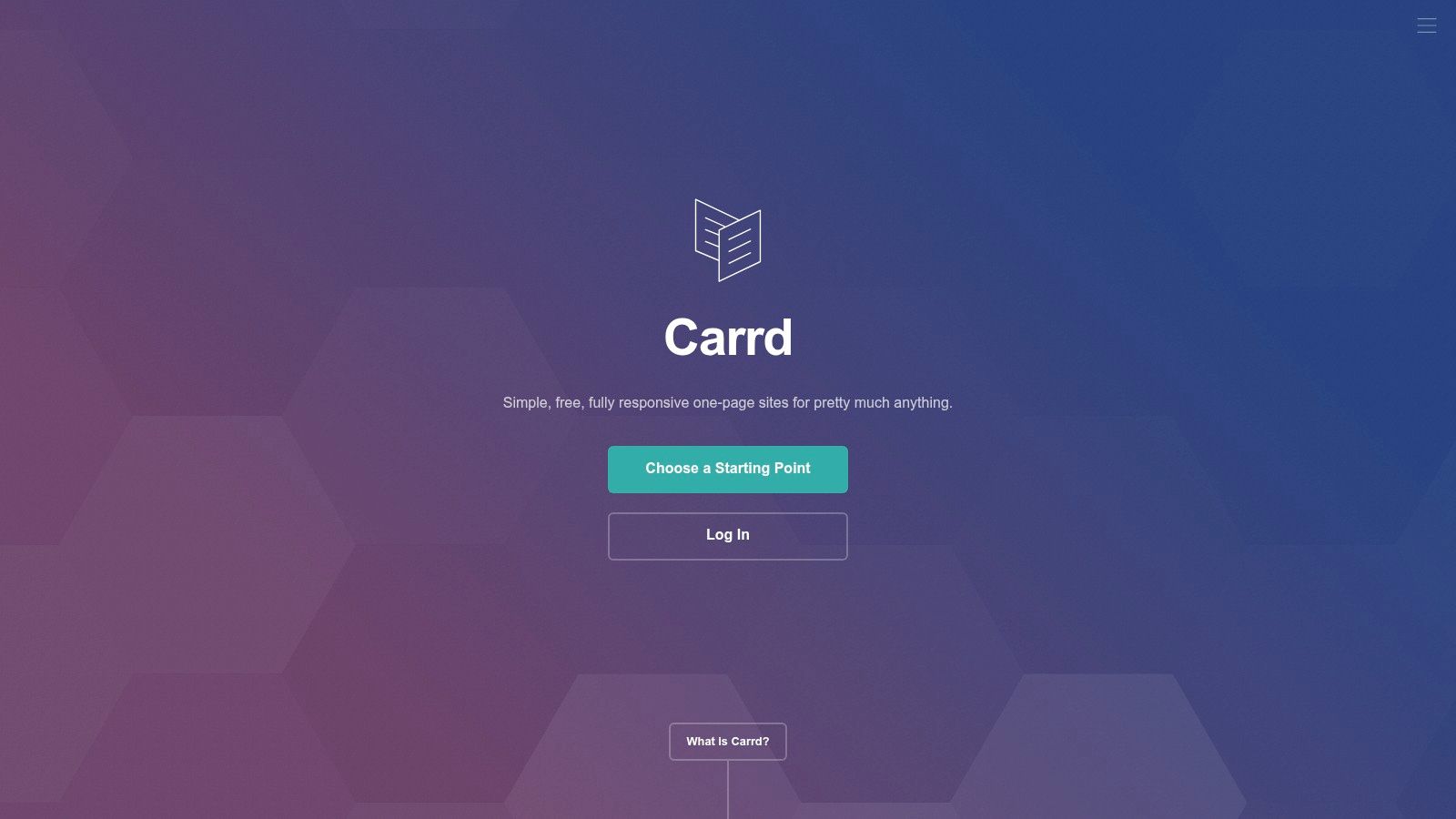
Carrd isn't a dedicated link in bio app, and that's exactly why some marketers prefer it. It gives far more design control than most bio-specific tools, which makes it useful when the page needs to look like an extension of the website rather than a social utility.
Carrd works best for founders, consultants, musicians, and personal brands that want a one-page site first and a bio link destination second. It can handle links, forms, embeds, and lightweight landing page tasks without boxing the page into a prebuilt bio-page format.
Why Carrd still punches above its category
The drag-and-drop builder gives creators room to shape hierarchy, spacing, sections, and embeds more intentionally. On Pro plans, custom domains and analytics integrations help it function more like a small website than a social tool.
That freedom can produce stronger branding than many dedicated platforms. A coach can create a waitlist page. A musician can build a release page. A startup can build a stripped-down product teaser page. All of those can live behind the bio link without feeling like they came from the same template.
The trade-off is effort
Carrd asks for more decisions. That's good when the brand wants control, but it slows down teams that want something purpose-built and ready in minutes.
Best for design freedom: Excellent if visual identity matters.
Best for lightweight landing pages: Useful beyond social bios.
Less ideal for creator-specific workflows: It lacks built-in media kits, creator monetization tooling, and other platform-specific extras.
Less ideal for non-designers in a rush: The flexibility comes with more setup responsibility.
Carrd is a strong pick when the page should feel custom, not standardized.
7. Milkshake
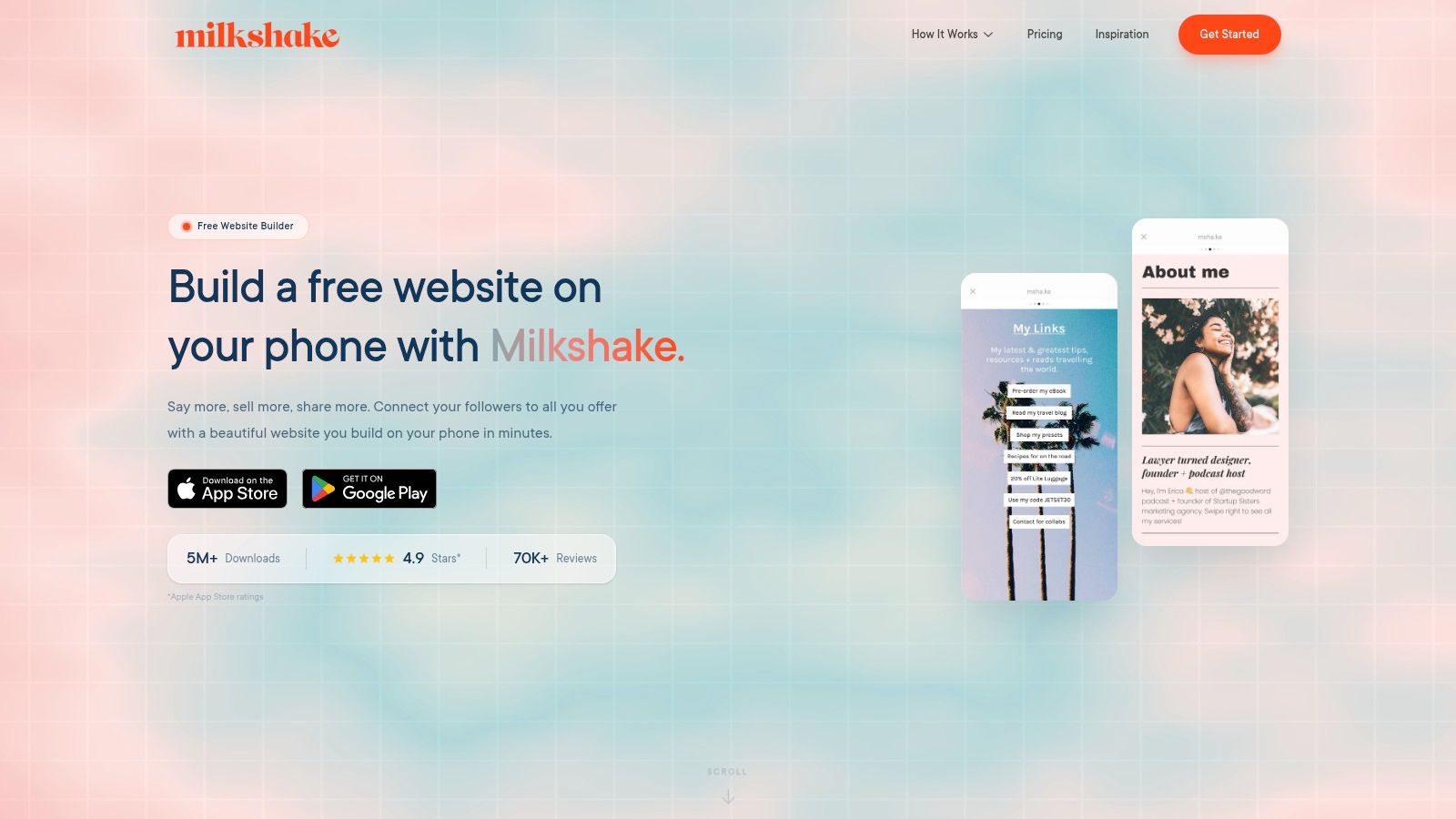
Milkshake built its reputation around one simple idea. Many creators manage their entire presence from a phone, so the bio tool should feel native to that workflow.
That makes Milkshake especially relevant for Instagram and TikTok creators who update fast, publish often, and don't want to open a desktop dashboard just to swap a CTA or promote a new product.
Mobile-first is the real differentiator
The app is designed around cards, templates, and quick edits from a phone. That lowers friction for creators who work in bursts and need changes to happen while content is live, not later.
Milkshake also includes selling through Stripe, with plan-based fee structures, plus contact forms, mailing list collection, SEO and metadata tools, and tracking options on higher plans. For creators who live on mobile, that's a practical feature mix.
Who should skip it
Teams that prefer web-first editing or collaborate across several stakeholders may find Milkshake limiting. The mobile-first model is the product advantage, but it can also be the constraint.
The strongest use case is the solo creator who wants:
Fast edits from a phone: No desktop-heavy workflow.
Simple publishing: Templates keep setup light.
Basic selling support: Useful for direct creator offers.
Low complexity: Good for people who don't want a deep builder.
Milkshake is less about crafting a highly customized microsite and more about keeping a creator's mobile workflow intact.
8. Flowpage by Flowcode
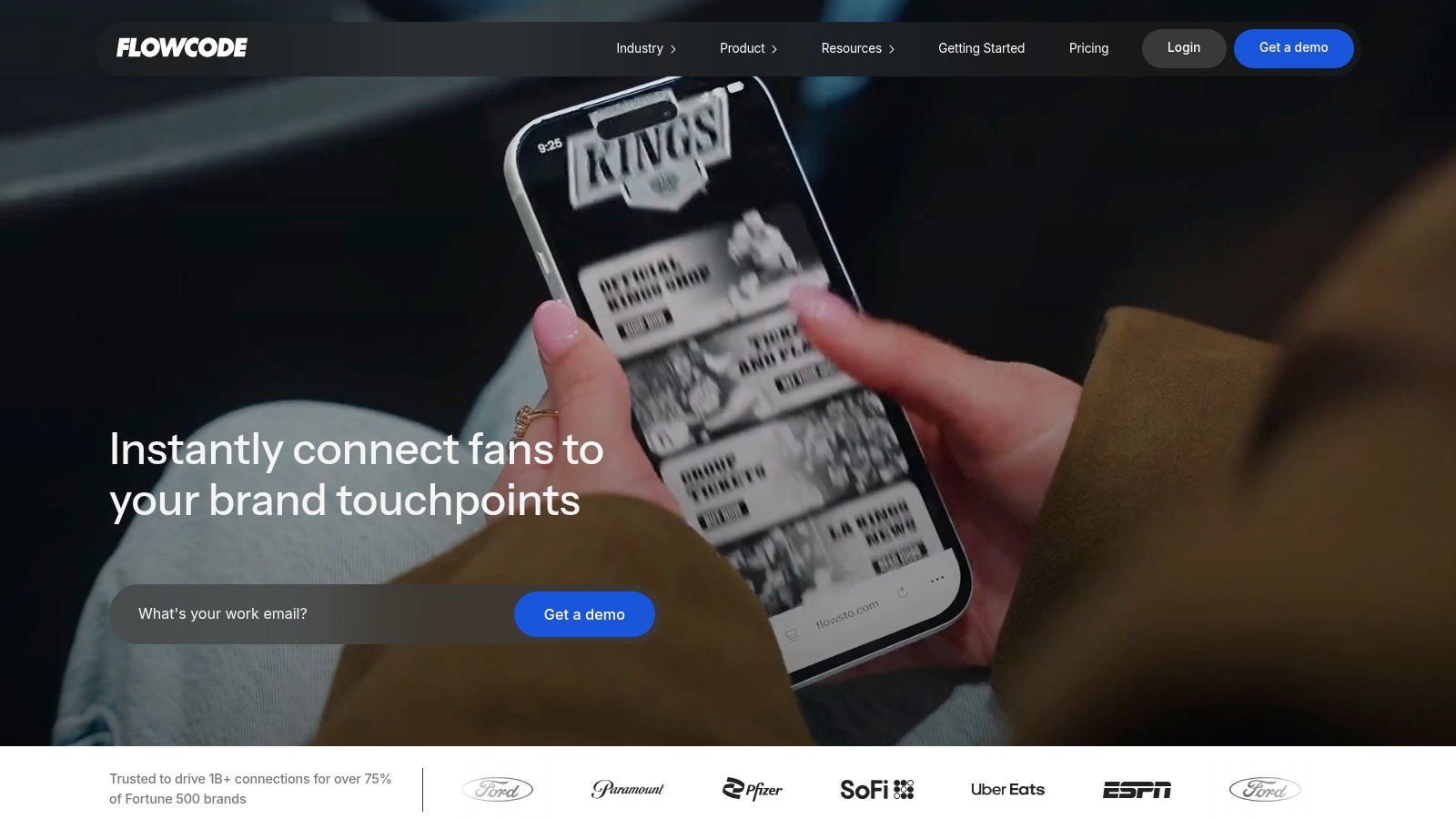
Flowcode approaches the category from the opposite direction. It starts with QR-driven campaigns and brings Flowpage in as the mobile landing destination. That changes the use case completely.
For creators, this may be overkill. For events, retail packaging, in-person activations, and enterprise campaigns, it's often exactly the right angle. A bio link page is useful online, but a QR-linked mobile page ties physical traffic to digital actions in a more measurable way.
Best use case for Flowpage
Flowpage works well when the brand needs one destination to serve print, packaging, direct mail, signage, or event surfaces alongside social channels. Dynamic QR codes, routing options, custom domains, short URLs, and scan analytics make it more campaign-oriented than most bio apps.
That's particularly valuable for teams that care about offline-to-online attribution. A creator might not need that. A consumer brand running packaging campaigns probably does.
The wrong way to buy a bio tool is to compare features in isolation. The better question is where traffic starts, and what the page needs to do once people arrive.
Why some teams won't love it
Public pricing isn't always as self-serve or transparent as smaller tools, and the stronger collaboration and compliance capabilities tend to matter more to organizations than solo operators.
Flowpage is a good fit when a bio page is one part of a broader campaign system. It's less compelling if the only goal is to create a stylish page for Instagram.
9. Later Link in Bio
Later treats its Link in Bio product as an extension of scheduling, publishing, and social commerce. That makes it very different from standalone tools. It's strongest when the team already runs content operations inside Later.
For ecommerce brands and social teams, the biggest draw is reduced tool sprawl. Scheduled posts can sync into the bio experience, and shoppable grid workflows keep the path from content to product tighter.
Why it works for content teams
Later's system is useful for brands that already think in terms of content calendars, planned campaigns, and tracked post performance. Instead of manually updating the bio page every time a new post matters, the workflow can stay tied to the scheduling platform.
That's the true advantage. Not novelty. Operational efficiency.
This also fits how platform behavior differs. Recent platform-specific guidance highlighted by Sprout Social's link in bio insights notes that TikTok tends to perform better with a single clear outcome aligned to a specific video, while Instagram benefits more from a primary CTA plus grouped secondary links. A tool connected to publishing workflows can support that kind of channel-specific structure more naturally than a static page.
The key limitation
Later Link in Bio is most valuable inside the Later ecosystem. As a standalone bio page, it's harder to justify unless the scheduling connection is already part of the stack.
Best for scheduled content operations: The sync with publishing is the point.
Best for ecommerce teams: Shoppable post workflows feel natural here.
Less ideal for standalone use: It shines most when paired with Later.
Less ideal for heavy customization: The workflow matters more than page design freedom.
10. Bio Link
Bio Link aims at the all-in-one crowd with a simpler pricing story. Instead of pushing buyers through a maze of tiers, it emphasizes a broad feature set under one main plan structure, including custom domains, white-label options, posts, email collection, analytics, embeds, and an on-page AI chat assistant.
That mix will appeal to agencies, consultants, and businesses that want one platform handling several jobs without a lot of pricing decisions.
What makes Bio Link interesting
The appeal is consolidation with less tier complexity. A team can build multiple sites, collect visitor emails, publish updates, and review analytics without cobbling together several lightweight tools.
For newer brands, that simplicity can be refreshing. A lot of link in bio apps start cheap and become complicated only after the team needs white-labeling, extra pages, deeper analytics, or lead capture. Bio Link tries to bundle more of that from the start.
Where caution makes sense
The trade-off is ecosystem maturity. Newer entrants can be compelling, but they don't always have the same third-party integration depth or long track record as established players.
That doesn't disqualify Bio Link. It just changes the buyer profile.
Good for straightforward buying: Fewer plan decisions can speed adoption.
Good for all-in-one needs: Posts, email capture, and analytics in one platform is useful.
Potential drawback: Fewer public integrations than older incumbents.
Potential drawback: Less proven ecosystem for teams that prioritize platform longevity.
Top 10 Link-in-Bio Apps Comparison
Product | Core features | UX & analytics | Price / value | Best for | Unique selling point |
|---|---|---|---|---|---|
Linkie | Drag-and-drop resizable cards, embeds, multiple Linkies, public API | Real-time + historical metrics, card-level engagement, Google Sheets sync | Generous free tier (unlimited cards, no branding); paid for custom domains & advanced tools | Brands, agencies, creators, e‑commerce | Visual card editor + Publer integration; no "powered by" on free |
Linktree | Unlimited links, templates, monetization tools, QR codes | Basic→advanced analytics on paid plans; established UX | Free available; tiered paid plans with seller fees on lower tiers | Creators/brands wanting trusted, simple solution | Large ecosystem, built-in selling & clear upgrade path |
Beacons | Mini-site + store, email marketing, AI assistant, affiliate tools | Advanced traffic analytics, commerce metrics | Free tier with sales fees; higher tiers reduce fees and include domain | Commerce-focused creators selling digital products | All-in-one creator OS with built-in storefront & AI (Beam) |
Campsite | Clean page layouts, collaborator seats, modular add-ons | Polished, simple UX; analytics available as add-on | Low-cost Pro / modular pricing for add-ons | Agencies and users needing predictable, low-cost upgrades | Predictable modular pricing; good for many simple profiles |
Lnk.Bio | Minimal multi-page profiles, large embed catalog, templates | Privacy-minded, lightweight analytics | Free + optional lifetime one-time paid tiers; custom domain add-on | Creators who dislike subscriptions | Rare lifetime pricing and extensive embed library |
Carrd | One-page site builder, widgets, forms, many embeds | High design control, requires hands-on setup | Very low annual cost for Pro with custom domains | DIY users wanting max design freedom | Powerful, affordable one-page builder beyond bio tools |
Milkshake | Mobile-first editor, link cards, Stripe selling, QR sharing | Phone-native UX; Pro via app-store subs; basic analytics on Pro | Low monthly app subscriptions; clear selling fee tiers | Mobile-first creators (Instagram/TikTok) | Build/manage entirely from phone; simple selling flow |
Flowpage (Flowcode) | Mobile landing pages + dynamic QR codes, routing | Enterprise-grade scan analytics, UTM charts, exports | Custom pricing; higher tiers often sales-led | Businesses/events using QR-driven campaigns | QR-first platform with advanced routing & enterprise features |
Later, Linkin.bio | Shoppable grid, auto-sync from Later posts, Shopify integration | Click & revenue tracking tied to content calendar | Included with Later plans; value best when used with scheduler | Social managers & e‑commerce teams using Later | Auto-updates from scheduled posts; shoppable grid workflows |
Bio Link | Unlimited sites/visitors, custom domains, newsletter/posts, AI chat | Advanced analytics included; on-page AI assistant | Simple flat pricing model (single plan) | Users who want an all-in-one stack with simple billing | Combines newsletters, posts, analytics and AI in one plan |
Ready to Build a Bio Link That Actually Converts?
A visitor taps your Instagram bio, lands on a page with 14 equal-weight buttons, and leaves without clicking. That is the failure mode. The bio link did its job technically, but not strategically.
High-performing bio pages create hierarchy. They show one primary action, a few secondary paths, and a layout that matches the brand instead of looking like a recycled template. Analysts at Slidde found that shorter link lists often convert better on bio pages, which fits what experienced marketers already see in live campaigns. Fewer choices usually means more clicks on the actions that matter.
Copy matters too. A button labeled “Shop summer presets” gives a visitor a reason to act. “Click here” does not. Quantledger's link in bio analytics article points in the same direction. Specific calls to action and branded landing experiences tend to outperform vague labels and generic redirect pages.
There is also a longer-term brand play that gets missed. Bio pages can support discoverability if they are built more like lightweight landing pages and less like disposable link directories. Automateed's write-up on link in bio ideas for creators highlights that creators often overlook search value. That matters because a bio page can do more than catch social traffic. It can reinforce brand positioning, support campaign messaging, and give each profile visit a clearer next step.
Monetization follows the same pattern. Fewer steps, clearer offers, and tighter page structure usually produce better outcomes than sending traffic through a cluttered hub. Parse.ly's analysis of link in bio providers makes the practical point: the way links are organized affects how much traffic turns into revenue.
Tool choice should match the job. Linktree works well for simple setups. Beacons is better suited to creator monetization. Carrd gives hands-on users far more design control. Later makes sense for social teams running content-calendar and commerce workflows. Flowpage fits QR-heavy campaigns. Campsite and Lnk.Bio are solid when the goal is a clean, lighter-weight setup.
Linkie stands out for teams that care about brand presentation, layout flexibility, and usable analytics in the same place. It gives creators, marketers, agencies, and small businesses enough control to build a bio page that feels like a real microsite instead of a list of buttons.
A clean bio page usually beats a crowded one. If that is the direction you want, Linkie is worth a closer look, and the earlier playground example is still a smart way to test layouts before publishing.