

The Best Instagram Bio Link Tools in 2026, Compared for More Profile Clicks
TL;DR — The best Instagram bio link tool is the one that makes your single most important link obvious on the first tap. Linkie for building that hierarchy fast, with no logo on your page and smart routing at $9/month. Taplink if you're selling services directly. Later or Buffer if your team already schedules there. Full comparison below, with real prices.
By Denis Qyra, Marketer at Linkie · Last updated 24 August 2026
How we picked these. We've built pages on most of the tools in this list ourselves, so
the notes on hierarchy, editing speed and how each page behaves in Instagram's in-app browser
come from actually using them. Everything about pricing, seller fees and what's gated behind
which plan was read off each vendor's own pricing page on 24 August 2026 and is linked so you
can check it. Where we haven't used something hands-on, or a vendor doesn't publish a detail,
the article says so rather than guessing.
Your bio link is leaking clicks
Most advice on Instagram bio link tools gets the main thing wrong. It treats the bio page like a storage closet. Add more buttons, add more integrations, add more stuff.
That usually makes things worse, and on Instagram it makes things worse faster.
Instagram visitors don't browse the way blog readers do. They tap over from Reels, Stories, Highlights and creator collabs, on a phone, halfway through doing something else. They decide in about a second. If the first screen doesn't make the next step obvious, they're gone — and you'll never see it in your analytics, because a bounce from a bio page looks the same as a visit.
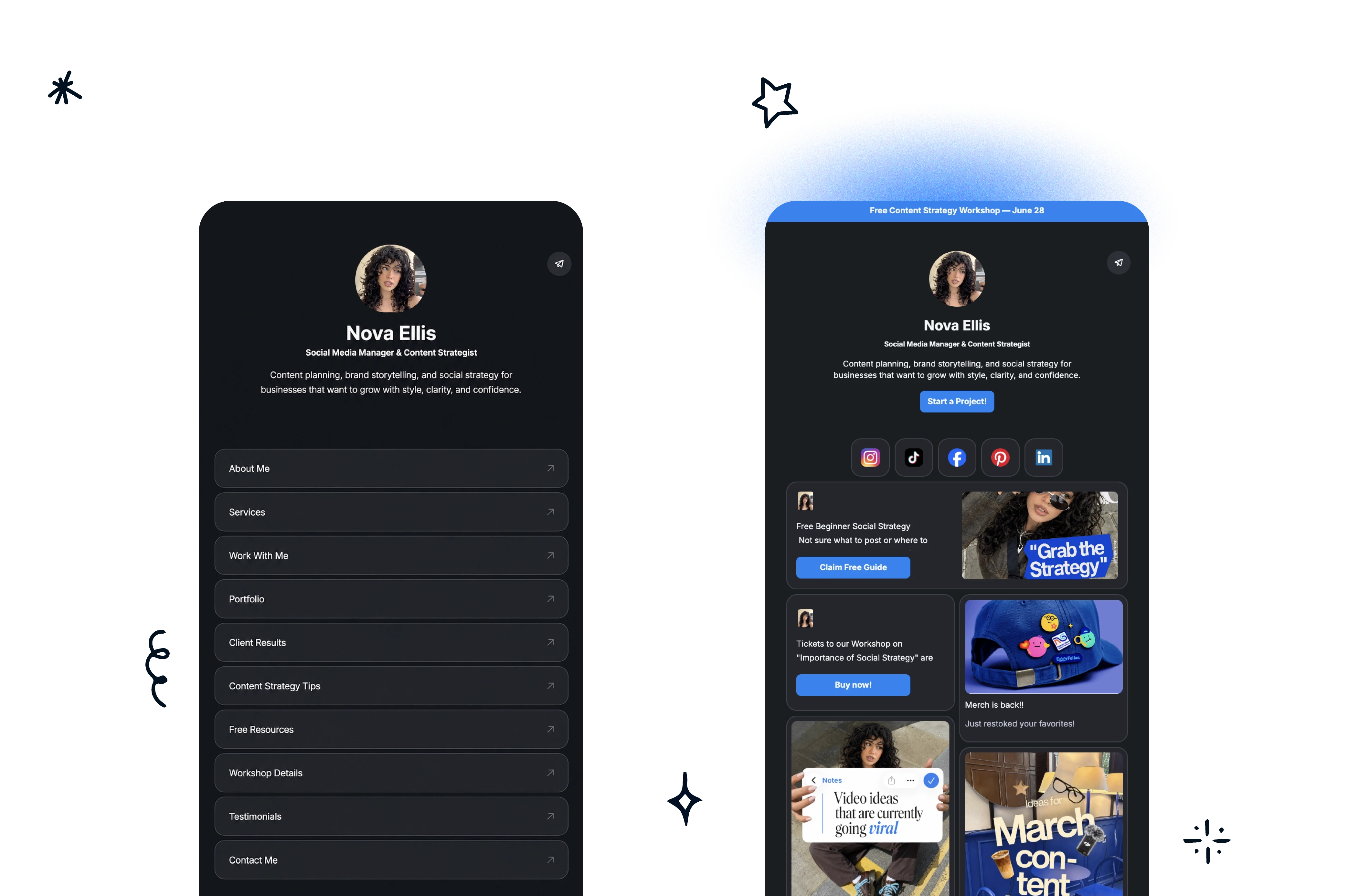
A page with ten equal-weight buttons usually loses to a page with one strong call to action, one backup, and enough visual difference between them to matter.
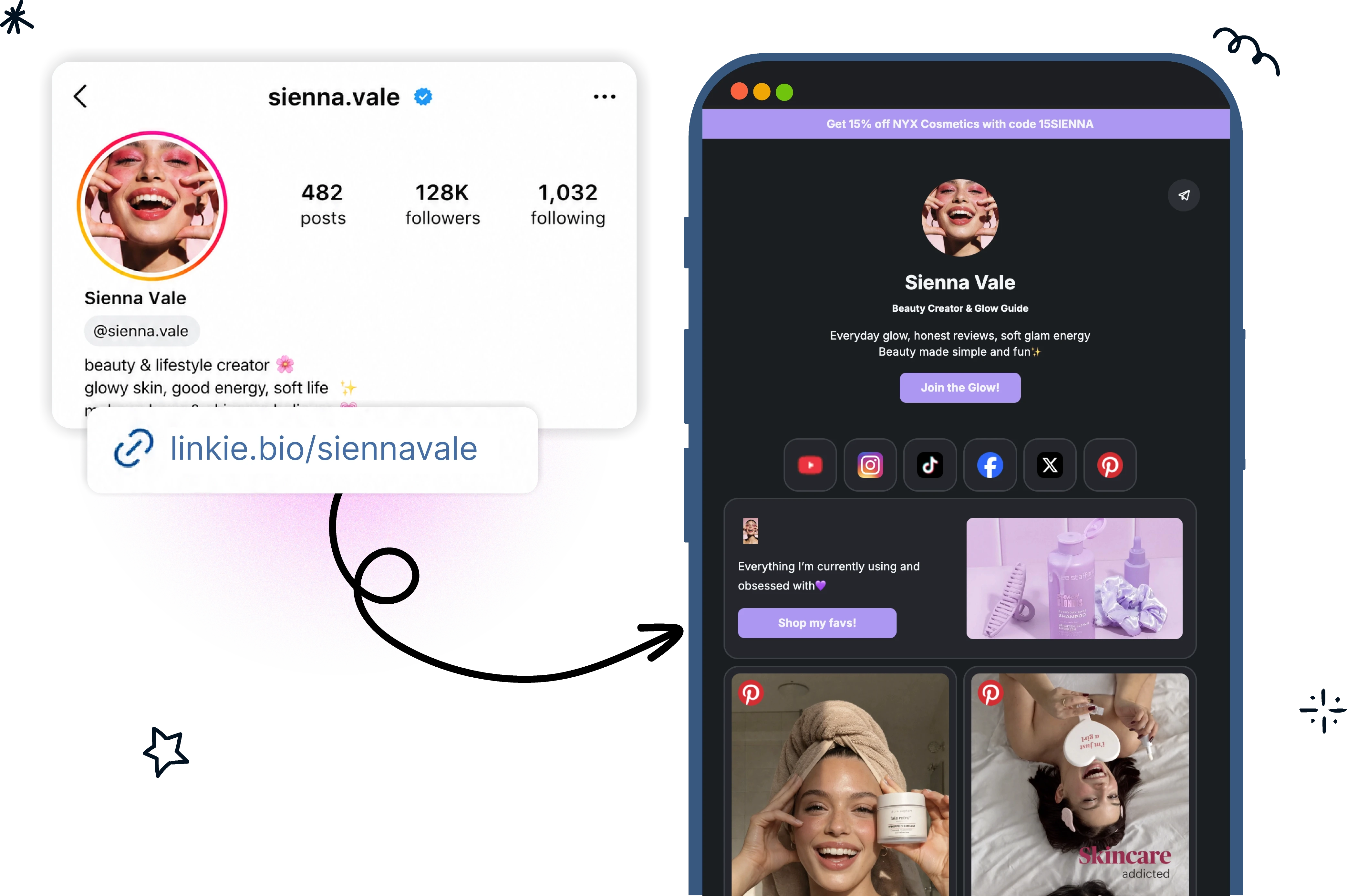
The whole category exists because Instagram allows one clickable link in the bio. That constraint pushed creators toward a single page that could route traffic everywhere else. What started as a list of blue buttons has turned into something closer to a small mobile landing page, which suits Instagram traffic far better.
The best Instagram bio pages don't feel like a directory. They feel like a landing page that happens to be short.
This list ranks tools through that lens — not feature count, but how well each one handles fast mobile traffic, visual priority, brand consistency, and getting a campaign changed in two minutes.
What to Look for in an Instagram Bio Link Tool
Instagram traffic behaves differently from search traffic, so the things that matter are narrow. Four of them:
Can you make one link obviously more important than the others? This is the whole game. If the tool only does identical stacked buttons, you're fighting it.
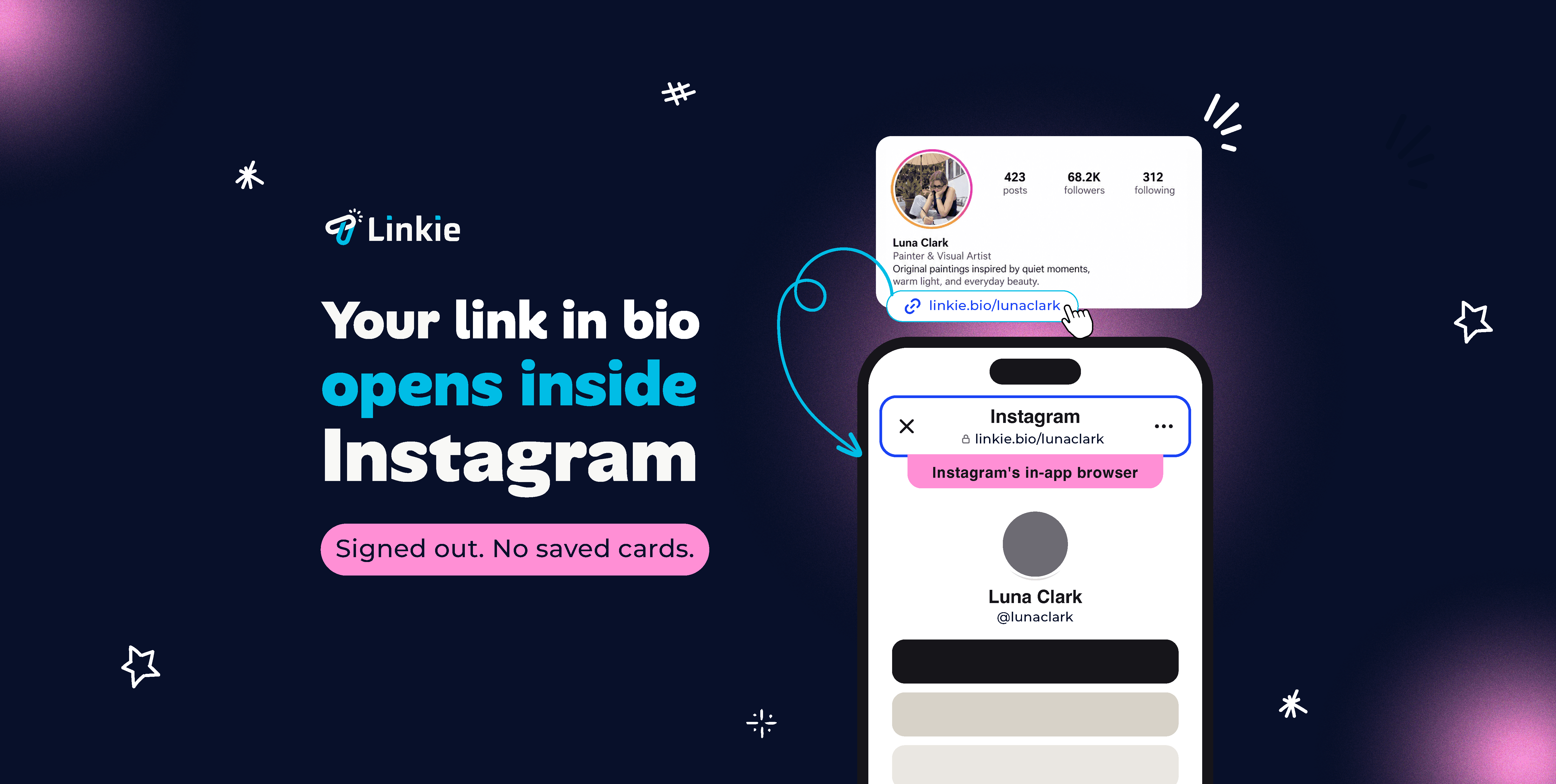
Does the page load cleanly in the in-app browser? Instagram opens links inside its own browser, not Safari or Chrome. That's where nearly all your visitors will see the page, and it's where things break.
Can you see which links actually get tapped? Not visits. Taps, per link. Without that you're guessing about what to cut.
How fast can you change it? A bio page that still promotes last month's launch is worse than no bio page, and the tool that makes updates annoying is the tool that produces stale pages.
Everything else is a feature list.
1. Linkie for Instagram — building a clear tap hierarchy fast
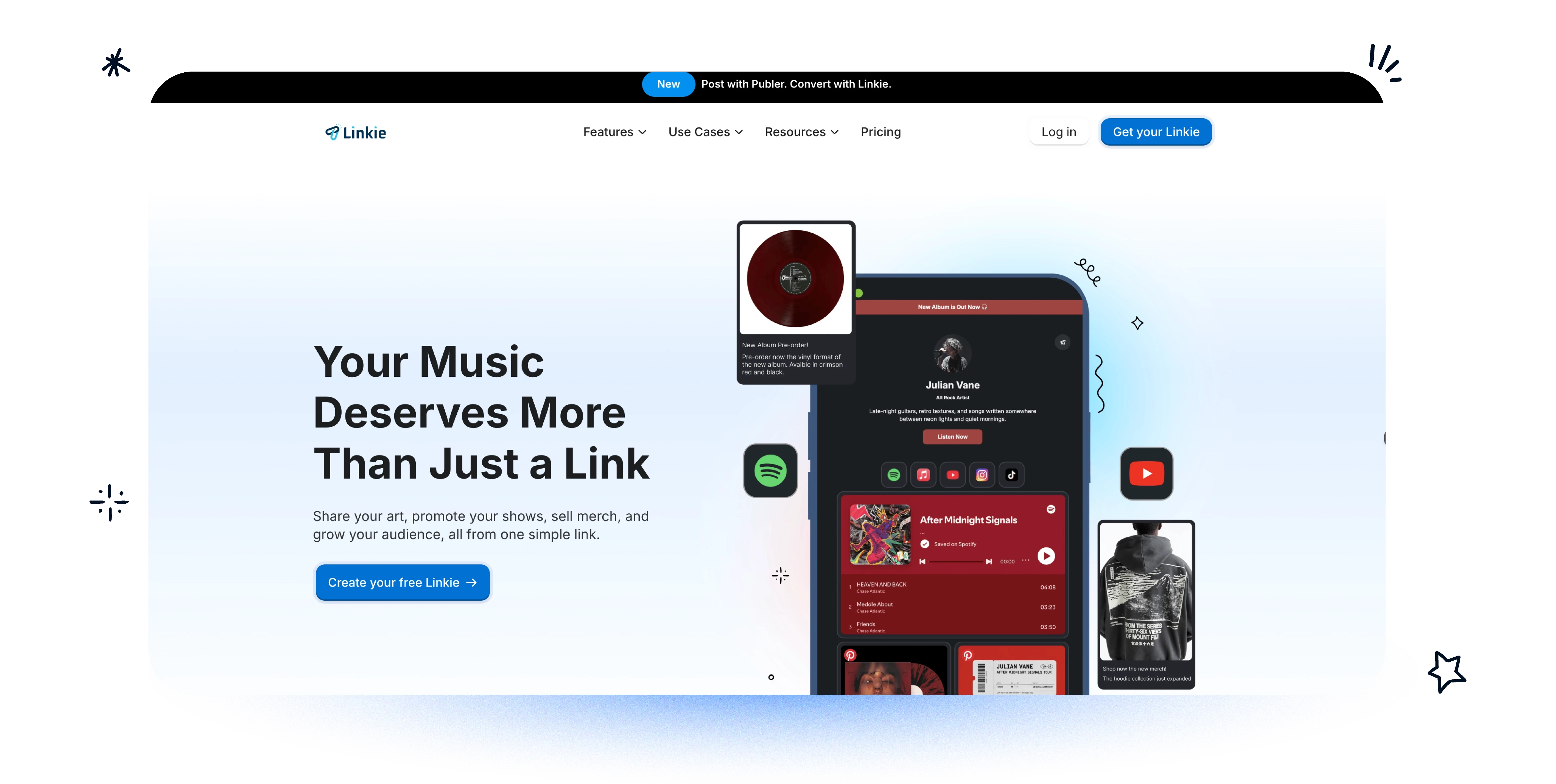
Linkie is ours, so read this section with that in mind — the trade-off at the end is the honest version of what it doesn't do.
Its advantage is narrow and practical: you can build a hierarchy quickly.
It uses drag-and-drop cards instead of a stacked list, and cards can be different sizes. So a launch, a booking link, a featured product or a lead magnet can sit at the top with enough visual weight to actually earn the tap, rather than looking identical to the five things underneath it.
Why it works for Instagram traffic. Page composition. Card size, placement, thumbnails, embeds and sticky banners all signal priority, so you can make something obvious without making the page loud. Someone arriving from a Story doesn't need more choices — they need one clear one.
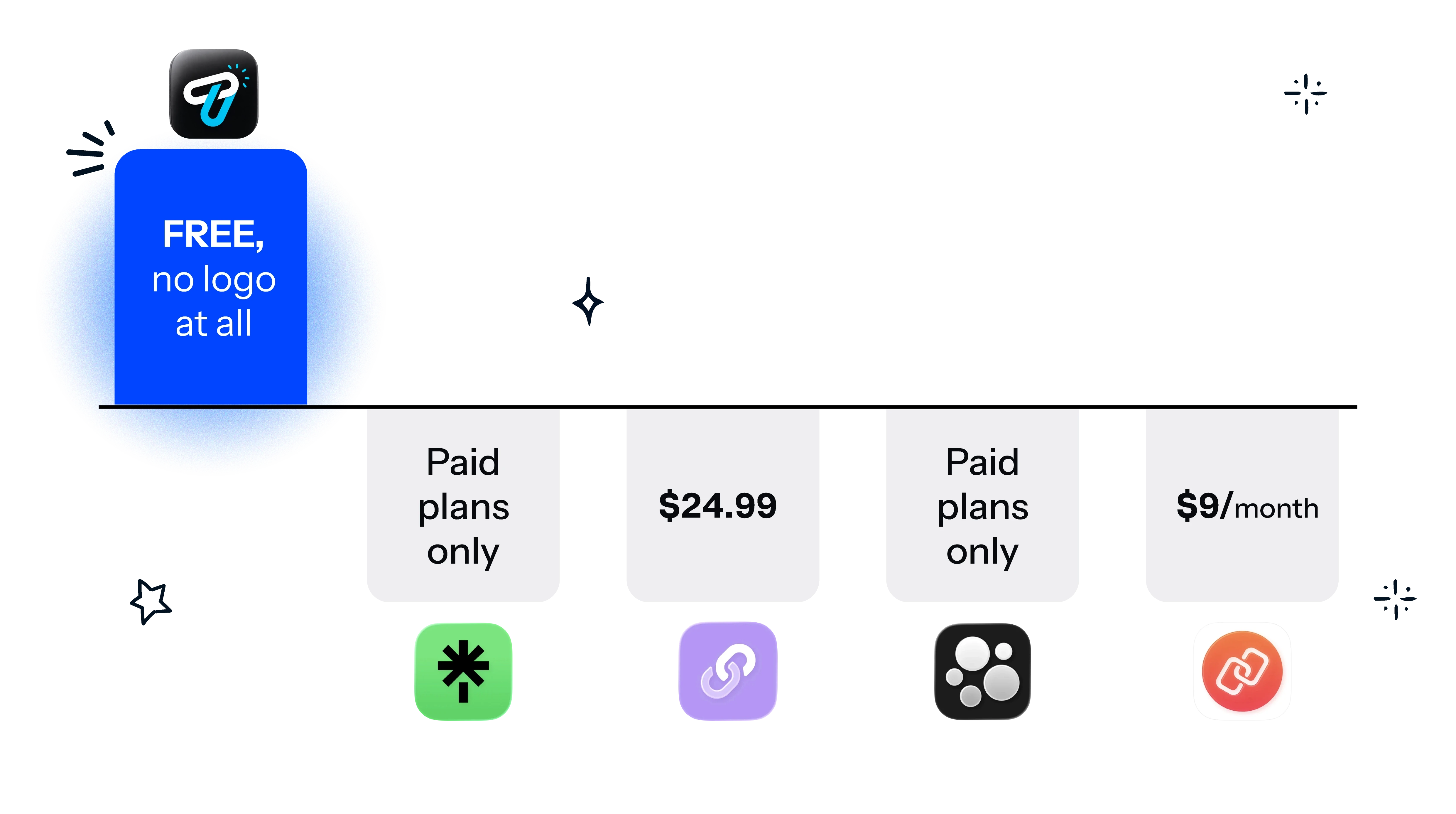
There's also no Linkie logo on the page. On any plan, including the free one. Everywhere else on this list, taking the platform's name off your page is something you pay for — Lnk.Bio wants $24.99 for it, Link in Bio puts it on a $9 plan, Linktree keeps it on paid tiers. If you're sending followers somewhere that's meant to look like yours, that matters more than it sounds.
Smart links, which matter more on Instagram than people expect. One URL sits in your bio, but it doesn't have to send everyone to the same place. You can route by country, by operating system, or by browser — so an iPhone user gets the App Store and an Android user gets Google Play, or someone in Brazil lands on the Portuguese page while a US visitor gets the .com.
That's genuinely useful on Instagram, because Instagram audiences are international by default in a way that most other traffic isn't. A Reel travels. If half your reach is in a country you don't sell to yet, sending everyone to the same checkout wastes it.
Rules run in the order you set — drag the one you care about to the top and it wins — and anyone who matches nothing gets your default link, so nobody hits a dead end. There's more on how to structure the rules in our smart links guide.
It updates itself, if you schedule in Publer. Linkie is Publer's link-in-bio tool, and the two connect directly. Schedule a post in Publer, flip the Linkie toggle, and the post appears on your bio page on its own when it publishes. You can set it as the default so everything you schedule lands there without you thinking about it, and you can attach a custom destination URL per post — so a Reel about a product sends people to that product, not to a menu.
That solves the staleness problem another way. Most bio pages go out of date because updating them is a separate job that nobody remembers to do. Here it isn't a separate job.
It also works across every social account you manage in Publer rather than Instagram alone, and if you run several brands you can point different accounts at different Linkie pages from one place.
Pricing. Free forever, and the free plan is real — custom profile, unlimited content cards, drag and drop, custom banner, colour styling, SEO settings. Plus is $9/month for one profile and adds your own domain, advanced analytics, email collection and unlimited smart links. If you run several pages, a bundle of five is $29/month, twelve is $76.
Worth putting next to the Linktree section below: the same capability is a $30/month Premium feature there.
A rule that works well here: one primary action, one secondary action, one credibility element above the fold. A featured product, a testimonial, an embedded post, an email signup. Card-based builders support that; rigid list builders fight it.
Who it's for. Creators, coaches, product brands and agencies who care about visual priority. If you want examples of what good looks like, see Instagram bio examples for creators. Particularly good for campaign-led pages, since resizing a card is faster than rebuilding a layout, and for anyone running multiple brand pages under one login.
The trade-off. Linkie isn't a storefront. There's no checkout, no courses, no memberships. If you want to sell digital products from the page itself, Beacons or Linktree are built for that and this isn't.
2. Linktree for Instagram — the familiar default, and the clutter trap
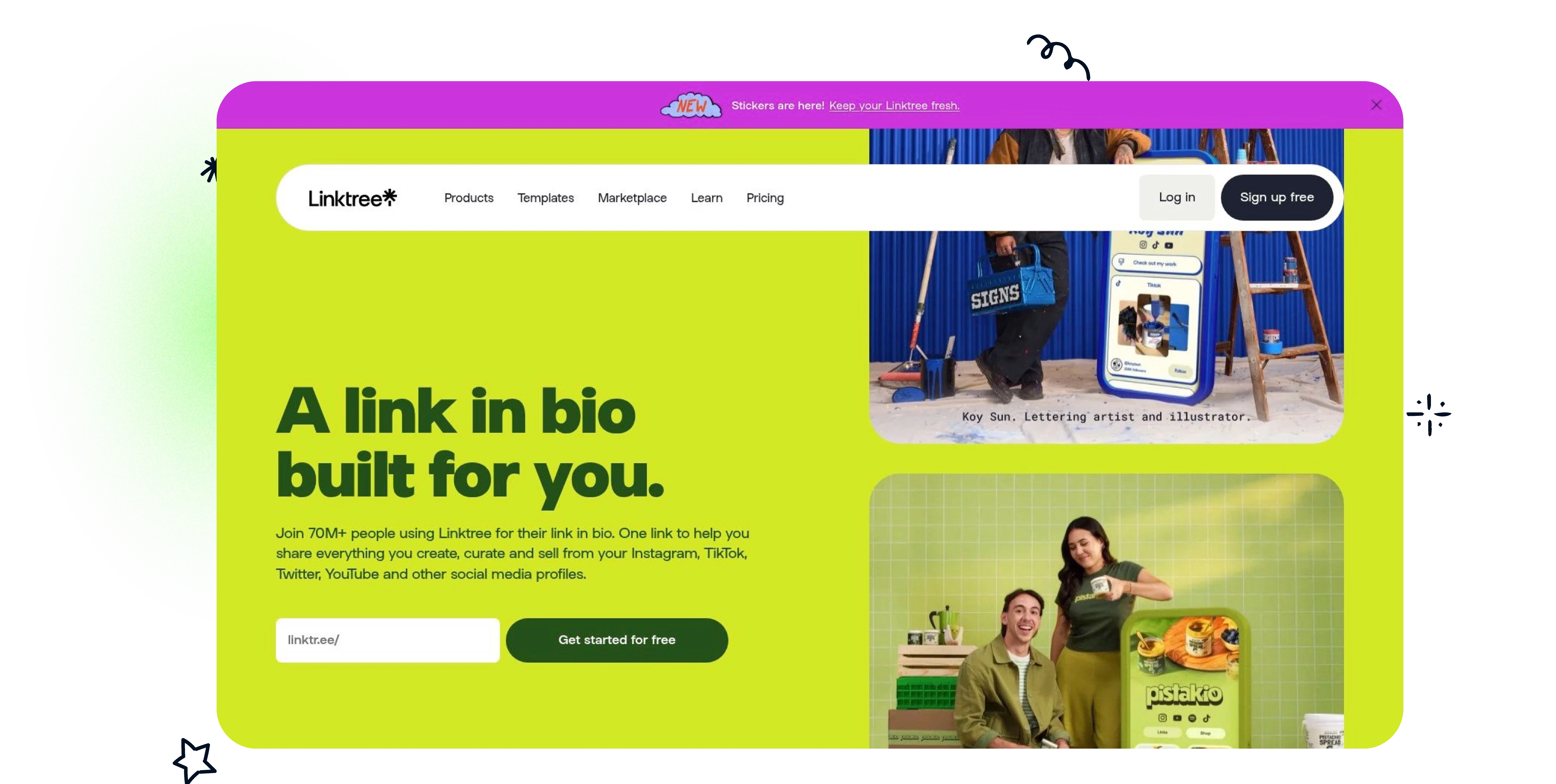
Linktree is the default because everyone recognises it. That's a real advantage — people know what they're clicking, and you can explain it to a client in one sentence.
The problem is how it usually gets used. Accounts dump every active link into it and call that a strategy, which on Instagram creates friction immediately.
Where it's genuinely strong is breadth. Templates, customization, analytics, commerce for digital products and courses, email and SMS capture, mobile apps. When the bio page needs to do more than route traffic, that ecosystem earns its keep.
Pricing. Free, then $6, $12 and $30 a month on annual billing — $8, $15 and $35 if you pay monthly, which the pricing page doesn't lead with. Agency is custom, meaning there's no number, just a contact form.
Two things worth knowing before you commit. The Starter plan takes 9% of what you sell, and that only drops to 0% at the $30 Premium tier. And smart routing — sending different visitors to different destinations — is a Premium feature, so it's $30/month here.
Who it's for. Teams that want the safe, recognisable choice, and creators selling digital products who'll use the built-in commerce.
The trade-off. Most of the customization and analytics worth having are behind paid tiers, and a Linktree page still looks like a list unless someone deliberately works on the hierarchy.
3. Beacons for Instagram — a creator business stack
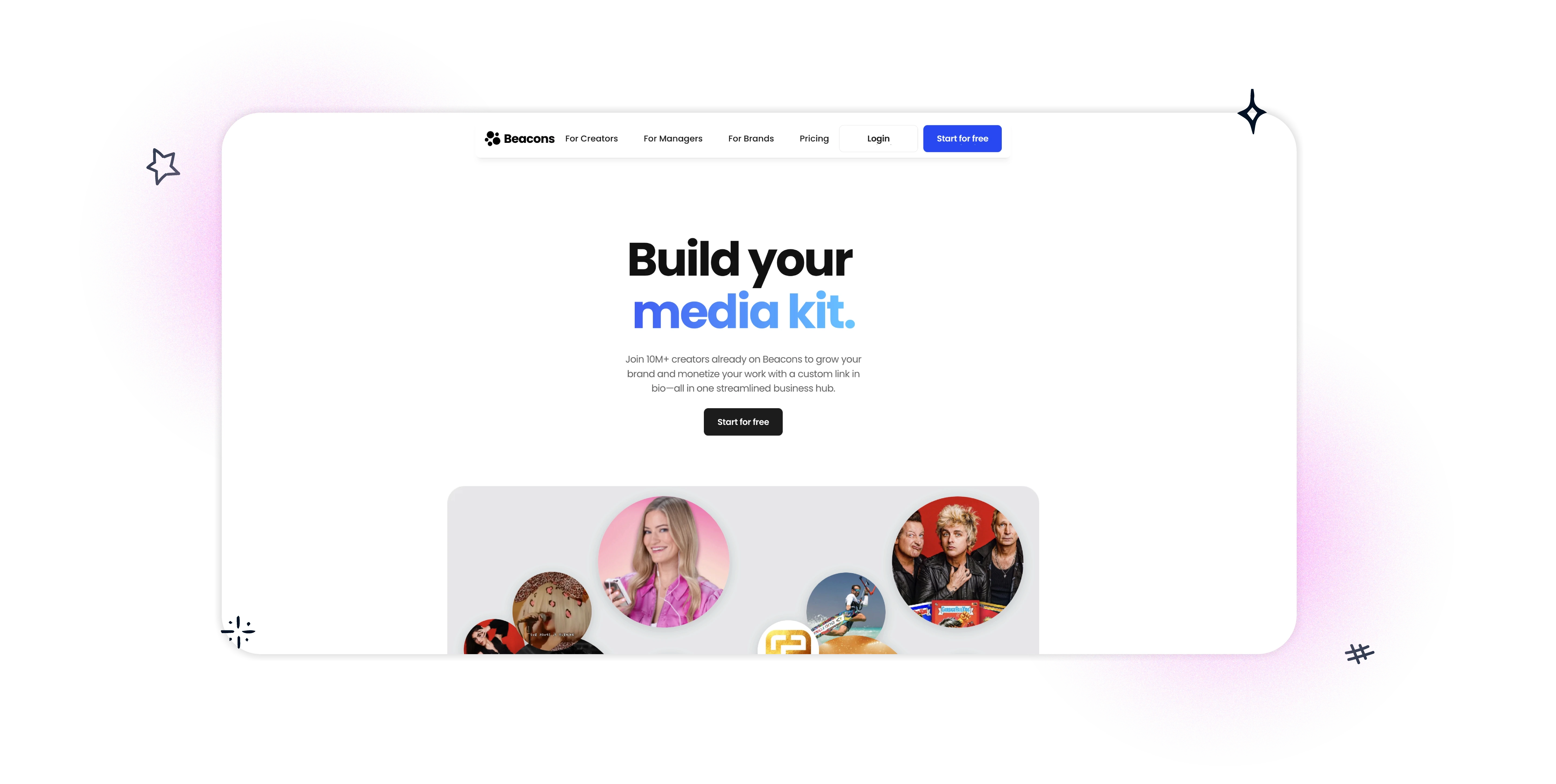
Beacons is less a bio link tool than a creator business stack, which is both the point and the risk.
If you're juggling sponsorships, affiliate links, digital products, memberships and bookings, it can replace a stack of separate tools. If you just want a sharp Instagram landing page, it's heavier than you need.
It's strongest when Instagram traffic has to turn into revenue rather than clicks. The storefront, media kit, brand-deal workflow and email marketing all point that way, which suits full-time creators whose bio page is tied to sponsorship income.
A lot of creators don't need more links. They need fewer tools.
Pricing. Free, then $10, $30 and $90 a month, with two months free on annual. The free plan is unusually generous — 30 daily AI credits, a self-updating media kit, unlimited digital products, real-time analytics — but it takes 9% of your sales, same as Linktree's entry tier. That goes to 0% on the $30 plan. Creator at $10 includes a free custom domain, which is cheaper than most of the category charges for one.
The trade-off. Focus. A feature-rich platform creates clutter unless you impose discipline yourself, and Beacons won't give your page a clear first call to action automatically.
4. Campsite.bio for Instagram — promotions and time-sensitive launches
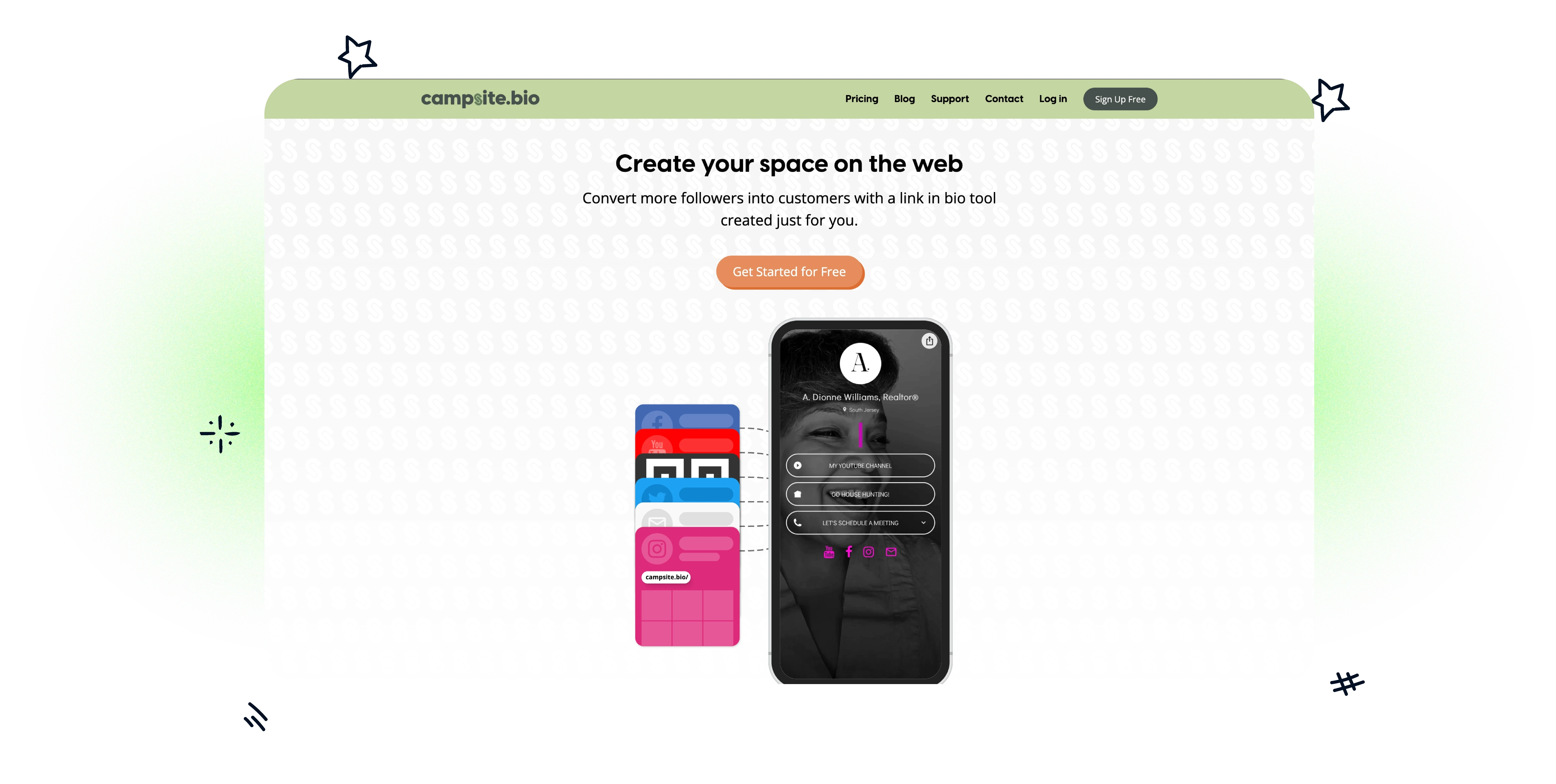
Campsite.bio isn't the flashiest tool here, but it solves a boring problem well: bio pages go stale.
The Reel is current, the Story is current, and the bio page is still promoting last month's offer. That's the most common reason a bio page underperforms, and it has nothing to do with design.
Campsite handles it with scheduled and expiring links — set them to appear and disappear on their own. That's genuinely useful for events, limited-time offers, launches, webinars, restaurant promos and anything an agency runs on a calendar. It also does embeds, Instagram post thumbnails, collaborators and Canva-friendly workflows, so keeping a page current doesn't mean rebuilding it.
A bio page doesn't need constant redesign. It needs to reflect what the account is actually promoting this week.
Who it's for. Small teams and operators who run on a promotional calendar, local businesses pushing menus and bookings, and agencies that need collaboration without a heavy stack.
The trade-off. Analytics depth. Advanced reporting may need an add-on, so optimisation is less direct than with tools that build it in.
5. Lnk.Bio for Instagram — a simple page with no monthly bill
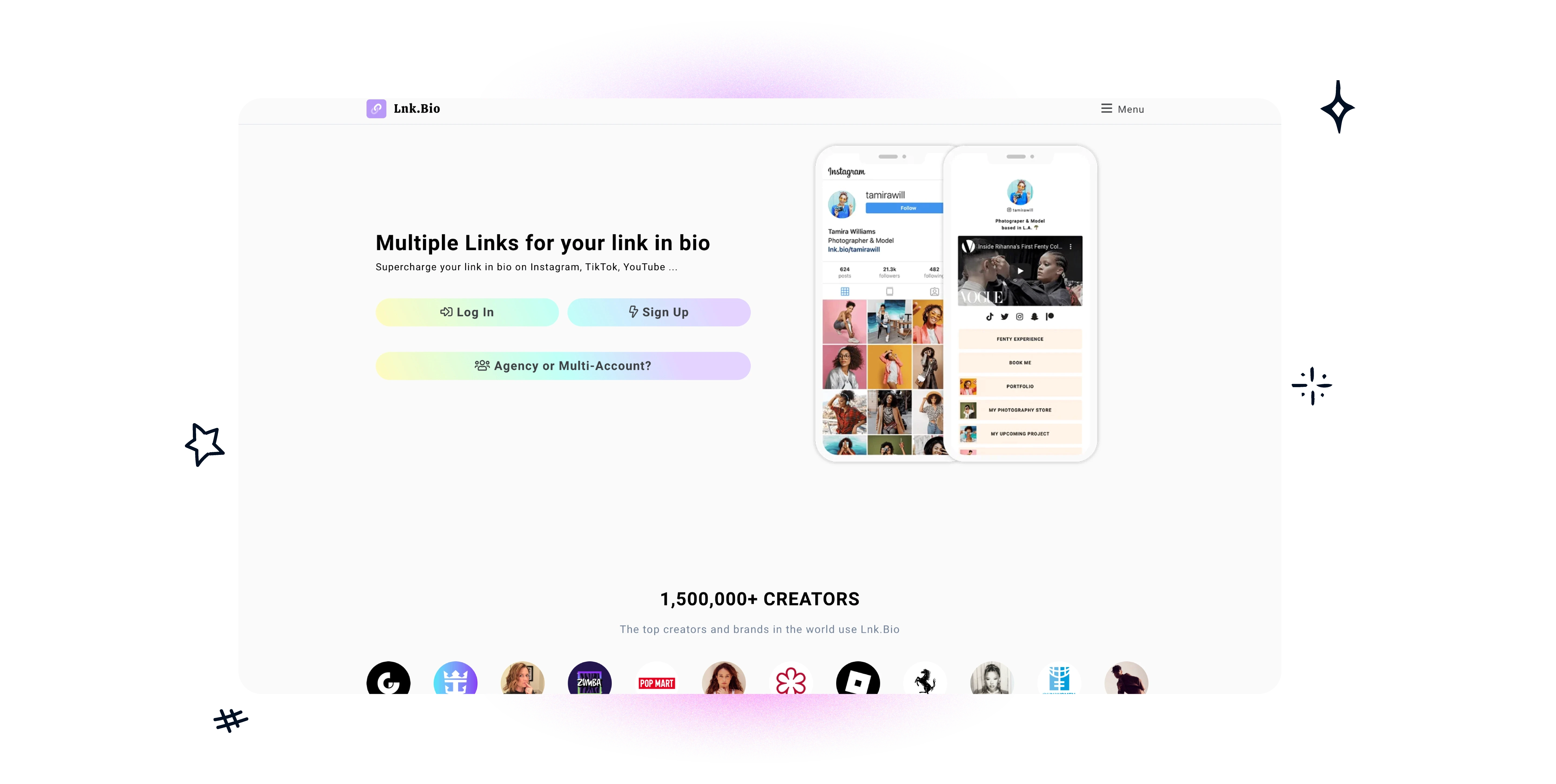
Lnk.Bio is a useful reminder that not everyone needs a creator operating system. Sometimes the right answer is a page that takes five minutes to set up and never becomes another subscription.
Pricing. Free with unlimited links, then $0.99/month for Mini — the cheapest ongoing subscription in the category — and $24.99 once for Unique, which is a genuine one-time payment rather than a subscription. Ultra is $89.99 a year.
Watch the add-ons, though, because they're where the cheap plan stops being cheap. Blue tick $2/month, booking calendar $4/month, translations $3/month, custom domain $39.99/year. Removing the Lnk.Bio logo means getting to the $24.99 tier.
Simple doesn't automatically mean high-converting. A minimalist page still needs hierarchy, and if every item looks the same, the page ends up passive.
Who it's for. Budget-conscious creators who want predictable cost, simple media hubs, and anyone who'd rather set it up once and leave it alone.
The trade-off. It thins out fast when the page needs to do business functions — there's no real emphasis on email capture, storefronts or deep analytics.
6. Solo.to for Instagram — the middle ground
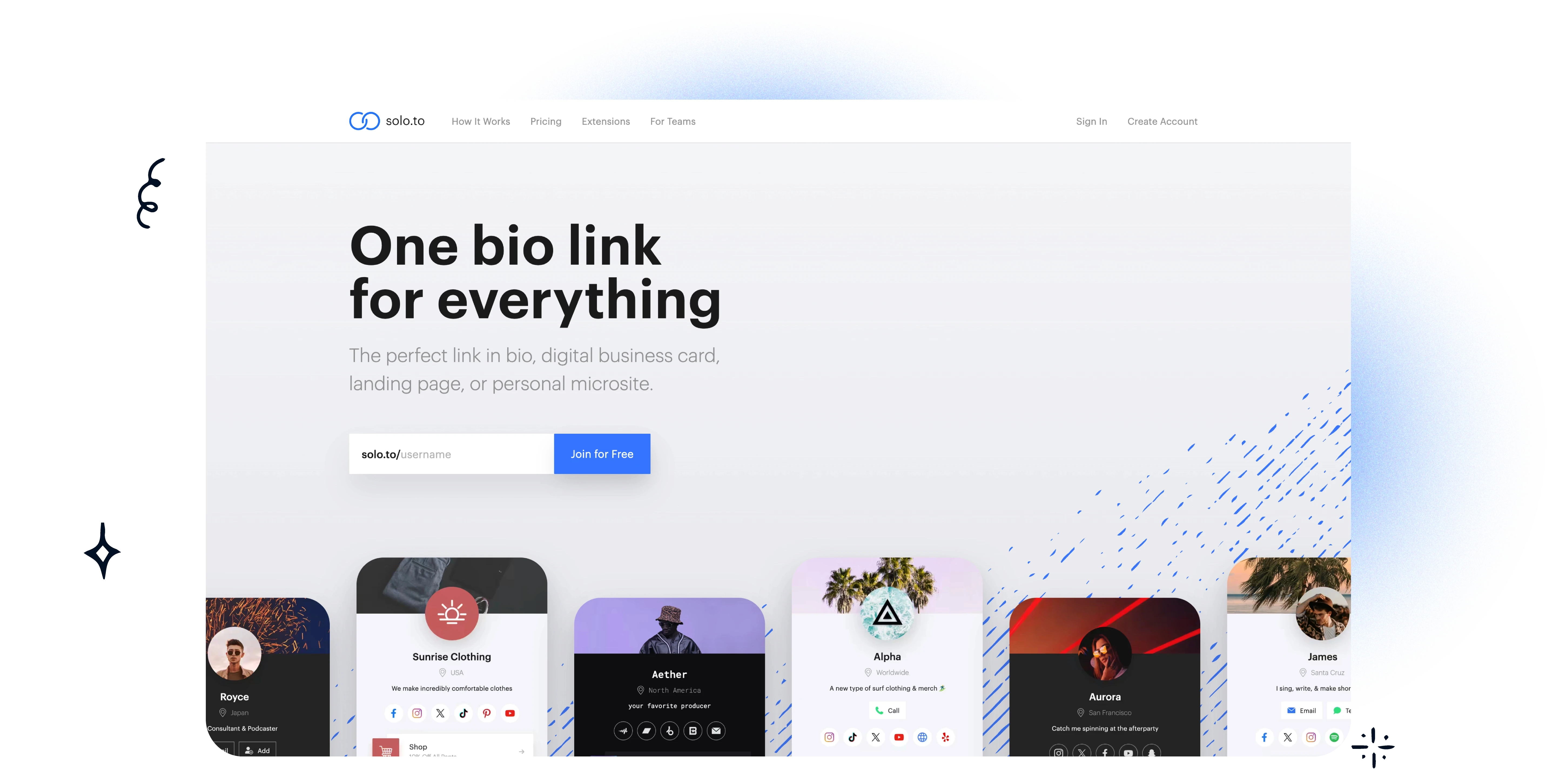
Solo.to sits between the stripped-down link pages and the full creator hubs, which is a genuinely useful place to be.
You get multiple pages on higher tiers, page cloning, media embeds, scheduled links, background video, custom domains and pixel tracking. That's enough to build campaign-specific pages without taking on a platform that slows you down.
Cloning is the underrated one. If you want a different page for a Reel campaign than for your Stories link, duplicating and editing beats building from scratch.
Who it's for. Solo creators and small teams who want power features without a learning curve, and marketers running paid traffic who need pixel support for retargeting.
The trade-off. Ecosystem depth. It isn't trying to be a commerce or email platform, which is either the point or a dealbreaker depending on your model.
7. Taplink for Instagram — service businesses and sellers
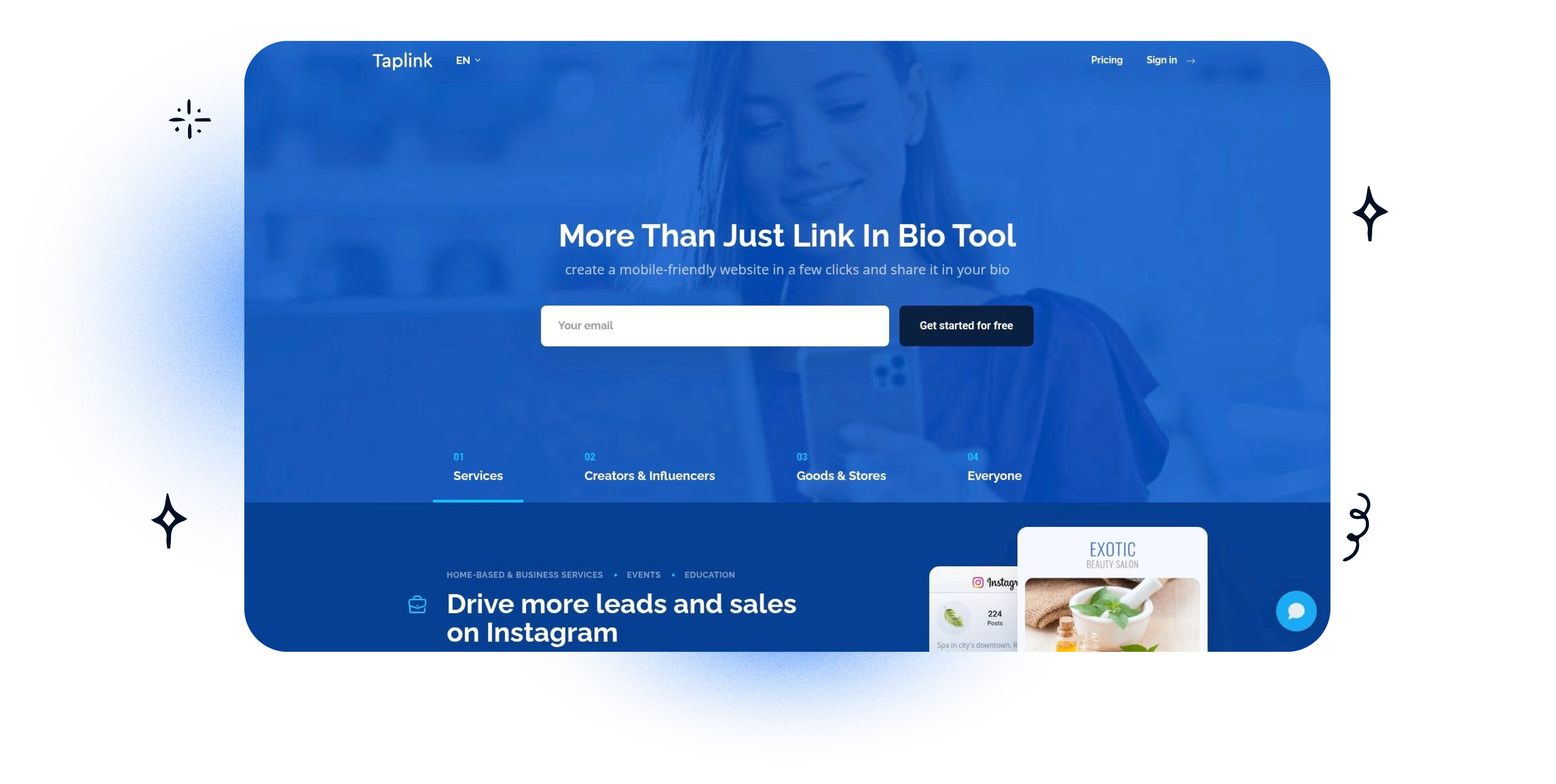
Taplink is the most practical option here for businesses that need to present an actual offer rather than a list of destinations. Menus, pricing tables, forms, upsell sections — it behaves more like a mini sales page.
That suits a specific kind of account. A stylist showing services and prices. A restaurant with a menu and a booking prompt. A coach with a short offer stack and an enquiry form. In each case the visitor needs context before they click, and a row of buttons can't give it to them.
The payoff is fewer taps to understand what's on offer, which matters when someone arrived from a Story and is deciding whether to care.
Who it's for. Local businesses, beauty and wellness, clinics, restaurants, appointment-based services, and anyone selling to a multilingual audience — the localization support is a real differentiator.
The trade-off. Some of the advanced widgets look dated, and pricing varies by locale, so check what your plan actually costs where you are.
8. Bio.link for Instagram — a mini-site with guided discovery
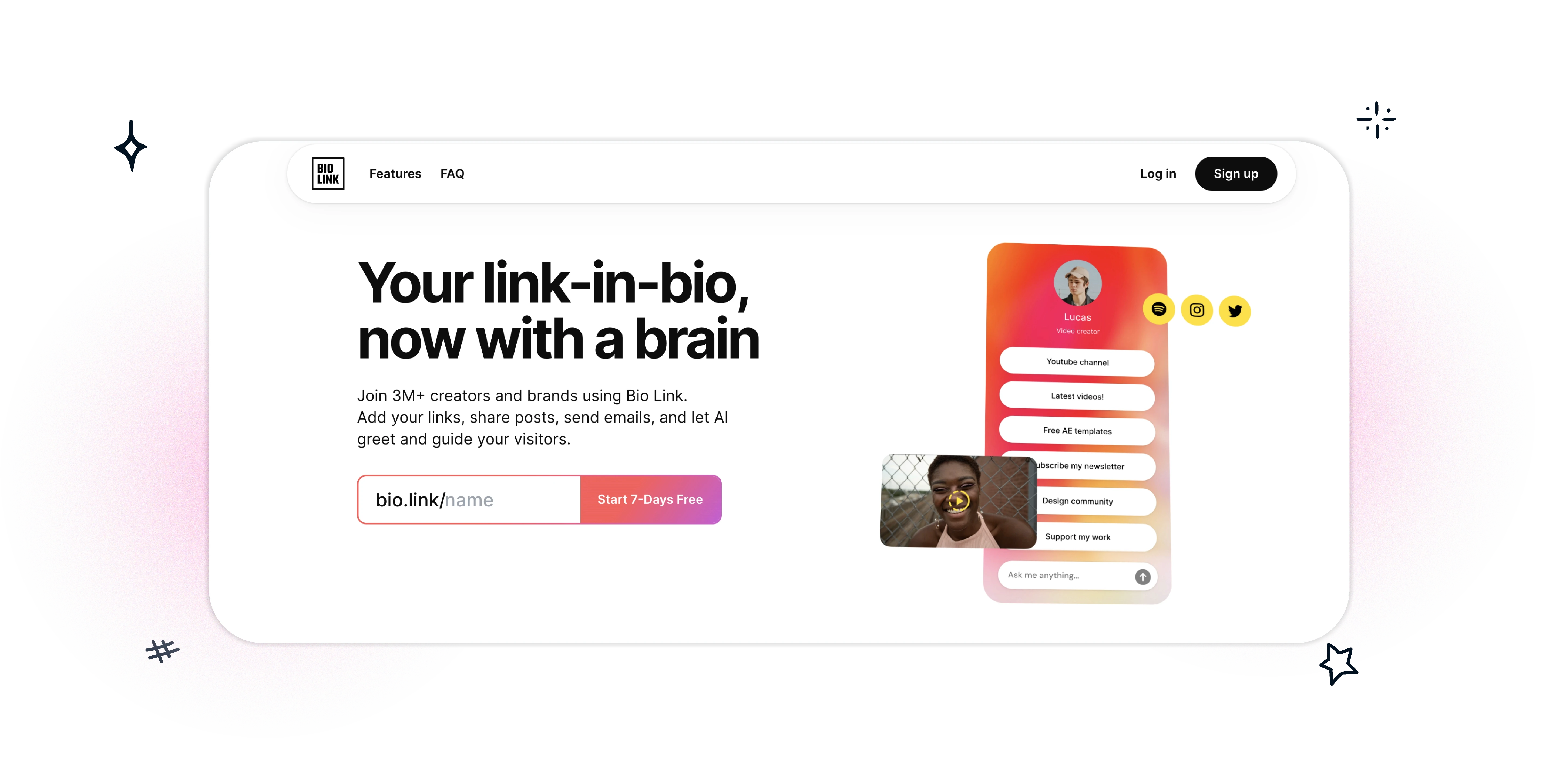
Bio.link treats the page as a mini-site with engagement tools built in, including an AI assistant trained on your own content.
Most bio pages assume the visitor already knows what they want. This one is aimed at the visitor who doesn't — someone who'd otherwise scroll a long list and leave. If your DMs fill up with the same three questions before anyone buys, that's the use case.
It also includes posts, newsletter tools, SEO features, custom domains and analytics in one fairly simple plan.
Who it's for. Information-heavy brands, and creators with layered offers — courses, services, newsletter, content — that need to coexist without the page turning into a menu.
The trade-off. The AI only helps if you configure it properly. For a straightforward Instagram funnel, this is more setup than the situation needs.
9. Later Link in Bio for Instagram — teams already planning in Later
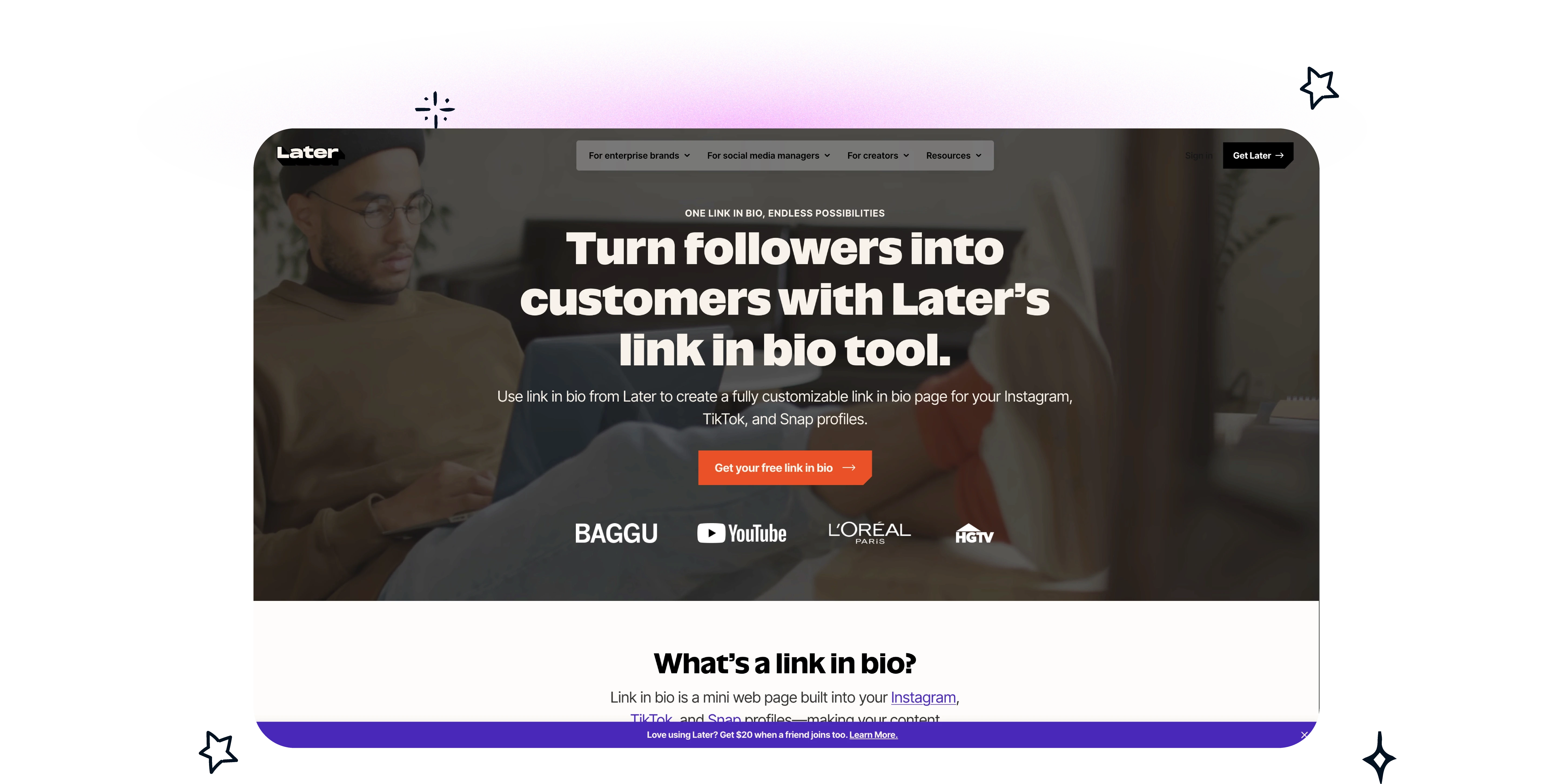
Later Link in Bio is an operations choice, not a design choice. It makes sense when you already plan, schedule and report in Later, because the value is keeping publishing and click paths in one workflow.
The useful part is post-level linking. Rather than sending everyone to one page with ten equal choices, you link each Instagram post to the specific product or collection it's about. For e-commerce running product drops or seasonal pushes, that's a meaningfully different model — the visitor lands where the post was pointing, not at a menu.
It supports multiple links per post, Mailchimp integration, and custom affiliate links for cleaner attribution.
Who it's for. E-commerce accounts built around launches, affiliate-heavy creators who need attribution, and anyone already running Instagram through Later.
The trade-off. Flexibility. If you want a highly customised standalone page with strong visual hierarchy, the bio page here will feel secondary to the scheduling suite it lives inside.
Worth knowing that this workflow isn't unique to Later any more. Linkie connects to Publer the same way — schedule the post, and the bio page updates itself, with a per-post destination link. So "we already schedule somewhere" narrows the field less than it used to.
10. Buffer Start Page for Instagram — teams already working in Buffer
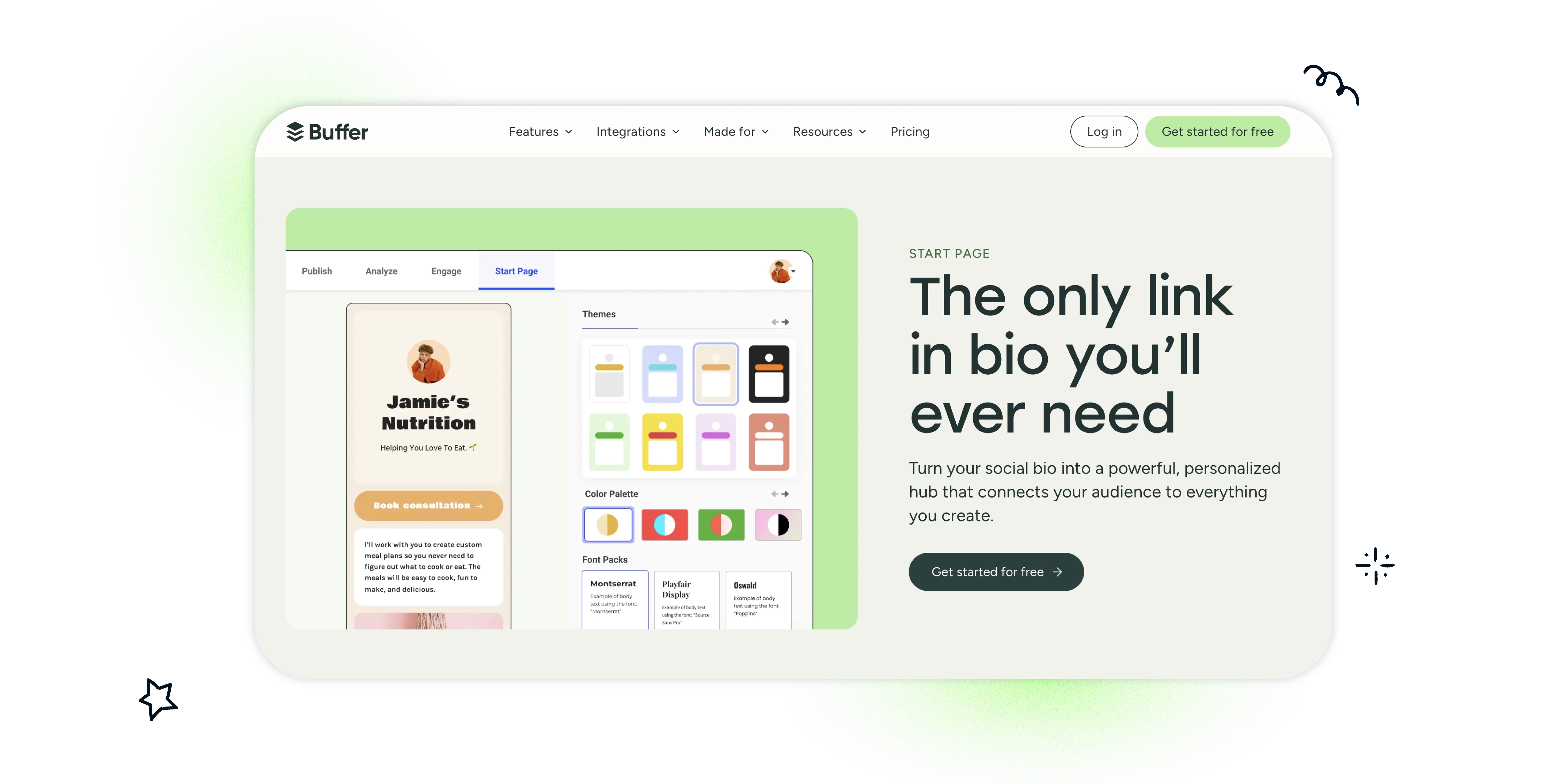
Buffer Start Page is a convenience pick, and there's nothing wrong with that.
It isn't the most capable dedicated bio-link tool, but it lives inside the same publishing and analytics environment as everything else you do in Buffer. For a team handling multiple channels, approvals and reporting in one place, one login is worth something.
Who it's for. Existing Buffer users, and agencies where bio pages are one small part of a wider publishing stack.
The trade-off. Depth. Dedicated tools offer richer layouts, more hierarchy control and stronger conversion elements. If the bio page is central to your Instagram strategy rather than an accessory to it, this isn't the one. The same caveat as Later applies — a scheduler-linked bio page is no longer something only Later and Buffer can offer.
Instagram Bio Link Tools Comparison
Prices checked 24 August 2026.
Tool | Free plan | Paid from | Their logo on your page | Smart routing | Best for |
|---|---|---|---|---|---|
Linkie | Yes, forever | $9/mo | None, any plan | Yes, $9/mo | Card hierarchy, multi-profile, agencies |
Linktree | Yes, restricted | $6/mo annual · $8 monthly | Paid tiers only | Yes, $30/mo | Broad familiarity, built-in commerce |
Beacons | Yes, generous | $10/mo | Paid tiers only | Not listed | Creator monetisation, media kits |
Campsite.bio | Yes | Budget tiers | Paid tiers only | Not listed | Scheduled and expiring campaign links |
Lnk.Bio | Yes, unlimited links | $0.99/mo | $24.99 once to remove | Not listed | Lowest ongoing cost, one-time option |
Solo.to | Yes | Low-cost tiers | Paid tiers only | Not listed | Page cloning, pixel tracking |
Taplink | Yes | Varies by locale | Paid tiers only | Not listed | Service menus, pricing tables, multi-language |
Bio.link | Yes | One paid plan | Paid tiers only | Not listed | AI-guided discovery, layered offers |
Later | In Later plans | Part of Later | n/a | Post-level only | Post-level linking for e-commerce |
Buffer | In Buffer plans | Per-channel | Paid plans | Not listed | Teams already using Buffer |
Two columns there do more work than the price column.
Logo removal. Almost every tool here puts its name on your page and charges you to take it off. It's rarely on the front of the pricing page, and it's the thing that makes a bio page feel rented rather than yours.
Smart routing. Two tools here advertise sending different visitors to different destinations based on country or device. It's $9/month on one and $30/month on the other. "Not listed" means the vendor doesn't publish it as a feature — not that it definitely can't be done, so check if it matters to you.
How to Organize Multiple Links in Your Instagram Bio
The most common mistake is treating the page as an archive of every link you have. Twelve equal buttons give the visitor no signal at all, so they pick nothing.
Four things fix most pages:
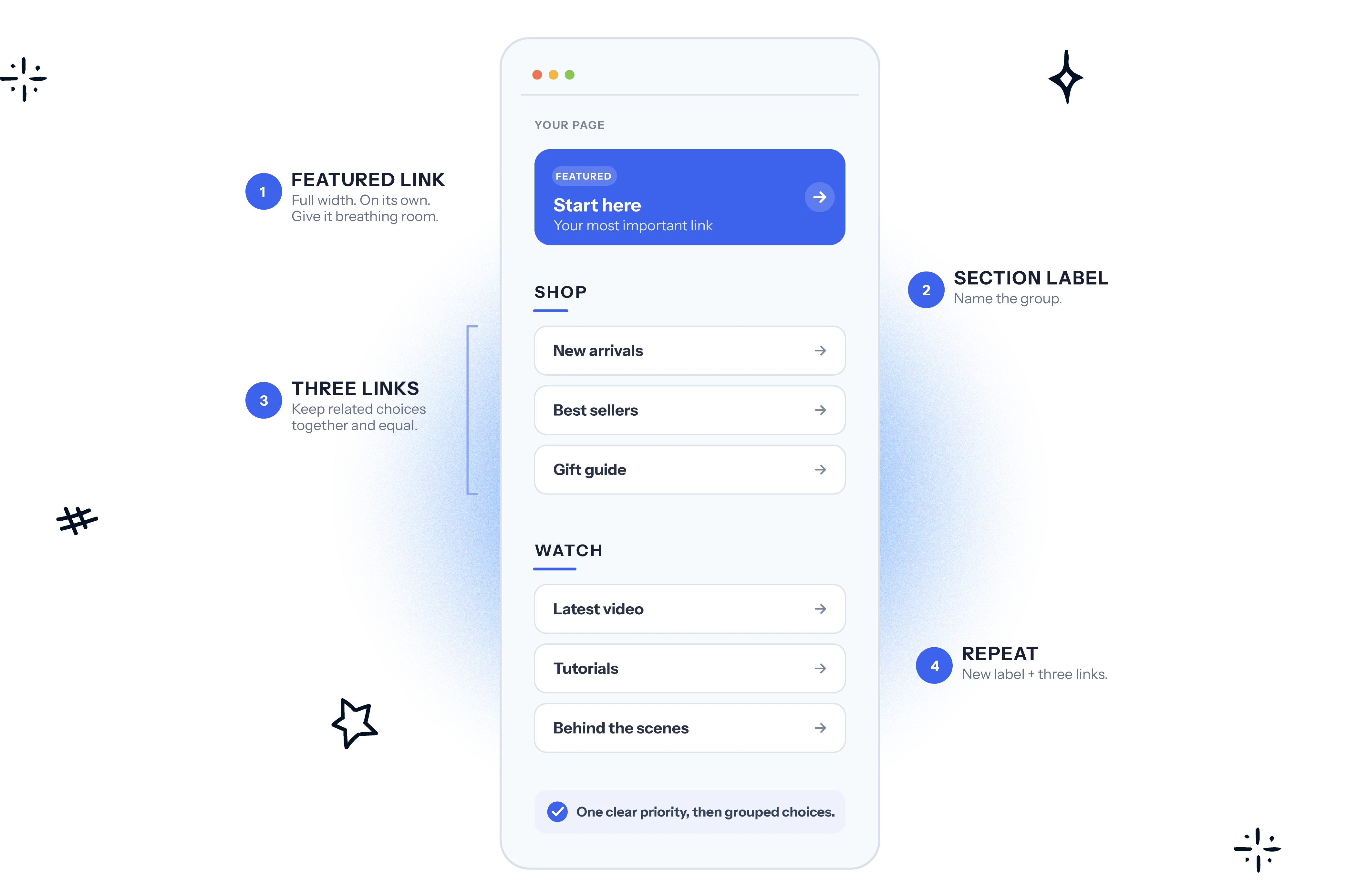
Put the one link you most want tapped at the top, on its own. Not in a group. Alone, with visual weight.
Group the rest into two or three labelled blocks. Three groups of four beats a list of twelve.
Delete anything that hasn't been tapped in a month. If you can't see per-link taps, that's a reason to change tools.
Label by outcome, not destination. "Shop the new drop" beats "Website". The label is what people read; the URL is not.
More on this in getting more clicks from your Instagram bio.
How to Choose an Instagram Bio Link Tool
Instagram bio traffic doesn't reward feature bloat. It rewards fast decisions.
Someone taps over from a Reel, scans for a second, and decides whether to keep going. If the page looks crowded, if every button carries the same weight, or if the thing they came for is halfway down, the visit ends there.
The failure points are predictable, and they're the same ones every time. Too many links competing. A weak first screen. Last month's campaign still in prime position. A template generic enough to belong to anyone. Nobody pruning.
Treat the bio page as a small landing page with one job: get the next click.
What "good" means changes by use case. Creators selling digital products want a primary offer, a proof element, and a lighter next step like a free resource. Influencers want current sponsorships at the top rather than six months of accumulated brand links. E-commerce teams want the page to look current, especially around a launch. Local businesses want the next action obvious — book, order, call, view the menu. Agencies want speed, because a tool that makes updating ten client pages slow becomes the bottleneck.
Custom domains matter more than they get credit for. Instagram trust is fragile, and a branded URL makes the jump from profile to page feel deliberate. That counts for more when the destination asks for money or an email address.
Analytics should drive edits, not reports. If one block gets the attention and the rest are ignored, cut the rest. A short list of clear choices beats a long list of equal ones every time.
If you want a cleaner page with stronger visual priority and no platform branding on it, Linkie is worth testing first. The card layout suits launches, products, lead magnets and bookings, because it avoids the flat wall of buttons that hurts mobile scanning.
Better bio pages convert because they remove hesitation. That's the whole mechanism.
Instagram Bio Link Tool FAQ
What is the best Instagram bio link tool?
For most Instagram accounts, the best tool is the one that lets you build a clear hierarchy fastest — one primary action, then grouped secondary links. Linkie for card-based hierarchy and unbranded pages, Taplink if you're presenting services or prices, Later or Buffer if your team already schedules there.
What is the best tool to organize links in an Instagram bio?
Any tool on this list will hold the links. What separates them is whether you can make one link obviously more important than the others, and whether you can see which ones get tapped so you know what to remove.
Do Instagram bio link tools work with only one link in the bio?
Yes, that's the entire point. One URL goes in the bio field, and it opens a page with as many destinations as you need behind it, with click data on each one.
How much do Instagram bio link tools cost?
Free plans are real across the category. Paid plans start at $0.99/month (Lnk.Bio) and mostly land between $6 and $30 a month. Full breakdown in our link in bio pricing guide. Linktree is $6, Linkie is $9, Beacons is $10. Watch for two costs that aren't on the pricing page: seller fees of around 9% on entry tiers, and a charge to remove the platform's logo.
Which Instagram bio link tools are free?
All of the main ones have a free tier. The differences are what's gated — Linkie's free plan includes SEO settings and no logo; Beacons' free plan is feature-rich but takes 9% of sales; Lnk.Bio gives unlimited links but charges $24.99 to remove its branding.
Why do my Instagram bio links open in a strange browser?
Instagram opens links inside its own in-app browser rather than your phone's default. It's worth checking your page renders properly there, because that's where nearly all your visitors will see it.
Can my Instagram bio page update itself when I post?
Yes, if your scheduler supports it. Later does this for Instagram posts, and Linkie connects to Publer so anything you schedule there can be added to your bio page automatically, with its own destination link. It's the most reliable fix for the most common problem — a bio page still promoting last month's campaign.
Can I use the same bio link on TikTok and YouTube?
Yes, and most people do. If you want the same URL to send TikTok visitors somewhere different from Instagram visitors, that needs smart links — routing by source, country or device. It's a $9/month feature on Linkie and a $30/month one on Linktree.