

TL;DR — A small business bio link has a different job from a creator’s: it has to produce an enquiry, a booking or a sale, not route fans. Pick the tool that handles whichever of those three you actually need, and check the custom-domain rules before committing. Ten options compared below.
Reviewed 21 August 2026 by the Linkie team.
Your link in bio isn't a folder. It's a front door.
A lot of small businesses still treat it like a storage closet. One button for the homepage, one for the latest post, one for an old promo, one for a menu PDF, one for a booking page, one for a contact form, one for a marketplace listing, and a few more that nobody has checked in months. That setup doesn't help customers. It slows them down.
That matters because social platforms still limit outbound profile links, which is exactly why link-in-bio tools became so useful in the first place. Wix notes that TikTok allows only one link, while Instagram allows up to five, so businesses use a single bio URL as a hub for stores, bookings, menus, and contact forms, using one profile slot. Wix's guide to link-in-bio tools explains this in more detail. For many brands, that bio page becomes a primary conversion path from social traffic.
The best link in bio for small businesses isn't the one with the most features. It's the one that helps a customer decide fast. Buy. Book. Call. Request a quote. Join the list. That is the job.
Modern small-business reviews also judge these tools less by follower-friendly design and more by analytics, custom domains, and conversion features, because a bio page now has to function like a measurable sales asset, not a list of links in disguise.
1. Linkie for small businesses
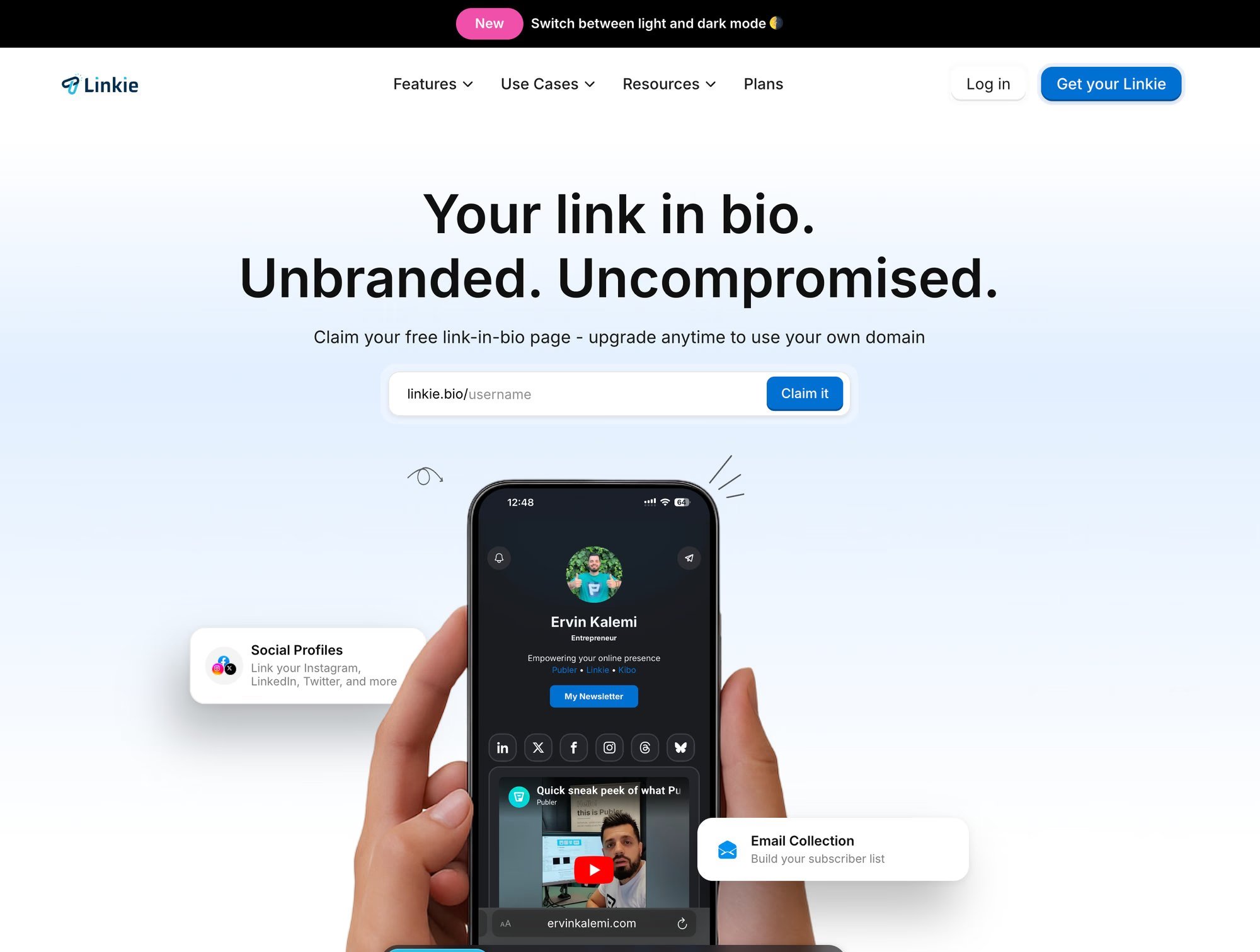
Linkie stands out because it helps small businesses control what visitors see first. That sounds simple. It matters a lot.
Most bio tools still push owners toward a flat, equal-priority stack of links. That format creates friction. A customer who came from a social post usually wants one thing. Book the service. Order the product. Call the business. Ask for a quote. Linkie is better because its layout makes the next step obvious, rather than forcing people to scan a long list.
Why Linkie works for conversion flow
The main advantage is the card-based layout. You can resize and arrange cards so the page has a clear path, not just more options. A salon can put Book Now at the top, place a limited-time offer under it, add reviews next, and leave the map and service menu lower on the page. A local service business can lead with a quote form, then show trust signals, service areas, and contact options in the right order.
That ordering is where the value lies. Small businesses do not need more buttons. They need a stronger priority.
The free plan also avoids visible platform branding on the page. For a small business, that improves trust fast. A cleaner page looks owned and maintained, which makes visitors more comfortable taking action.
Practical rule: The first screen should make the next step obvious.
Where Linkie fits best
Linkie is a strong fit for businesses that need to guide customers to one primary action while still supporting a few secondary ones:
Restaurants and cafés. Lead with ordering or reservations, then show the menu and promos.
Beauty salons and barbershops. Put booking first, then services, reviews, and location.
Fitness studios. Push trial classes or membership inquiries before schedules and FAQs.
Local service businesses. Prioritize quote requests, calls, and proof of service area.
Small e-commerce brands. Feature one collection or offer instead of dumping visitors into a catalog.
Consultants and agencies. Separate call booking, case examples, and lead capture without making the page feel crowded.
That lines up with what small-business reviewers keep rewarding. The useful tools act like compact mobile landing pages with lead capture, analytics, selling features, and brand control, as noted in Instaform's review of link-in-bio tools for small businesses.
Strengths and tradeoffs
Best strength. Flexible layouts make it easier to build around a primary conversion goal.
Branding advantage. Free pages look more professional without a platform badge.
Useful business features. Email capture, custom domains, multiple pages under one account, and deeper analytics on paid plans.
Main drawback. Some of the stronger business features require a paid plan, and checkout is not the core focus.
If your goal is to turn social traffic into bookings, inquiries, or sales, Linkie deserves a hard look. It is one of the few tools here that gives small businesses real control over the conversion flow, rather than just dressing up a link list.
2. Linktree for small businesses
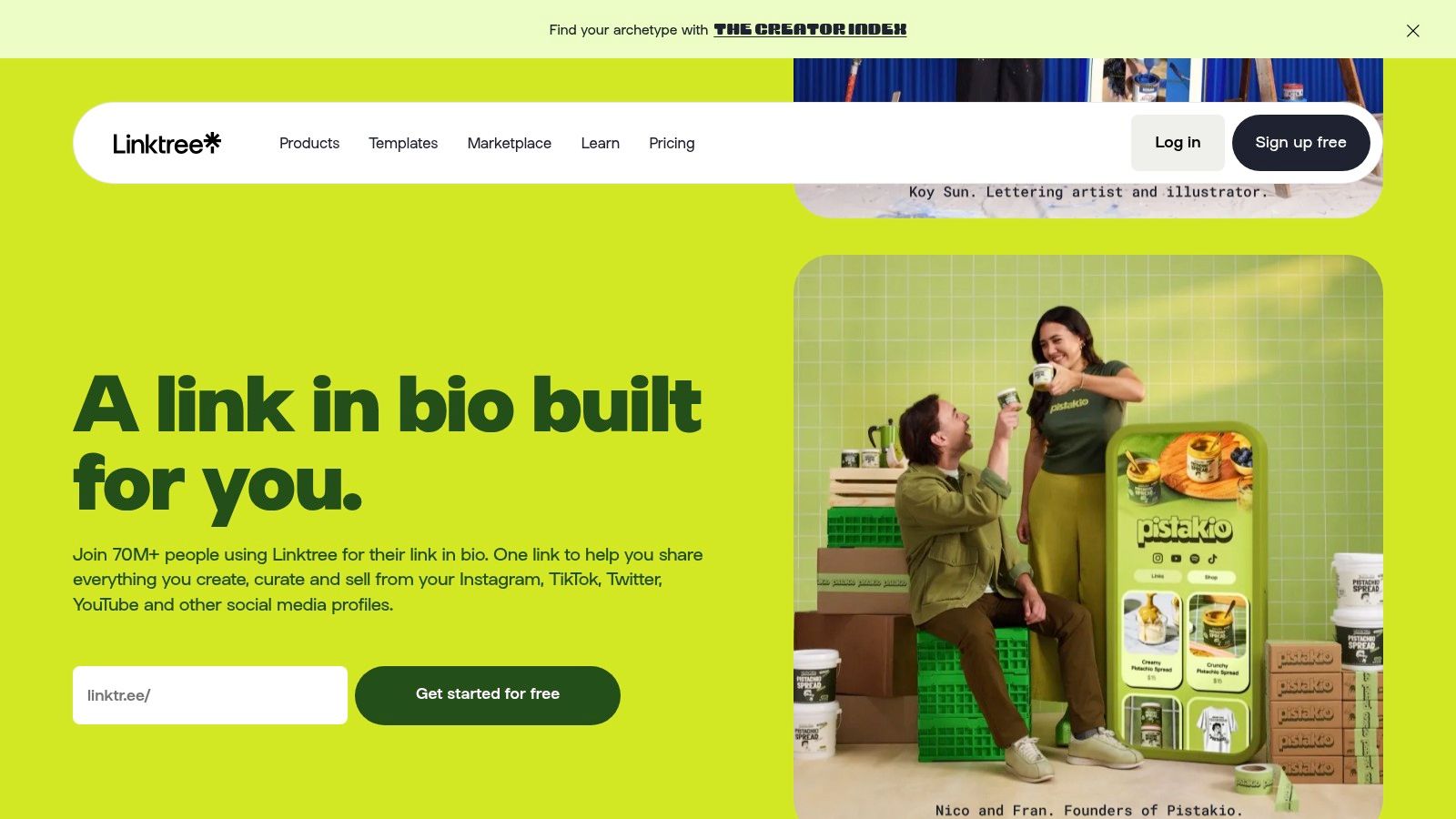
Linktree is the default option because everyone knows it. That familiarity helps. Customers recognize the format, and the setup is usually quick.
For a small business, though, Linktree is best when speed matters more than design control. If a business needs a bio page live tonight, wants broad integrations, and likes having commerce and audience tools under one roof, it gets the job done.
Best for businesses that want the safest mainstream choice
Linktree works well for shops, solo operators, and local businesses that want a widely used platform with a clear upgrade path. It also suits teams that may later grow into more collaboration.
Its built-in selling and email capture features make it more than a simple link list. The tradeoff is that some of the more business-friendly capabilities sit higher up the plan ladder, so the free experience can feel limited once a business wants more control.
A familiar tool isn't always the best link in bio for small businesses. It's just the easiest one to recognize.
Where Linktree underperforms
The main issue is sameness. Many Linktree pages look interchangeable, and that isn't ideal for a business trying to build trust.
It also encourages the common mistake of adding too many links of equal priority. That's fine for creators who want a menu. It's weaker for a local business that needs one high-intent action at the top.
Best for quick setup, broad integrations, and recognizable format
Less ideal for businesses that prioritize brand presentation and funnel design
Good fit for general-purpose use, especially when team features may matter later
3. Beacons for small businesses
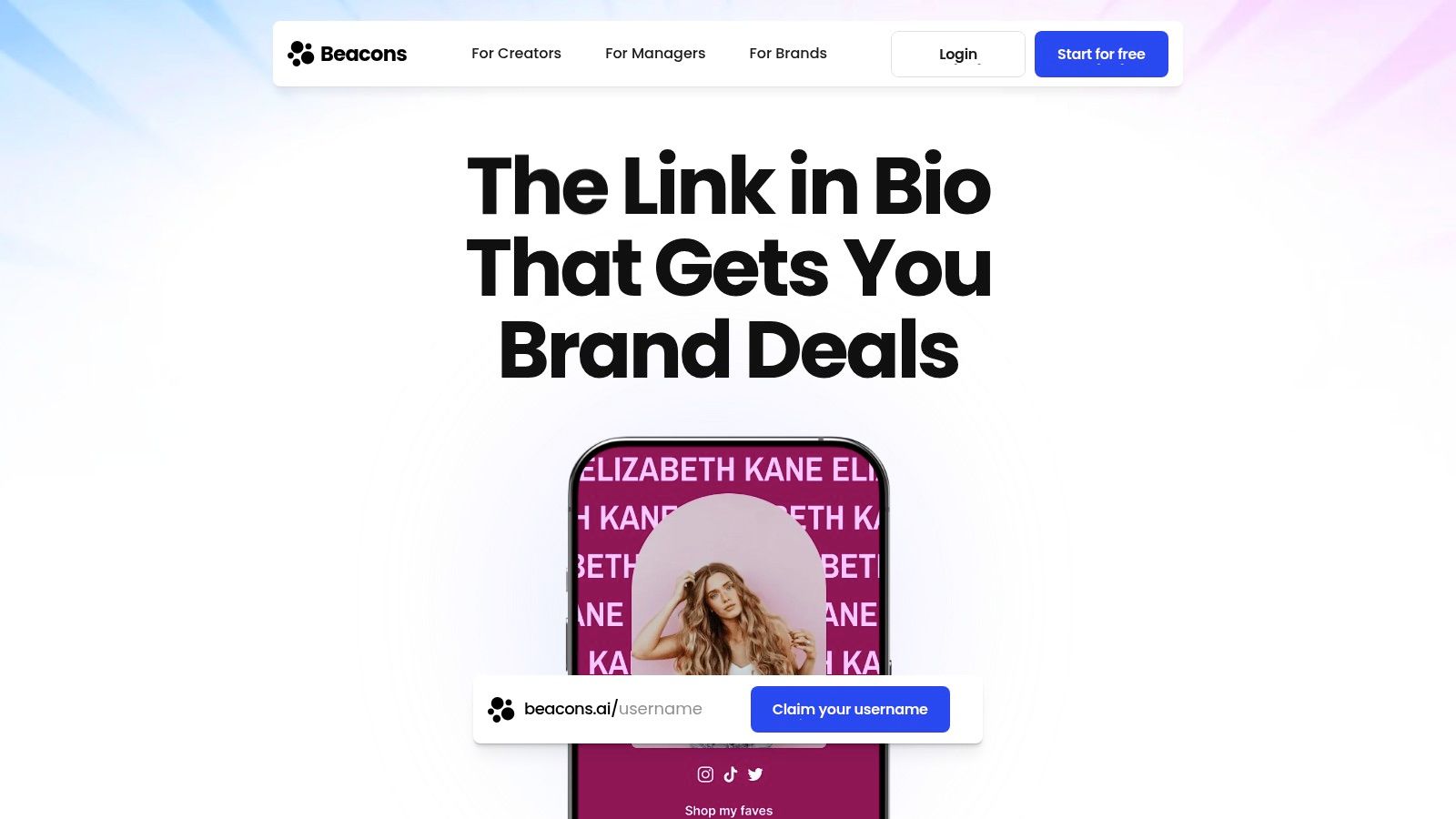
Beacons leans harder into selling, lead capture, and digital products than most tools in this category. That makes it a good fit for coaches, educators, consultants, and service businesses that monetize directly through offers instead of just sending traffic elsewhere.
A small business that sells downloadable resources, memberships, consultations, or bundled services can keep all its activity in one place with Beacons, unlike simpler tools.
Strong for coaches and digital-first businesses
Beacons makes the most sense when the bio page itself needs to do more work. If the page has to collect leads, present offers, and support transactions, it has the right structure.
That said, not every small business needs that much inside the bio tool. A café or barber shop usually needs clarity and speed more than platform depth. Beacons can feel heavier than necessary for businesses that just need cleaner customer flow.
Where it fits
Consultants and coaches. A strong option for lead-capture and offer-based pages.
Digital sellers. Better suited to workshops, templates, and memberships than simple local bookings.
Content-led brands. Helpful when email collection and selling happen together.
The downside is usability. There are more moving parts, and non-technical owners may need more time to organize the page well. If a business won't keep the page updated, complexity becomes a liability.
4. Campsite for small businesses
Campsite is for businesses that want a cleaner, more polished page without diving into a full mini-site setup. It has a design-first feel, and that suits brands where presentation matters.
Boutiques, cafés, interior studios, local wellness brands, and small agencies usually get the most out of it. The layouts look tidy, and the platform doesn't push visual noise.
Good design, sensible scope
Campsite is a practical middle ground. It offers stronger branding than the most basic tools without trying to become an all-in-one commerce platform.
That's useful for businesses that already handle bookings, orders, or forms elsewhere and just need a professional hub that doesn't look generic. The page can stay focused on sending visitors to the right destination with less clutter.
Best strength. Attractive pages that feel more branded than many basic alternatives.
Good fit. Small brands that care about aesthetics but don't need deep selling tools inside the page.
Main drawback. Some business features are add-ons, so the full setup may require additional decisions.
For owners who want elegant, simple, and brand-conscious, Campsite is a solid pick.
5. Lnk.Bio for small businesses
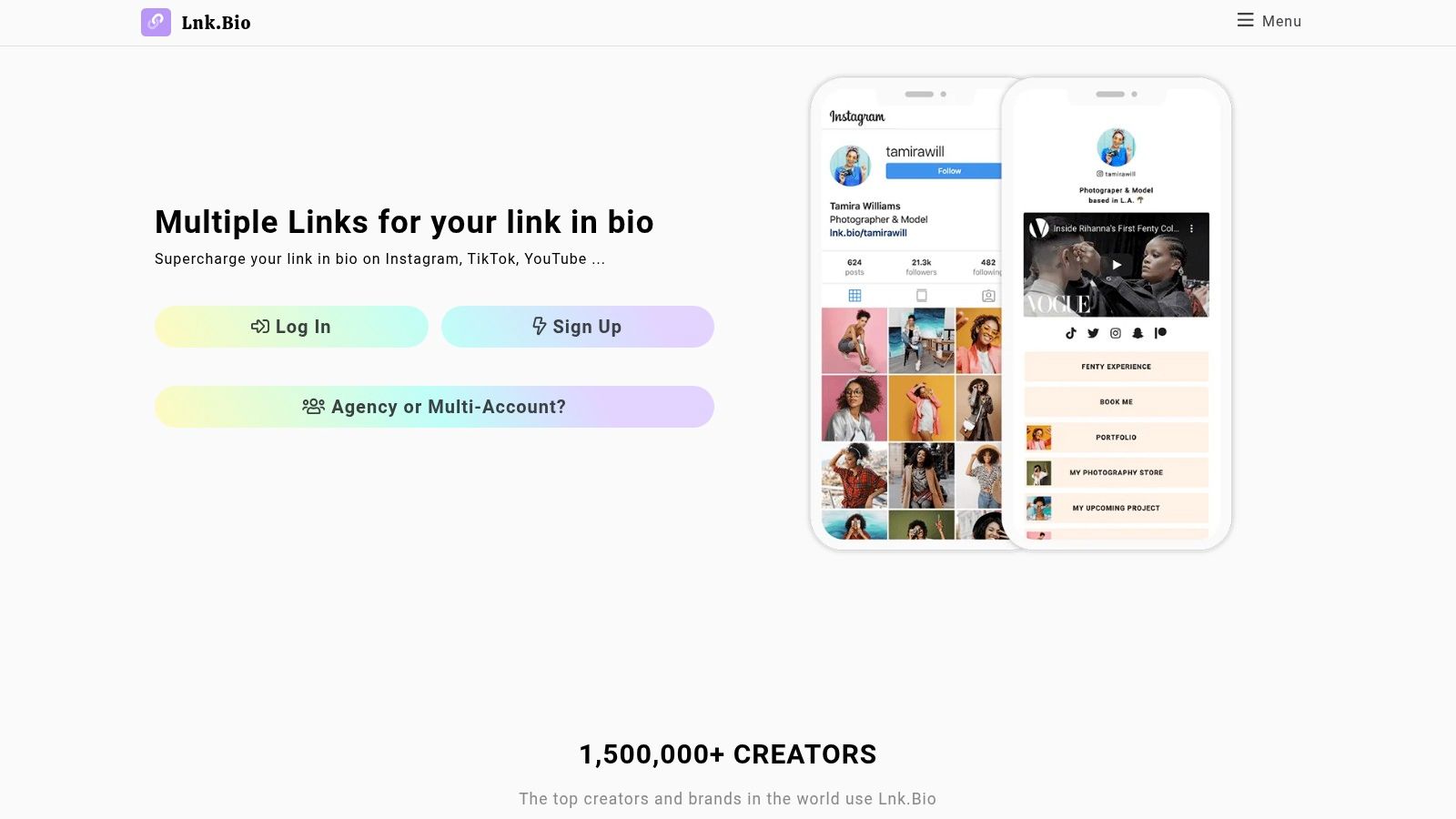
Lnk.Bio is the budget-friendly choice for businesses that want something stable and low-maintenance. Its biggest appeal is simplicity.
For some small businesses, that is enough. A solo consultant, local tradesperson, or side-business seller may not need advanced page design or a deeper funnel. They may just need a clean place to send people.
Best for set-it-and-forget-it owners
Lnk.Bio is easy to recommend when cost control matters more than customization. It doesn't try to be a storefront, CRM, scheduler, and media kit all at once.
That restraint is useful. Too many businesses buy complexity they never use. If the main need is a reliable link hub with minimal overhead, Lnk.Bio does that well.
Where it falls short
It isn't the best link in bio for small businesses that want stronger brand expression or more modern conversion layouts. The design flexibility is narrower, and it doesn't give businesses much room to shape customer attention.
When every link looks the same, customers treat every action as equally important. That usually hurts the action that matters most.
A simple tool is fine if the offer itself is simple. It becomes limiting when the business starts running seasonal promotions, lead magnets, launches, or multiple campaigns at once.
6. Solo.to for small businesses
Solo.to offers better value than many owners expect. It sits in a useful spot between basic and advanced, which makes it attractive for budget-conscious businesses that still want decent embeds and stronger analytics on paid plans.
That combination works well for freelancers, consultants, and service providers who don't want a bloated platform but still want more than a static list of buttons.
Quietly strong for lean operators
Solo.to is a practical choice for businesses that run a few focused offers and want to refine them over time. A consultant can clone pages for different campaigns. A local business can schedule links around offers or events. A service provider can use embeds to make the page feel less flat.
Its structure supports experimentation without becoming overwhelming. That is a real advantage for owners who plan to update their bio page rather than build it once and forget it.
Best use case
Freelancers and consultants. Clean, efficient, and not overloaded.
Campaign-based businesses. Helpful for rotating promotions and simple page duplication.
Owners watching spend. Better fit than premium-heavy tools, given that every subscription is scrutinized.
The limits are predictable. Some of the best features require paid tiers, so the free version won't fully showcase their value.
7. Taplink for small businesses
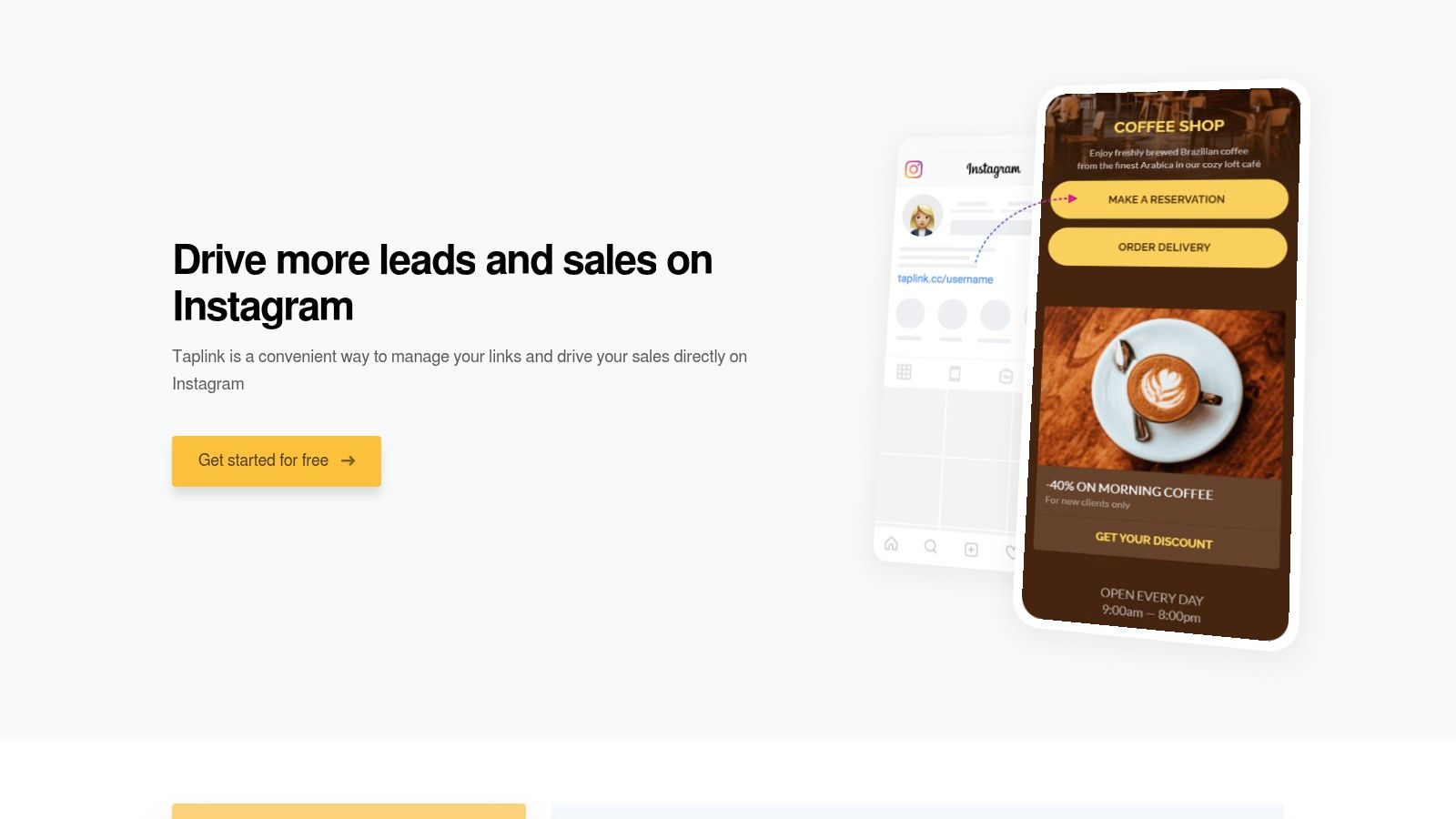
Taplink makes sense for small businesses that sell through conversation. If your customer usually needs to message you, request a quote, book an appointment, or ask a few questions before buying, Taplink fits that path better than a plain stack of links.
That matters because social traffic is impatient. A visitor who lands on five buttons that look identical often does nothing. Taplink works best when you use it like a focused conversion page with one clear next step.
Built for businesses that need replies, not just clicks
Taplink is a strong option for salons, barbers, coaches, trainers, clinics, and local service companies. These businesses rarely win the sale from a generic homepage visit. They win it when the prospect can book, message, or submit details fast.
The platform gives you the pieces to do that. Forms, messaging apps, basic selling tools, and booking-oriented layouts are the main attractions here. The advantage is not having more buttons. The advantage is shortening the path from Instagram visit to inquiry.
Keep the setup tight.
One primary action should dominate the page. If bookings drive revenue, lead with Book Now. If quotes close the deal, lead with Request a Quote. Put WhatsApp or phone as the backup, not as competing options fighting for attention.
Best use case
Salons and barbershops. Put booking first, the service menu second, and contact options last.
Coaches and trainers. Lead with an application or consultation form, then add testimonials and package details.
Local service businesses. Start with quote requests, then show service area, hours, and the call button.
Taplink's main drawback is its unclear pricing plans. The tool can do the job, but the pricing structure is less straightforward than it should be. If you want something instantly obvious at checkout, that friction will annoy you.
8. Later Linkin.bio for small businesses
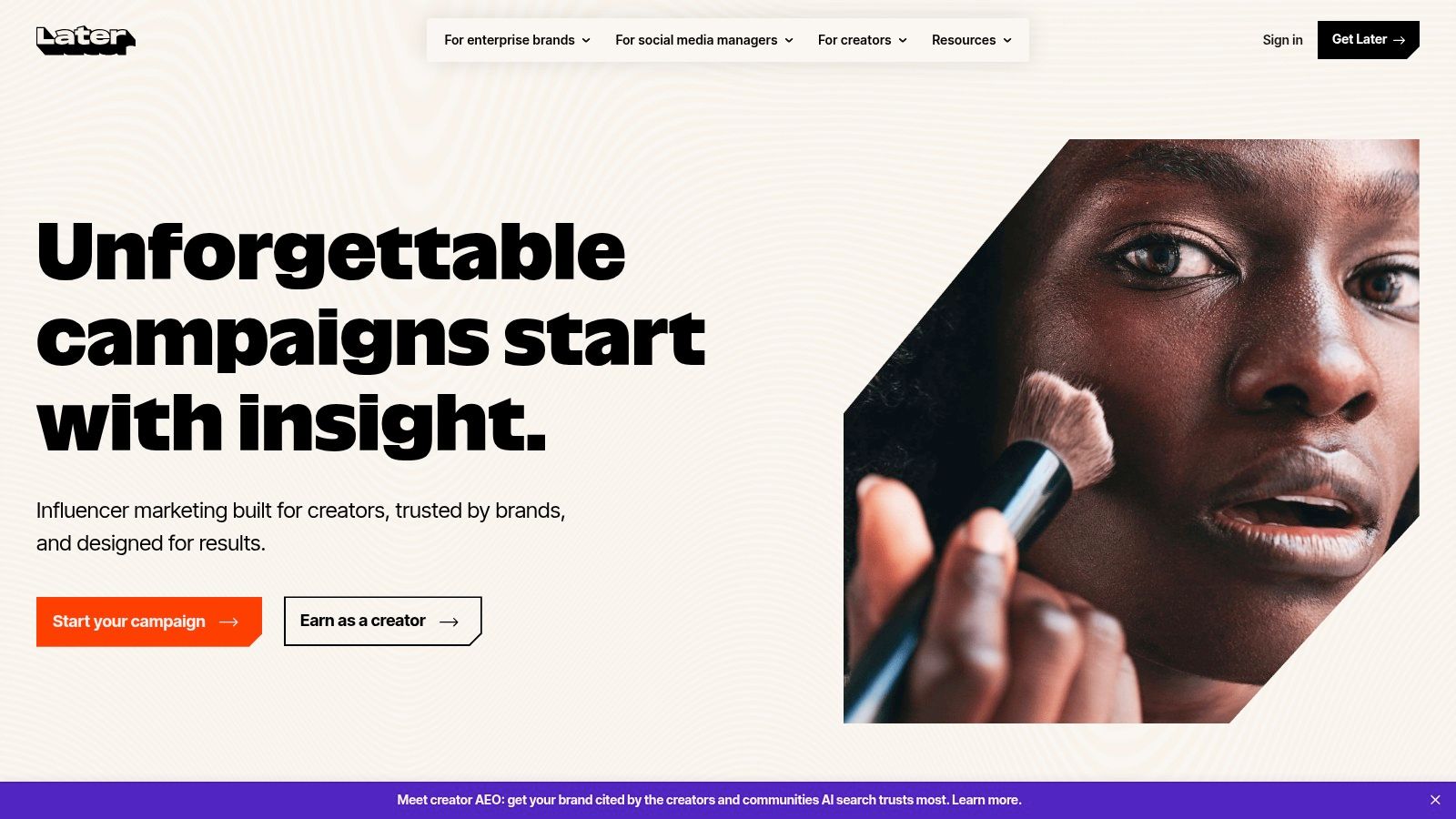
Later makes the most sense for businesses already using Later for scheduling and content management. Its Linkin.bio feature is strongest when social posts themselves are the path to the product or offer.
For product-heavy brands, visual merchandising matters. If someone sees an item in an Instagram post and wants to tap straight to it, Later is built for that flow.
Best for content-to-product journeys
Small e-commerce brands, boutiques, and visually driven product businesses can benefit from the clickable gallery approach. It feels more natural when the brand posts frequently and each post maps to a page or product.
This setup is less useful for service businesses that need a single, clear action, such as Book Now or Request a Quote. A visual feed can distract from direct-response goals if the business really needs fewer choices, not more.
The right page design depends on the action. Click, form fill, or purchase. Businesses should choose the tool around that job, not around the longest feature list.
Good fit and bad fit
Good fit for product brands, retail shops, and teams already inside Later
Bad fit for businesses that don't need scheduling software or feed-based navigation
Best use when social content is the storefront
If a business already pays for Later, this is an easy addition. If not, it may be more platform than the business needs.
9. Squarespace Bio Sites for small businesses
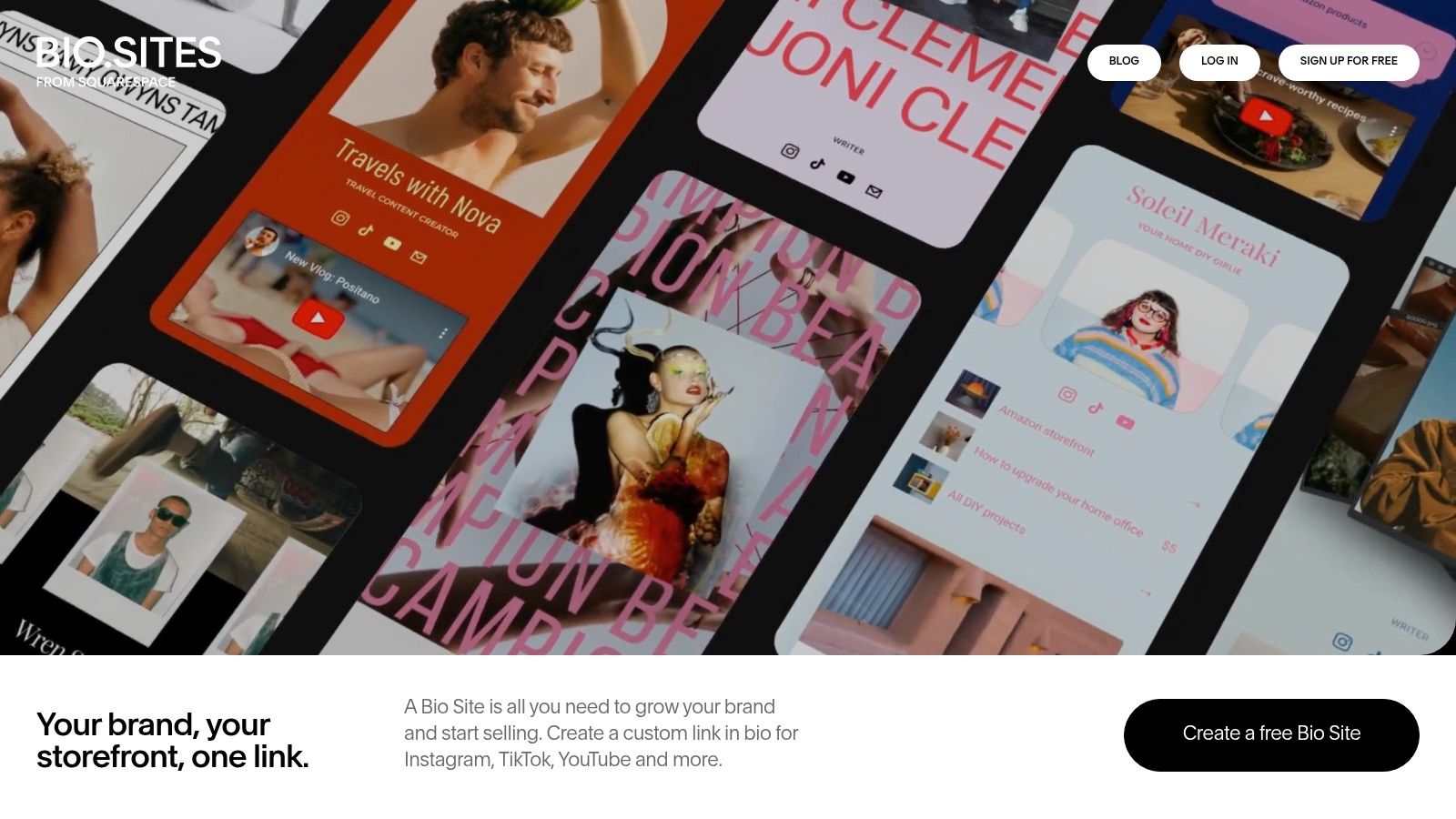
Squarespace Bio Sites is a sensible option for businesses that already like the Squarespace design style or plan to grow into a full website later. It looks polished, and the handoff to a larger web presence is straightforward.
That upgrade path matters for small businesses that start with social traffic but eventually need a fuller site for bookings, services, menus, or ecommerce.
Best for businesses thinking one step ahead
A business that wants a clean bio page now and a stronger website later can start here without feeling boxed in. That is useful for new service brands, consultants, and local operators still getting their digital presence organized.
It also supports multiple Bio Sites under one account, which can help businesses run separate promotions, staff profiles, or brand segments.
Limits to watch
Squarespace Bio Sites isn't the most flexible specialist tool in this category. Businesses that want deep integrations or very custom conversion flows may outgrow it.
Best strength. Attractive presentation with a natural path to a full Squarespace site.
Good fit. New brands are building toward a broader web presence.
Less ideal. Businesses that need specialist analytics or more advanced campaign handling.
10. Bio Link for small businesses
Bio Link takes a broader mini-site approach. It pushes beyond simple links with built-in content, email tools, analytics, and an AI assistant layer.
That makes it more interesting for solo founders, consultants, and coaches than for a neighborhood café or barber shop. Businesses with higher-consideration offers may find the AI angle useful for handling common questions before a lead reaches out.
Interesting for consultants and solo founders
A consultant can use Bio Link to combine service information, lead capture, newsletter growth, and basic question handling on one page. That is cleaner than stitching together multiple lightweight tools.
For a small business with a sales process that starts with education, that can work well. For a business that just needs one fast conversion action, it may be unnecessary.
Final read on Bio Link
Best for founders, consultants, and service-led businesses with more questions to answer
Useful angle AI-assisted guidance on the page itself
Potential downside the AI layer needs testing in each business context, because not every audience wants that interaction
This is one of the more modern options on the list, but it's not the default recommendation for every local business. Simpler often converts better.
Affordable Link in Bio Tools for Small Businesses
For a small business the cost question is not the monthly fee, it is what the fee replaces. A page that takes bookings removes a form tool; one that lists products removes a single-item store; one with a custom domain removes a microsite. Judge affordable link in bio tools on that basis, and check whether the free tier allows a custom domain before you commit, because that is the line most providers draw. Wider comparison in link in bio tools.
Top 10 Link‑in‑Bio Tools for Small Businesses
Feature lists do not close sales. Conversion flow does.
Use this table to judge each tool by one standard: how well it helps a small business turn social clicks into orders, bookings, leads, and messages. A tool with fewer features can still win if it gets the customer to the right action faster.
Product | Core features | Best for | Key differentiator | Pricing / value |
|---|---|---|---|---|
Linkie (Recommended) | Draggable/resizable cards, custom domains, unbranded pages, email capture, dynamic links, per-card real-time & historical analytics, multi-profile | Creators, agencies, and DTC brands needing conversion-focused pages | Unbranded professional pages, visual card editor, detailed per-card analytics, multi-profile management | Free tier + Plus/Multi upgrades for advanced analytics, email capture & custom domains |
Linktree | Unlimited links, media embeds, templates, link shortener, in-platform selling & audience tools | Creators & small businesses wanting a mature ecosystem & commerce | Category leader with broad integrations, monetization marketplace, and team features | Free + Pro tiers. Some seller fees unless on top Premium tier |
Beacons | Customizable mini-sites, storefront, digital products/memberships, lead capture, multi-currency payouts | Creators selling digital goods, coaches, and membership businesses | Built-in store + payouts and 0% transaction fees on Creator Plus | Free + paid plans. Creator Plus (~$30/mo) for 0% fees & logo removal |
Campsite | Polished templates, embeds, branding controls, add-ons for analytics & collaborators | Boutiques, restaurants, and service businesses are prioritizing design | Design-forward pages with simple branding controls and nonprofit discounts | Affordable entry-level plan. Analytics/collaborator features are paid add-ons |
Lnk.Bio | Unlimited links (free), templates, icons, multi-language, scheduling/expiry | Budget-conscious creators and entrepreneurs | One-time lifetime purchase option for premium features, no recurring fees | Free tier. One-time lifetime plans (Mini/Unique) to remove branding & add customization |
Solo.to | Link grouping, large icon library, embeds, scheduled links, deep analytics (up to 24 months) | Users wanting strong analytics and value-packed tiers | Unusually deep analytics for the price, plus multi-page & embed support | Free + paid tiers. Advanced analytics & custom domains require paid plans |
Taplink | 20+ content blocks, AI builder, forms, payments/donations, messaging app deep links | Salons, coaches, and local services relying on bookings & messaging funnels | Micro-landing blocks, messaging deep links, and payment integrations | Tiered pricing. Business-tier is competitively priced with annual billing, but the pricing UI can be confusing |
Later (Linkin.bio) | Clickable post gallery mapping Instagram/TikTok to links, tracks revenue, and integrates scheduling | SMBs already using Later or wanting social-to-commerce workflow | Tight integration with Later's scheduling & analytics for shoppable posts | Included with Later plans, not standalone. Value depends on the Later subscription |
Squarespace Bio Sites | Polished Bio Sites via Unfold, IG/TikTok grid mirroring, forms, monetization via Squarespace | Users who may upgrade to a full website / existing Squarespace customers | Free, brand-consistent pages with an easy upgrade path into a full Squarespace site | Free to create. Paid upgrade path for a full Squarespace site and custom domain |
Bio Link (bio.link) | AI chat assistant, unlimited sites/posts, SEO, analytics, email/newsletter features, mobile apps | Solo founders, coaches, consultants wanting a lightweight site + AI assist | Built-in AI assistant to guide visitors, plus site and link features in one place | All-in-one plan model. Free/paid tiers get custom domains and advanced features |
Stop Listing Links. Start Guiding Customers.
Small businesses usually do not have a traffic problem. They have a decision problem.
A link-in-bio page fails when it asks visitors to sort through clutter. Someone taps on an Instagram or TikTok post with a specific intent. Book. Buy. Message. Ask for a quote. If the page shows a pile of equal-weight links, old promos, and vague labels, that intent drops fast.
That is the standard that matters here. Judge these tools by their conversion flows, not by feature count.
The right question is simple. Which platform helps a customer reach the money action with the fewest taps and the least confusion? Extra design options, more blocks, and bigger link counts do not help if the page hides the step that drives revenue.
The answer changes by business type, but the rule stays the same. Restaurants need an order, a reserve, or a menu at the top. Salons need to book now. Service businesses need quote requests or calls. Consultants need one clear inquiry path tied to a specific offer. Product brands need the featured collection, launch, or bestseller to appear on the first screen.
A strong bio page usually has:
One primary CTA and a small set of supporting actions
A first screen built for action instead of brand filler
Fast campaign control so offers can change without turning the page into a junk drawer
Clear mobile hierarchy with labels people understand immediately
Analytics you can use to remove weak links and keep high-intent paths
This is why small businesses should stop comparing tools like software checklists and start comparing them like sales pages.
Linkie fits that conversion-first model well. Its card layouts, promo banner, embeddable content, email capture, custom domains, and multi-profile setup give small businesses more control over what visitors see first and where they go next. That matters more than stuffing ten options onto one page.
The goal is not to offer every possible click. The goal is to guide the right click.
Choose the tool that makes decisions easier for customers and management easier for you. If your bio page does not shorten the path to a sale, booking, or inquiry, it is decoration.